OSD Menu
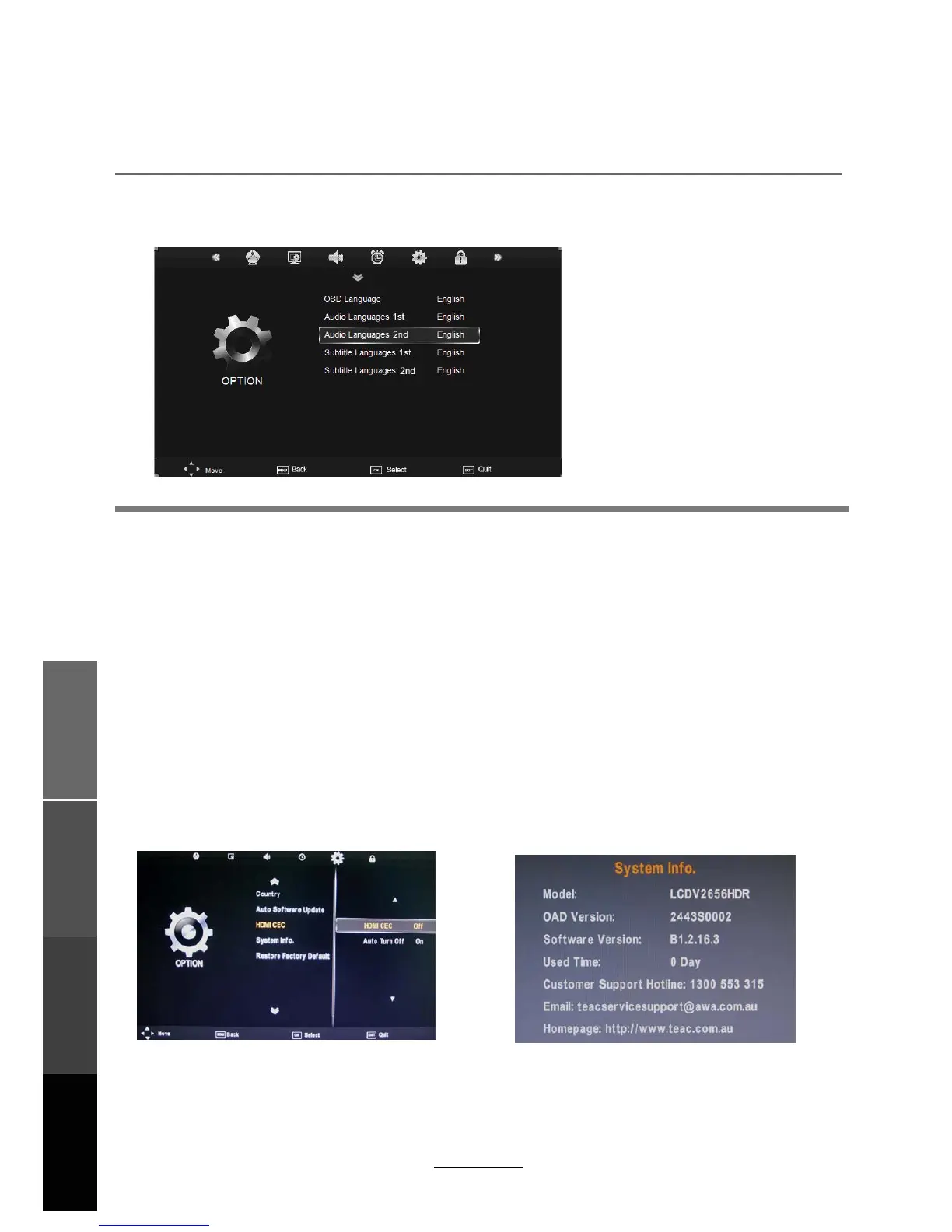
Select the language option for the OSD menu.
Audio Language1st/2nd (can be selected in DTV mode): Allows you to select first and
second audio language.
Subtitle Language 1st/2nd (can be selected in DTV mode)
:
Allows you to select first and
second subtitle language.
OSD Duration:
Set the time of the menu display on screen for the following time
durations: 5s, 10s, 15s, 20s, 25s, 30s, 35s, 40s.
Country:
Blue Screen:
Turn on/off the blue screen.
Displays currently selected country. It can be adjusted during Auto Tuning.
Restore Factory Default:Press OK button to restore factory default settings.
Note: Restore Factory Default will erase all channels and user settings.
5. OPTION menu
Description
19
OSD Menu
Multimedia
Operation
Recording
Operation
Maintenance
and Service
Auto Software update:Your LCD TV has been tuned for optimum performance, however from
time to time we may release new unit software to improve the performance. Turning on this
option will allow the LCD TV to automatically detect and pop up a message when new software
is available for download. Alternatively software can also be downloaded from TEAC's website
at http://www.teac.com.au and installed via the USB input on the LCD TV.
The option settings allows alterations to the language and regional settings.
Country Australia
Blue Screen Off
OSD Duration 10s
Auto Software update Off
HDMI CEC: Turn on/off HDMI CEC function. This option is only available in HDMI Input Mode.
Auto Turn Off : Enable both the TV and a compatible HDMI device to turn off together.
Sytem lnfo: Display the TV system information and customer support information.
OSD Menu Language:



 To Next Page