OSD Menu
Description
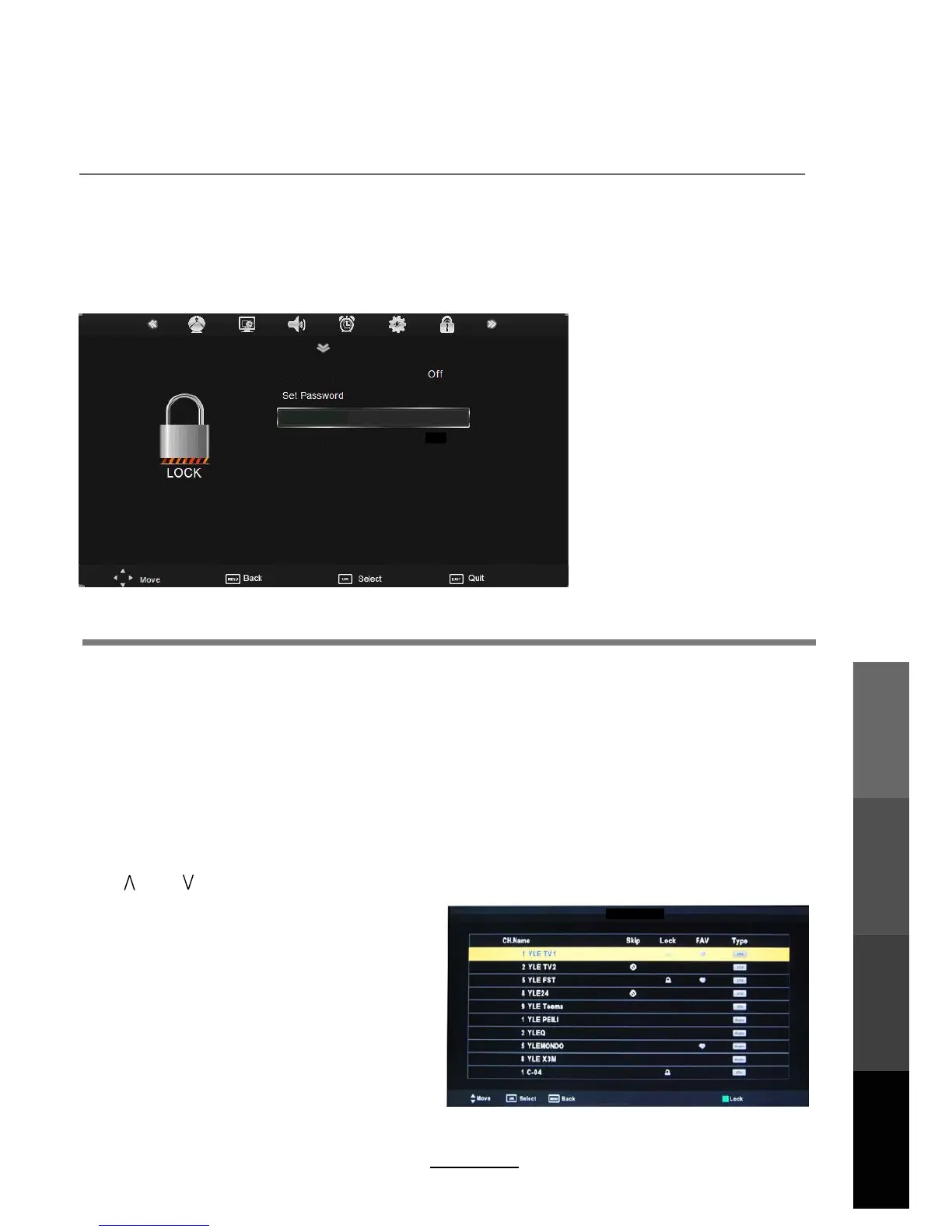
Enable Lock: Turn on/off the Lock functions.
Note: You are required to enter a password to access this menu. (Default password is 0000).
Set Password: You can set your desired password. If the password was changed previously, you
must enter the present password.
New : Enter the new password.
Confirm: Enter the new password again to confirm.
Block Channel When a channel is locked, you must enter your password to view the channel.
Use and buttons to select the channel, and press the GREEN button on the remote control
to lock the channel. Press the GREEN button
a second time to unlock the channel.
Program Guide: Allows you to select the Parental Guidance mode.
6. LOCK menu
Program Guide
Enable Lock
This option allows parents to block channels and programs using a password.
NOTE: The default password is 0000.
master password is 8899. Please take note of this.
No Lock
20
OSD Menu
Multimedia
Operation
Recording
Operation
Maintenance
and Service
Block Channel
Channel Edit
If you have forgotten your current password,the



 To Next Page