22
SPDIF Mode
This option is used to control the type of audio stream sent to the Digital Audio Output
(SPDIF) socket. Press OK to select Auto, PCM or Off.
Audio Delay
This option is used to synchronize the sound with the picture. If the sound is slower/quicker
than the action of the picture, you can press ◄/► to turn down/up the numerical value.
Audio Type
Press OK to toggle among Visual Impaired,Normal. AD Switch
Press OK to confirm Off.
Primary Audio Language
Press OK to confirm and then press ▲/▼/◄/► to select the Primary Audio Language.
Secondary Audio Language
Press OK to confirm and then press ▲/▼/◄/► to select the Secondary Audio Language.
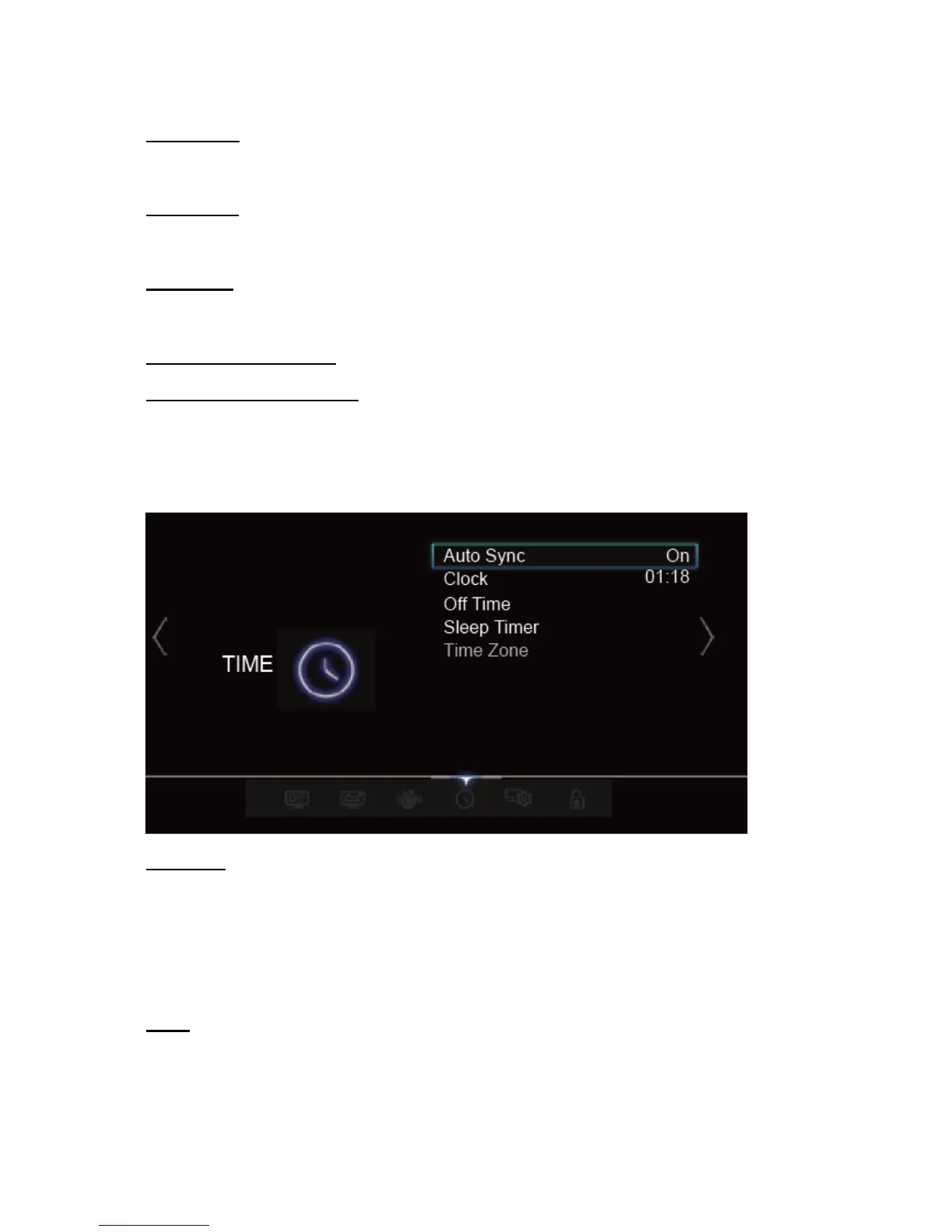
Auto Sync
Press OK to toggle between On or Off, If On is selected, the TV will get the date and time
automatically from DTV signals, and the Clock option is not available.
If you select Off, you should set the date and time in Clock.
NOTE: If Off is selected, the time set in Clock option will not be memorized when turning on the TV
next time, and the TV’s time will start from the default
Clock
Press OK to enter the time and date setting menu.



 To Next Page