23
Off Time
Press OK to select in and then press toswitch between Off, Once and Every Day.
Sleep Timer
Use ◄/► to selevt: Off,10Min,20Min,30Min,60Min, 90Min,120Min,180Min and 240Min.
This can also be done with the SLEEP button on the remote control outside of the menu.
Time Zone
Press ◄/► to select the local zone
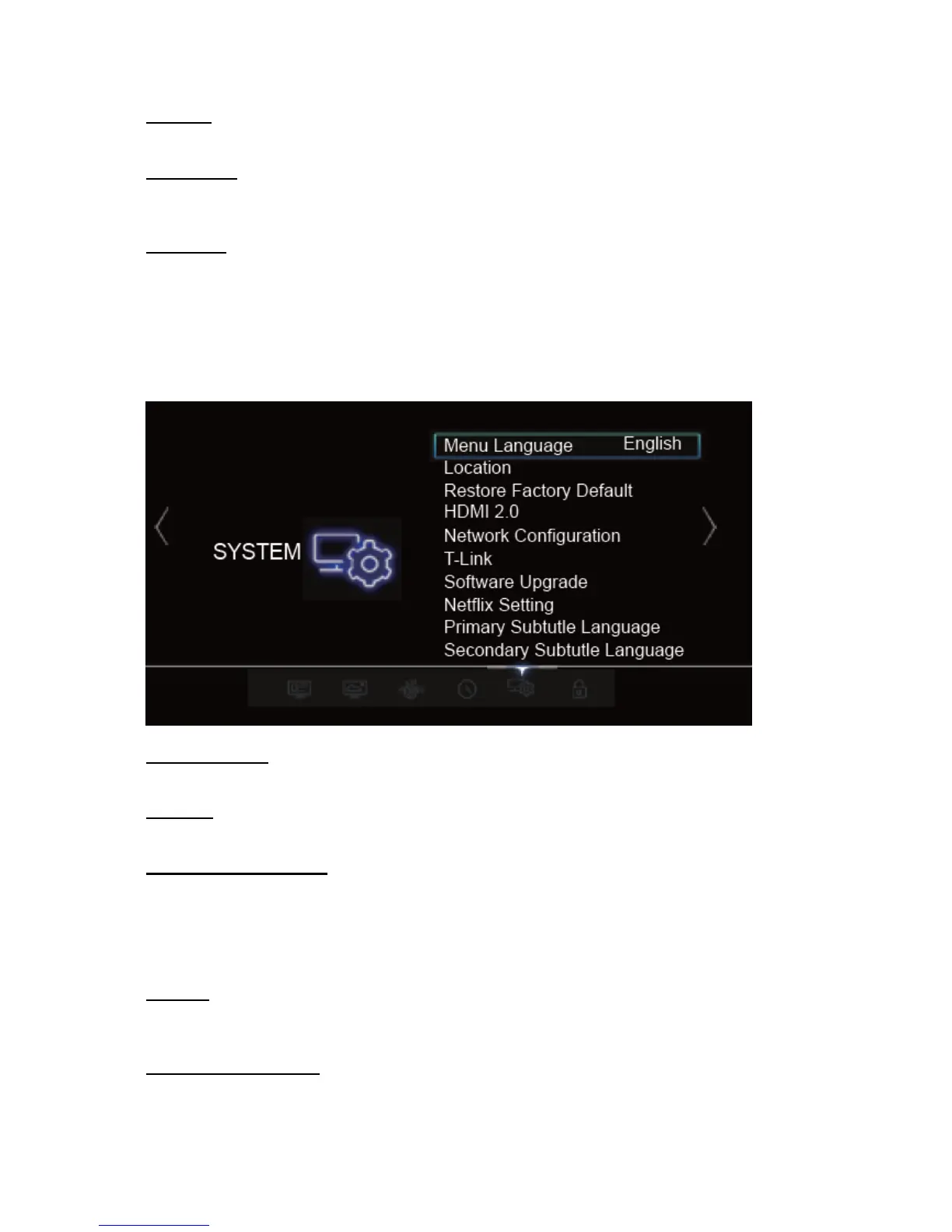
Menu Language
Press OK to enter and then to select English.
Location
Sets the location of your TV. Press OK to select Home or Shop.
Restore Factory Default
Select Yes to restore all the settings to factory default, or select No to return to the previous
menu.
NOTE: You will be prompted for a password. The default password is 0000. The super password is
0812. If you forget your password, use the super password to override the existing one.
HDMI2.0
Press OK to select ON, OFF.
Note: Only available in HDMI source.
Network Configuration
Your TV supports both Wired and Wireless Internet connections.



 To Next Page