3. PARTS & CONNECTIONS
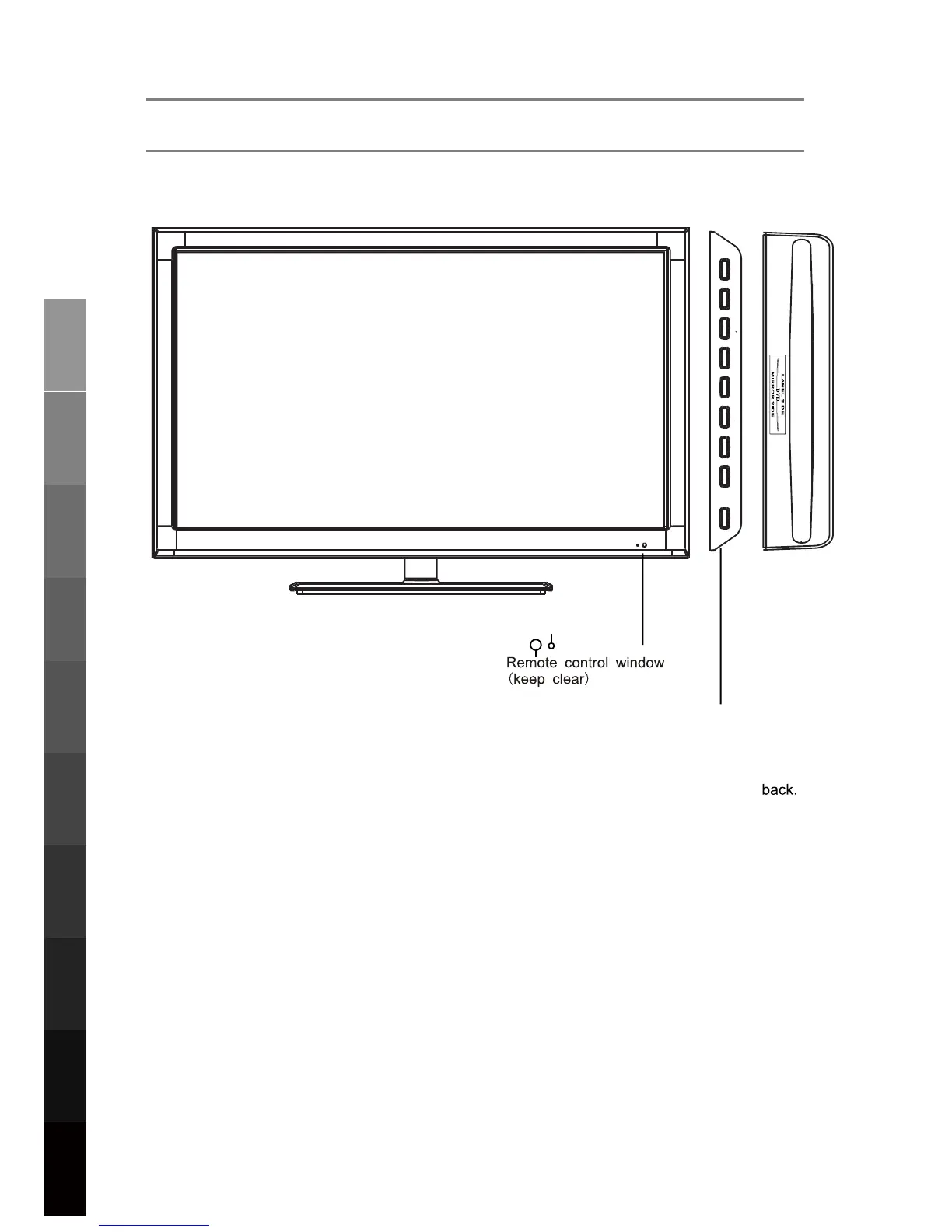
3.1 Front View
INPUT MENU
CH
CH- VOL+ VOL
PALAY
EJECT
POWER
INPUT:
PLAY: Play / Pause the disc play
EJECT: Eject the disc.
Display the input source menu.
MENU: Display/exit the OSD menu.
CH+/-: Scan through channels.
VOL+/-: Adjust the volume.
POWER: Turn on/standby the TV set.
8
Parts & Connections
3D Video Playback
USB Multimedia
Blu-Ray Disc Player
Playback
Initial Setup &
Input Sources
Remote Control
On-Screen DisplayTV & Electronic
Programme Guide
Digital Video
Recording (DVR)
(OSD) Menu
Reference
LED Indicator



 To Next Page