4. INITIAL SETUP & INPUT SOURCES
4.1 Initial Power On
When the TV is turned on the first time out of the box or after a factory settings reset, it will
prompt you to run auto channel tuning.
1. Connect the TV to your antenna wall socket using a coaxial TV cable.
2. After making sure all connections are secure, plug in the power cord and turn on AC
power.
3. Press on the remote control to turn on the TV.
4. The TV will initialise and prompt you to choose between Home Mode and Shop
Mode. Home Mode is recommended for optimal energy saving. Choose with
and press to proceed.
5. Next, a tuning menu will display. Adjust the settings with and press to
start tuning.
6. After tuning is complete, the TV will display programmes from detected channels.
L NOTE: If no channels are detected, please check the connection and condition of your
external antenna.
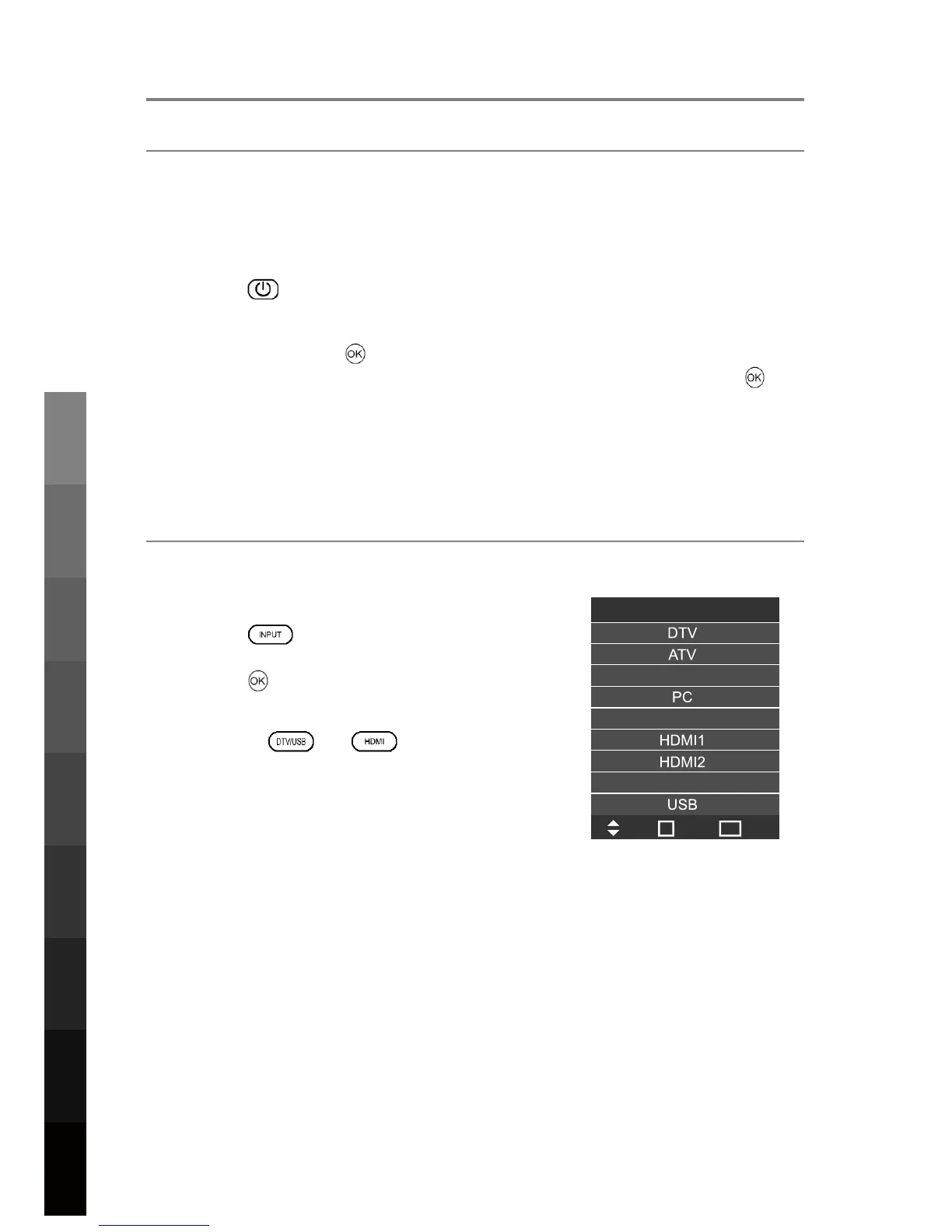
4.2 Selecting an Input Source
To play different media types and from any connected
external device, change input sources to activate the
desired connection.
1. Press to display the list of input sources.
2. Press to choose an input source.
3. Press to confirm.
DTV, USB and HDMI can also be accessed using the
shortcut buttons and .
This TV starts in DTV mode by default when it is switched
on for the first time. Subsequently, it will start in the most
recently selected inp
ut mode.
L NOTE: Please make sure the device is connected
before selecting the input source.
Input Source
Move
Select
Quit
OK
EXIT
AV
YPbPr
Blu-ray
10
3D Video Playback
USB Multimedia
Blu-Ray Disc Player
Playback
Initial Setup &
Input Sources
Remote Control
On-Screen DisplayTV & Electronic
Programme Guide
Digital Video
Recording (DVR)
(OSD) Menu
Reference



 To Next Page