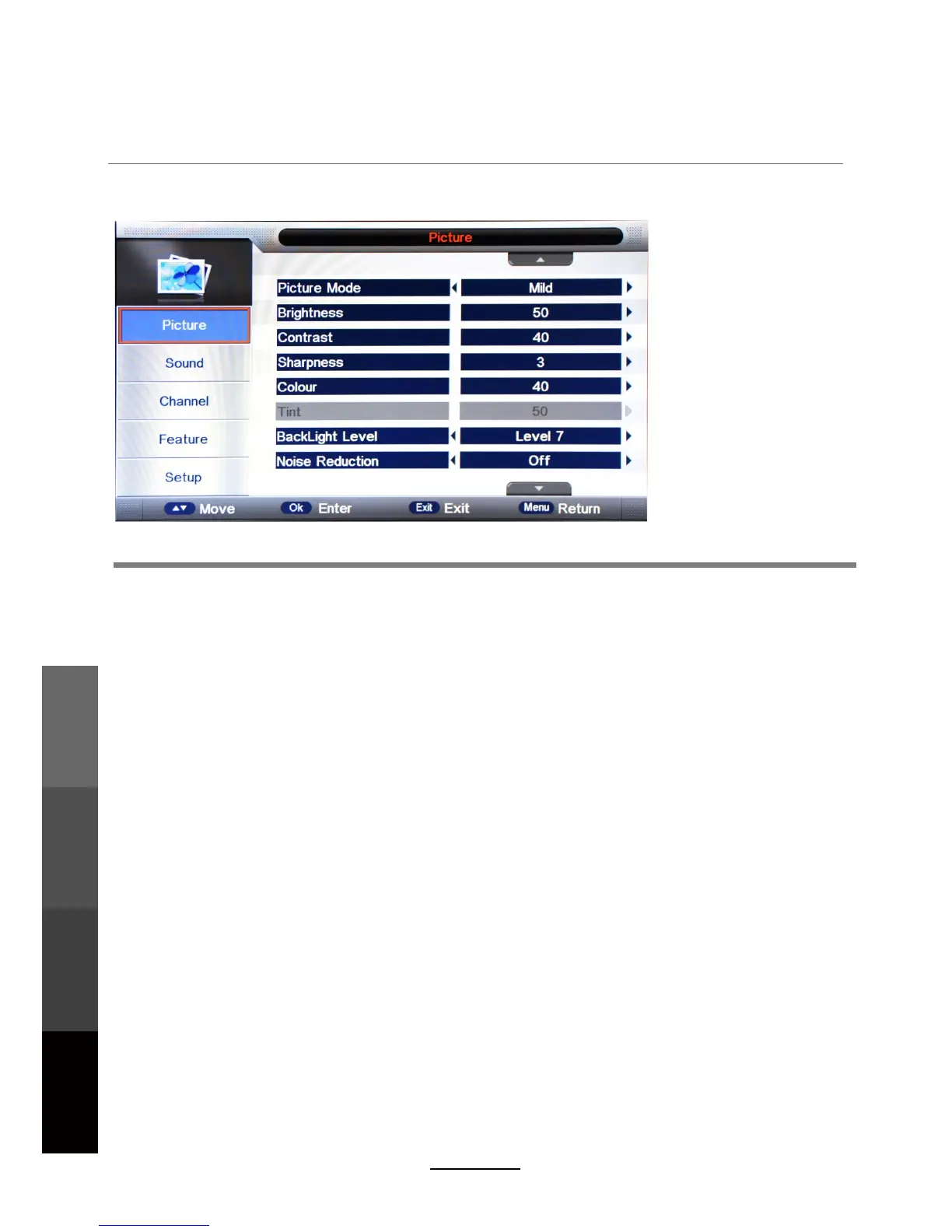
OSD Menu
1. Picture menu
Description
Picture Mode: Select your desired picture mode. (Dynamic, Standard, Mild, User)
Brightness: Adjust image brightness.
Contrast: Adjust image contrast.
Sharpness: Adjust image sharpness (not available in VGA/PC mode).
Colour: Adjust image colour saturation.
Colour Temperature:
R: Controls the red colour of the picture.
G: Controls the green colour of the picture.
B: Controls the blue colour of the picture.
Reset: Reset the picture menu.
Select a preferred color temperature mode. (Standard, Cool, Warm)
Noise Reduction:
Backlight Level: Adjust the backlight.
If the broadcast signal received is weak, you can select the Noise Reduction
option to reduce the video noise level. (Off, Low, Middle, High).
Tint: Control the tint (available in NTSC mode only).
14
OSD Menu
Multimedia
Operation
Recording
Operation
Maintenance
and Service



 To Next Page