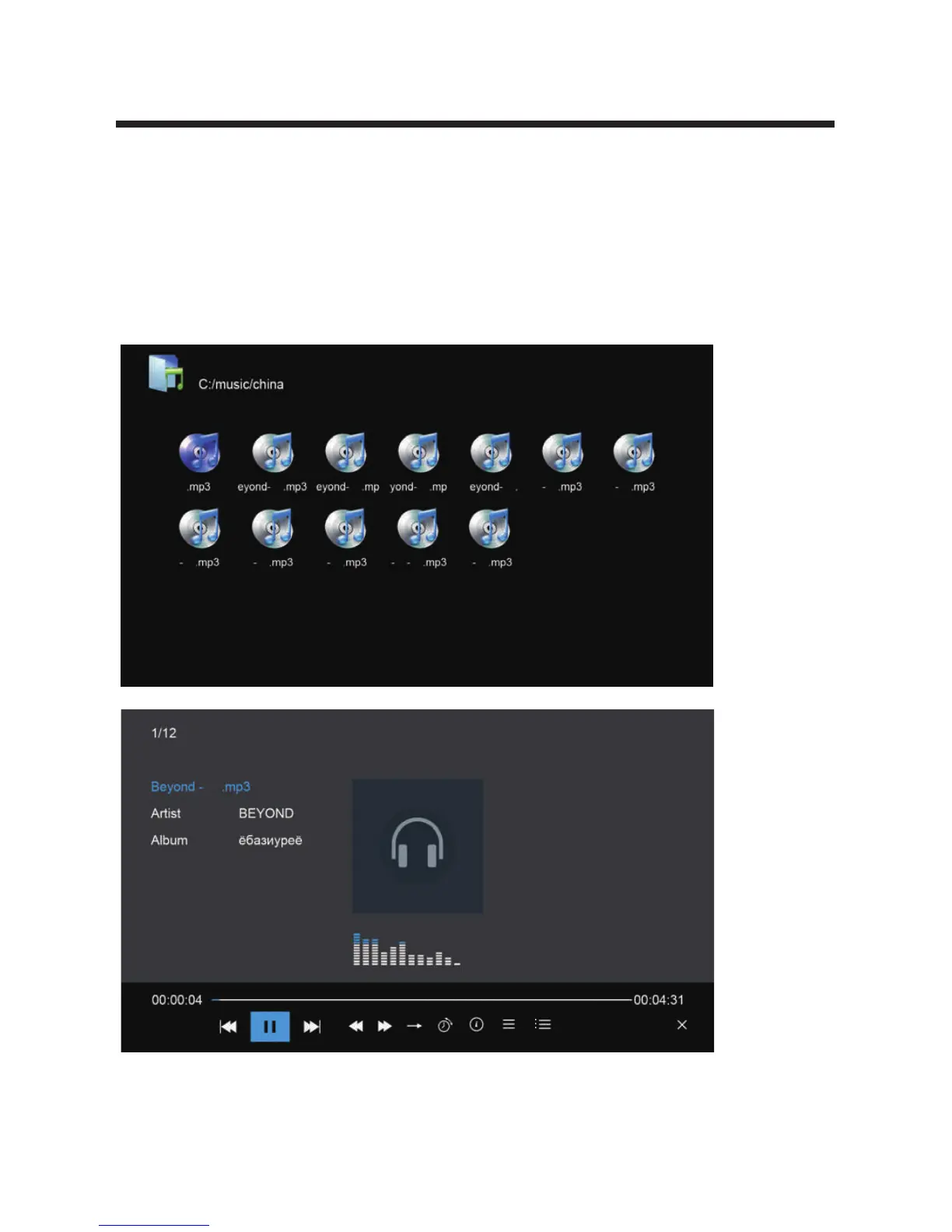
6.3 Music
Press the ◄/► buttons to select Music in the main menu, and then press the OK button to
enter.
Press the EXIT button to return back to the previous menu.
Press the ▲/▼ buttons to select the desired audio file, and then press the OK to play.
You can see the information of the current song at the left of the menu.
Note:For more functions, press the MENU button.
25



 To Next Page