29
Changing the Display Mode
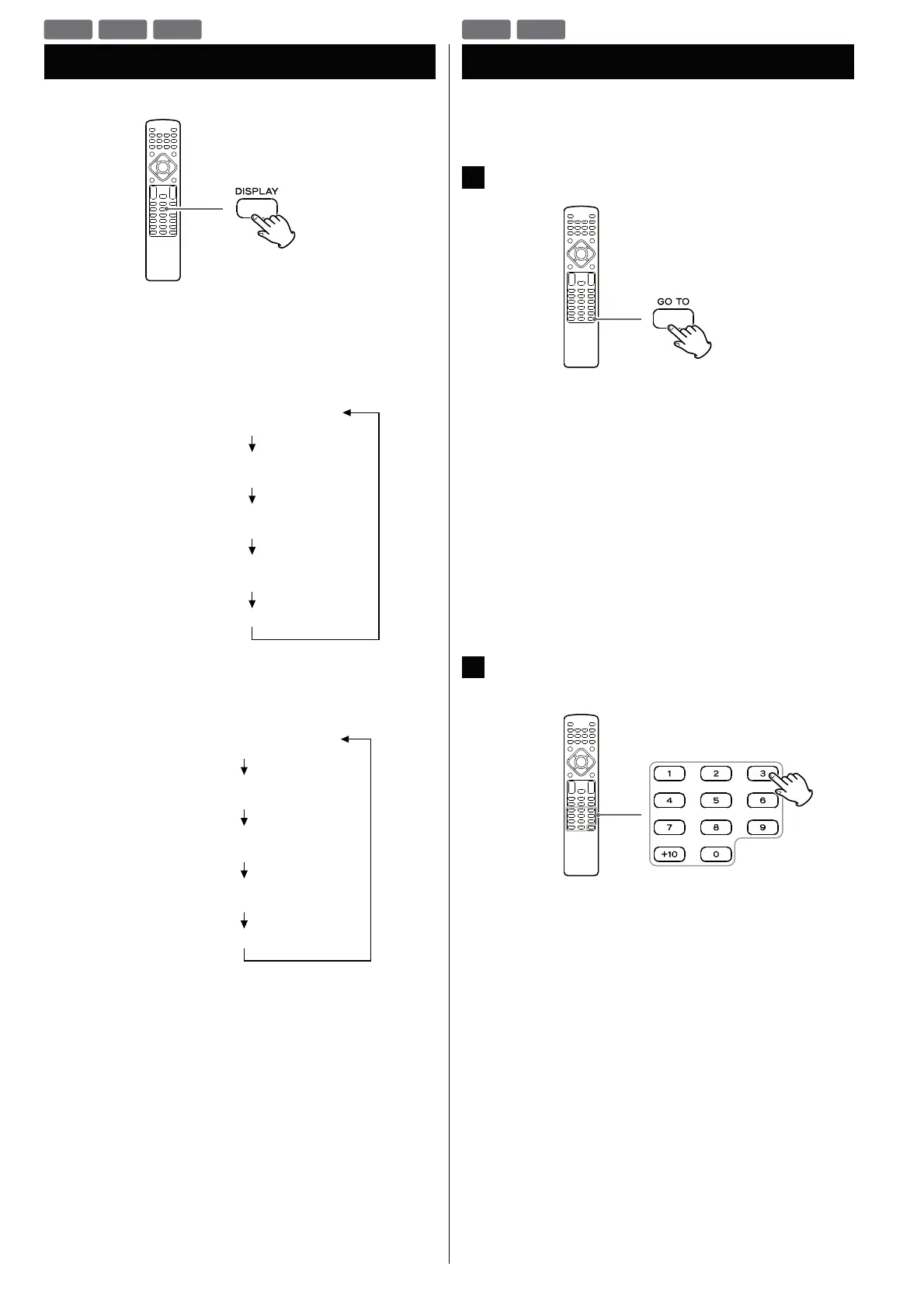
Each time the DISPLAY button is pressed during playback,
following information appears on the screen.
DVD
!
CD/Video CD
DVD
VCD
CD
Time Search (VCD/CD)
You can start playback from the specified hour/minute/second.
1
During playback, press the GO TO button.
To search within the entire disc
Press the GO TO button once.
“DT: - - : - -” is highlighted on the screen.
To search within the current track
Press the GO TO button twice.
“TT: - - : - -” is highlighted on the screen.
To search within a track of the disc
Press the GO TO button 3 times.
“T: - - / - -” is highlighted on the screen.
Then, enter the track number using the Number buttons.
(For example, when you want to select track 2, press “2”.)
2
Within 7 seconds, enter your desired hour, minute and
second using the Number buttons.
For example, if the length of the current track is 3 minutes, enter
a number smaller than 3 minutes.
Playback starts from the selected part.
VCD
CD



 To Next Page