EasyManua.ls Logo

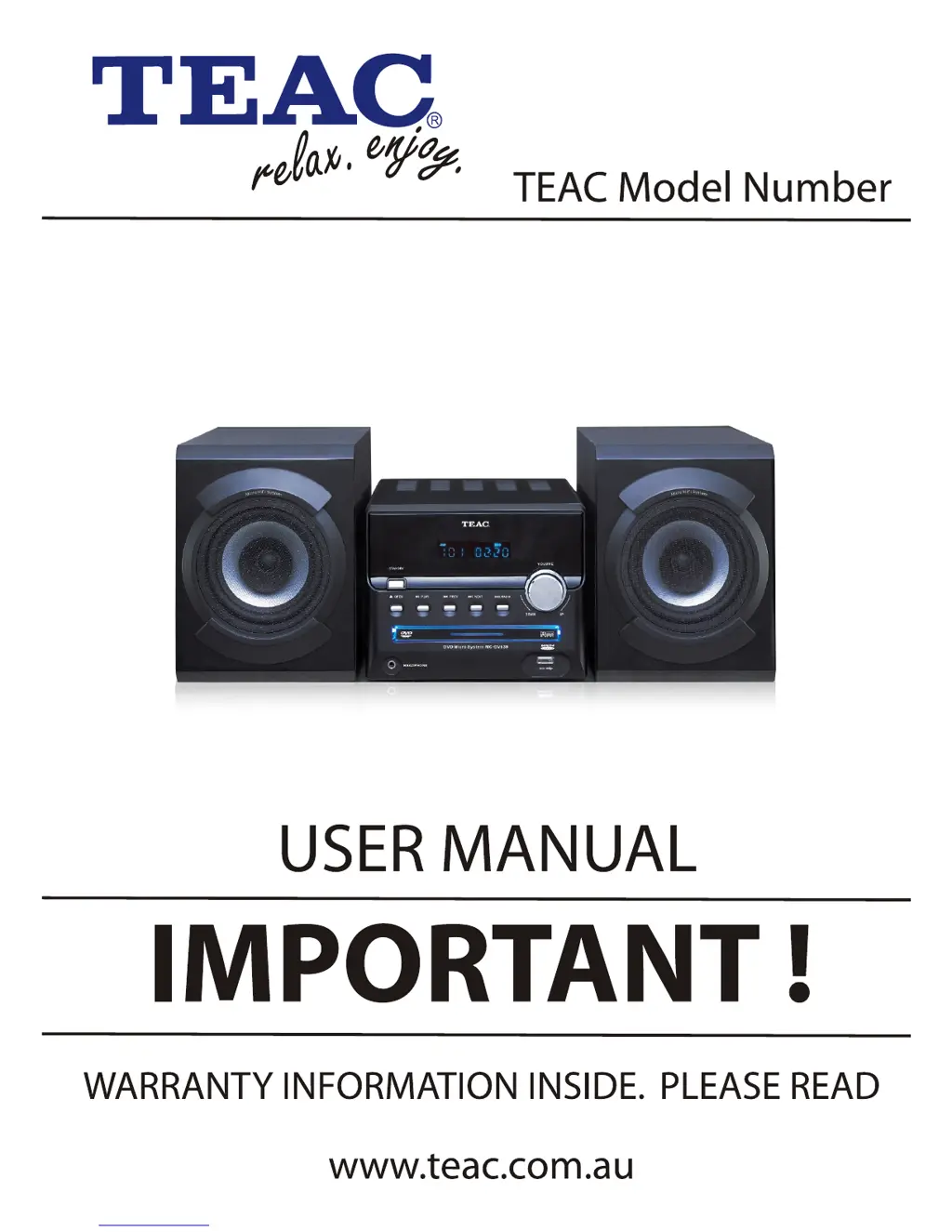
Teac MC-DV639 - User Manual

Teac MC-DV639
31 pages
Print Icon
To Next Page IconTo Next Page
Loading...
MC-DV639

Questions and Answers

  • R
    Ronald BeasleyAug 14, 2025
    What to do if my Teac Media Converter has no power?
    • G
      George CameronAug 14, 2025
      If your Teac Media Converter isn't getting power, make sure the power cord is properly connected. Also, check the fuse; if it's melted, replace it with one of the same specification.
  • E
    Edward SandersAug 17, 2025
    Why doesn't the remote control for my Teac Media Converter work?
    • K
      Kevin RichardsonAug 17, 2025
      If the remote control for your Teac Media Converter isn't working, make sure you're pointing it at the sensor and are within 7 meters of the unit. Also, check the batteries and replace them if they're exhausted.
  • P
    Paul Neal MDAug 20, 2025
    How to fix no picture on Teac Media Converter?
    • N
      Nathan WardAug 21, 2025
      If you're not getting a picture on your Teac Media Converter, ensure that your TV and the player video settings are correctly set up. Also, verify that the video cable is securely connected.
  • M
    Maria EdwardsAug 25, 2025
    What to do if my Teac Media Converter is unable to play a disc?
    • B
      Benjamin WalkerAug 25, 2025
      If your Teac Media Converter can't play a disc, first ensure that a disc is loaded correctly (not upside down). If a disc is already loaded, try cleaning it or replacing it if it's bad. Also, check if there are any menus on the TV screen and use the SETUP to turn them off. Finally, check if parental control is enabled and set it off or change the setup.
  • L
    lmorenoAug 27, 2025
    Why is there no sound from my Teac Media Converter?
    • A
      Annette KingAug 27, 2025
      If you're experiencing no sound from your Teac Media Converter, check that the audio cable is properly connected. Also, make sure you've selected the correct source and that your audio settings are appropriately configured.
  • J
    Jennifer RivasAug 31, 2025
    How to fix Teac Media Converter when it can't locate channels in tuner mode?
    • W
      William StewartAug 31, 2025
      If your Teac Media Converter isn't locating channels in tuner mode, ensure the antenna is connected. Also, verify that the source mode is set to tuner mode.
  • D
    David WallerSep 3, 2025
    Why is the picture distorted on my Teac Media Converter?
    • A
      andrecolemanSep 3, 2025
      If you're seeing a distorted picture on your Teac Media Converter, try cleaning the disc. Also, tiny distortion can appear in fast forward or fast rewind mode, which is normal.
  • G
    Grant ThomasSep 6, 2025
    What to do if there is key malfunction on Teac Media Converter?
    • D
      Dustin BowmanSep 6, 2025
      If you experience a key malfunction on your Teac Media Converter, try turning the power off and on again. This can resolve issues caused by power waves or static interference.
  • J
    Joseph PetersonSep 10, 2025
    Why is the luminance unsteady or the picture noisy on my Teac Media Converter?
    • M
      Megan ValenzuelaSep 10, 2025
      If the luminance is unsteady or the picture is noisy on your Teac Media Converter, connect the DVD unit directly to the TV. This may resolve interference from the anti-copy circuit.

Summary

Warranty Terms & Conditions

Warranty Procedures

For Your Attention

Connection

Video System Connection

Guide to connecting composite, S-Video, and component video outputs.

Audio System Connection

Instructions for connecting 2-channel, coaxial digital, and speaker audio outputs.

System Setup

Menu Operation and General Setup

How to navigate setup menus and configure general display and function settings.

Color and Preference Settings

Adjusting picture color parameters and TV system preferences.

Play

Troubleshooting

Specification

Teac MC-DV639 Specifications

General IconGeneral
BrandTeac
ModelMC-DV639
CategoryMedia Converter
LanguageEnglish

Related product manuals