RECORDING
cassettes
◆
The TV stations on the video have been tuned in (page 5).
◆
The video is switched on.
◆
You can either watch the picture from the video on the TV by pressing the station
button reserved for video input or the AV button, watch another TV station or switch
off the TV altogether.
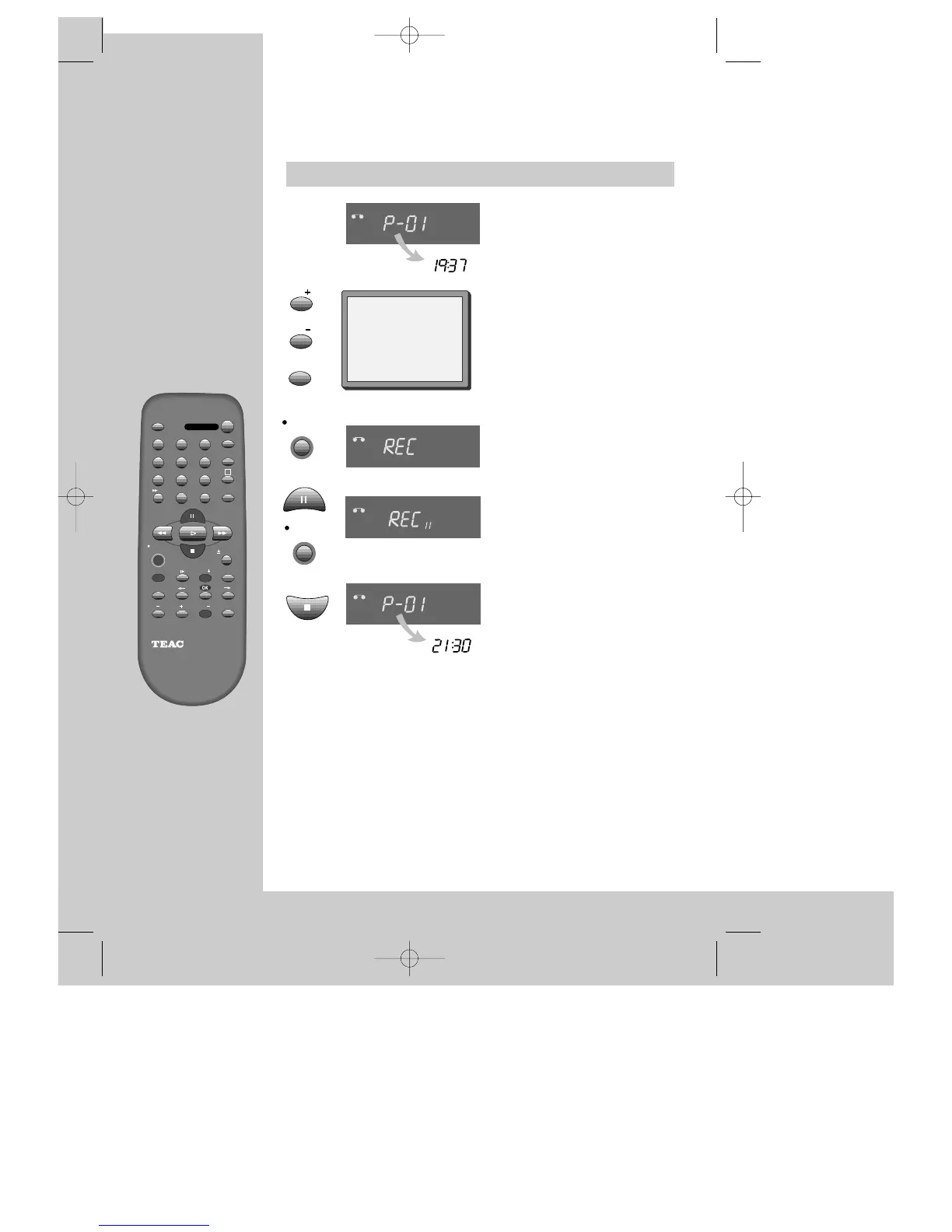
Load a cassette with its safety
tab in place (see page 15).
Start your recording.
If you wish to interrupt recording
briefly - then continue.
Stop your recording.
Choose the station whose
programme you want to record.
If the programme you wish to
record is very long, double the
possible recording time with "LP"
(Long Play).
Up to eight hours with an E-240 cassette.
VCR
STOP SP PR09 EURO
STEREO ON
◆ The video stops automatically, if
pause exceeds five minutes.
VCR
VCR


 To Next Page