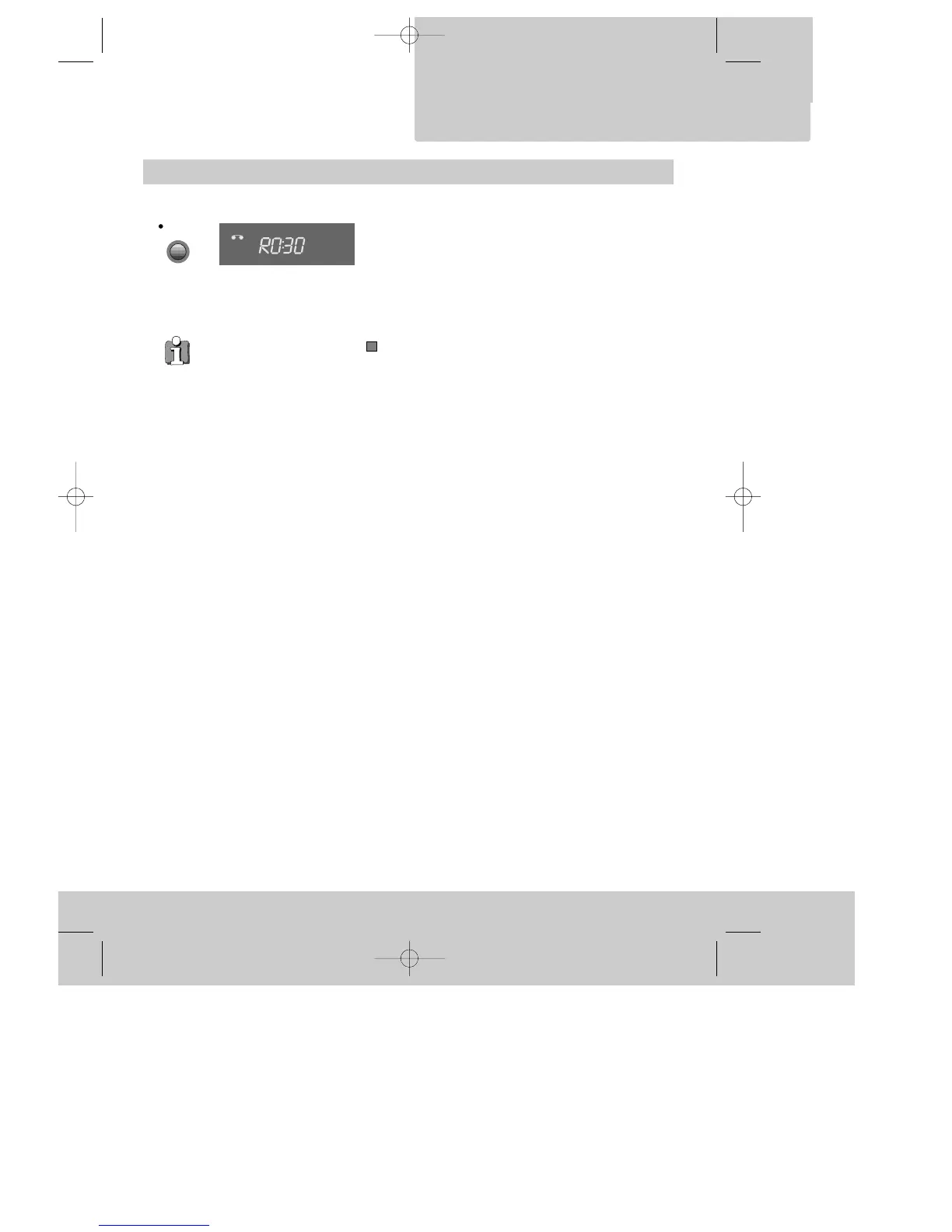
One touch recording – OTR
◆ If you want to record from a source connected to your video see page 22.
◆ To CANCEL OTR press the button (stop) for more than 5 seconds.
◆ Clock / Counter / Remaining time – page 14.
Choose the station you want and press the button once
for every 30 minutes of programme you wish to record.
Up to ten hours are possible.
VCR
TMR
◆
For timer recordings, clock, date, and stations must be
set correctly.
◆
Load a cassette with its safety tab in place
(see page 15) and with sufficient free space for the
recording.
RECORDING
cassettes
11
DVST7D1D-RB/H(148*210) 01.4.13 3:21 PM ˘`11


 To Next Page