(You can use this function only with the
remote control unit.)
∑ ONE-repeat play function
• Press the 1/ALL repeat button once.
– Only the current track is played
repeatedly.
* If you select other tracks during ONE-
repeat play, the track selected last will
be repeated.
∑ 1 Disc-repeat play function
• Press the 1/ALL repeat button once
more.
– All the tracks on a disc are played
repeatedly.
* When the tracks are programmed, only
the programmed tracks will be repeated.
∑ All-Disc repeat play function
• Press the 1/ALL repeat button once more
in the status of 1 Disc repeat mode.
– All the discs loaded in the disc tray
continue to play repeatedly.
• Press the button once more to cancel
the TTL repeat play function.
∑ A-B repeat play function
(1) During play, press the A-B repeat
button at the desired start point (A).
– Then "A-" will be displayed and "B" will
blink on the display.
(2) Press the button again at the desired
end point (B).
– Then "A-B" will be displayed and only
A-B section will be played repeatedly.
(3) Press the button once more to cancel
the A-B repeat play function.
Repeat Play
_
8
_
Basic Operation
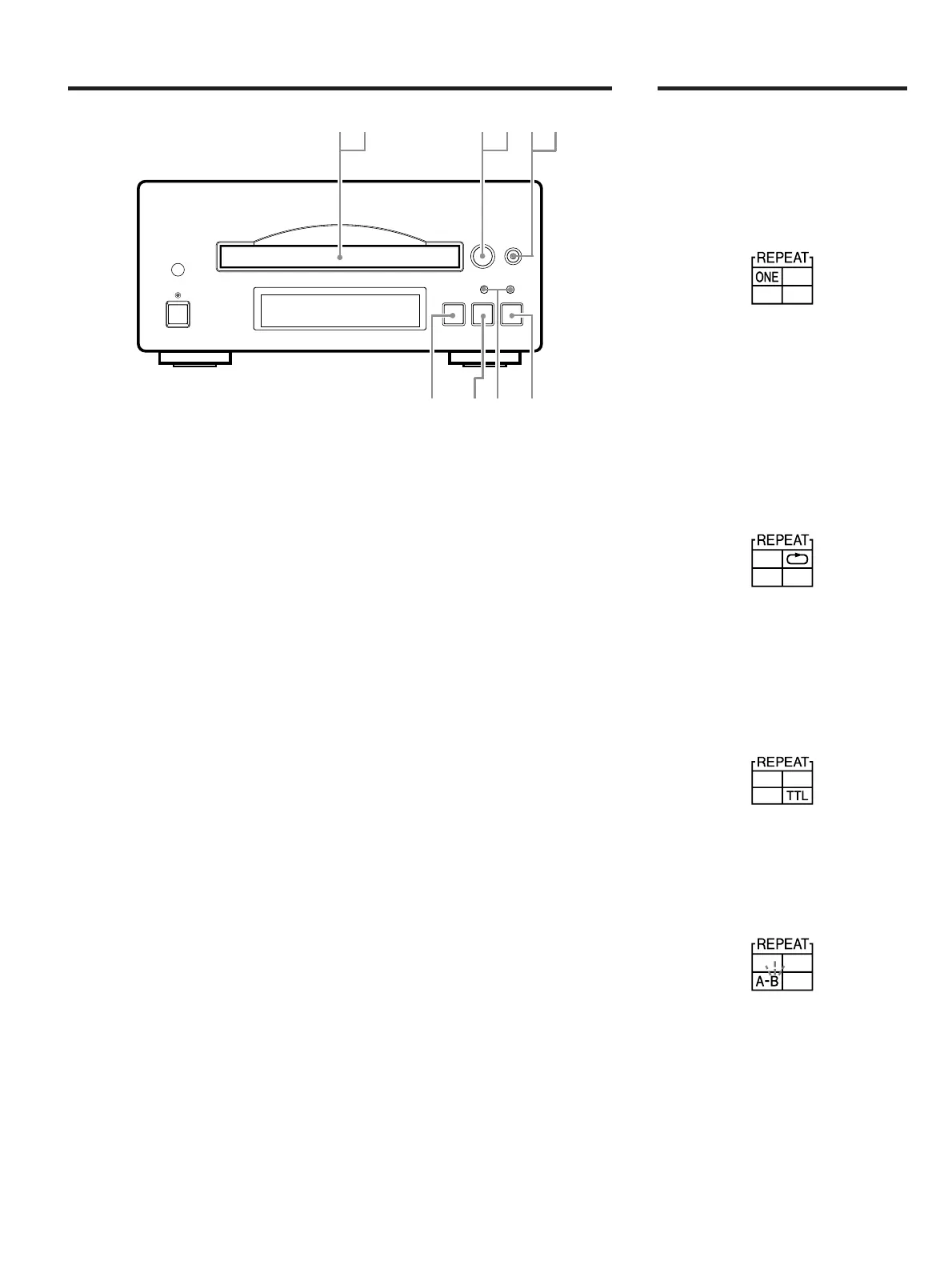
1 Press the open/close (∫) button.
The disc tray will slide out.
2 Load a disc with its label side facing
up.
3 Press the disc skip button to select a
tray.
4 Load a disc only when the tray is open.
• Load another disc by repeating steps 3
and 4.
5 Press the open/close button to close
the disc tray.
6 Press the disc skip button to select a
disc.
7 Select the track you want by pressing
the music skip (
Ú/Æ) button.
8 Press the play (∏) button, and the CD
will be played.
9 Press the pause (ƒ) button when you
want to pause playing.
10 Press the stop button when you want
to stop playing.
Note
This unit will automatically start playing in
the following cases:
• When you select CD on the amplifier
(A-H500).
• When you turn the system on with the
amplifier's input selector set to CD.
∑ Last position memory function
If the program button is pressed during
normal play, the player will revert to a
position at which the stop button was
previously pressed. Then, the playing will
restart from that particular position.
2 ,4
8
79
1 ,53,6


 To Next Page