ENGLISH FRANÇAIS
63
Autres fonctions (3)Other Functions (3)
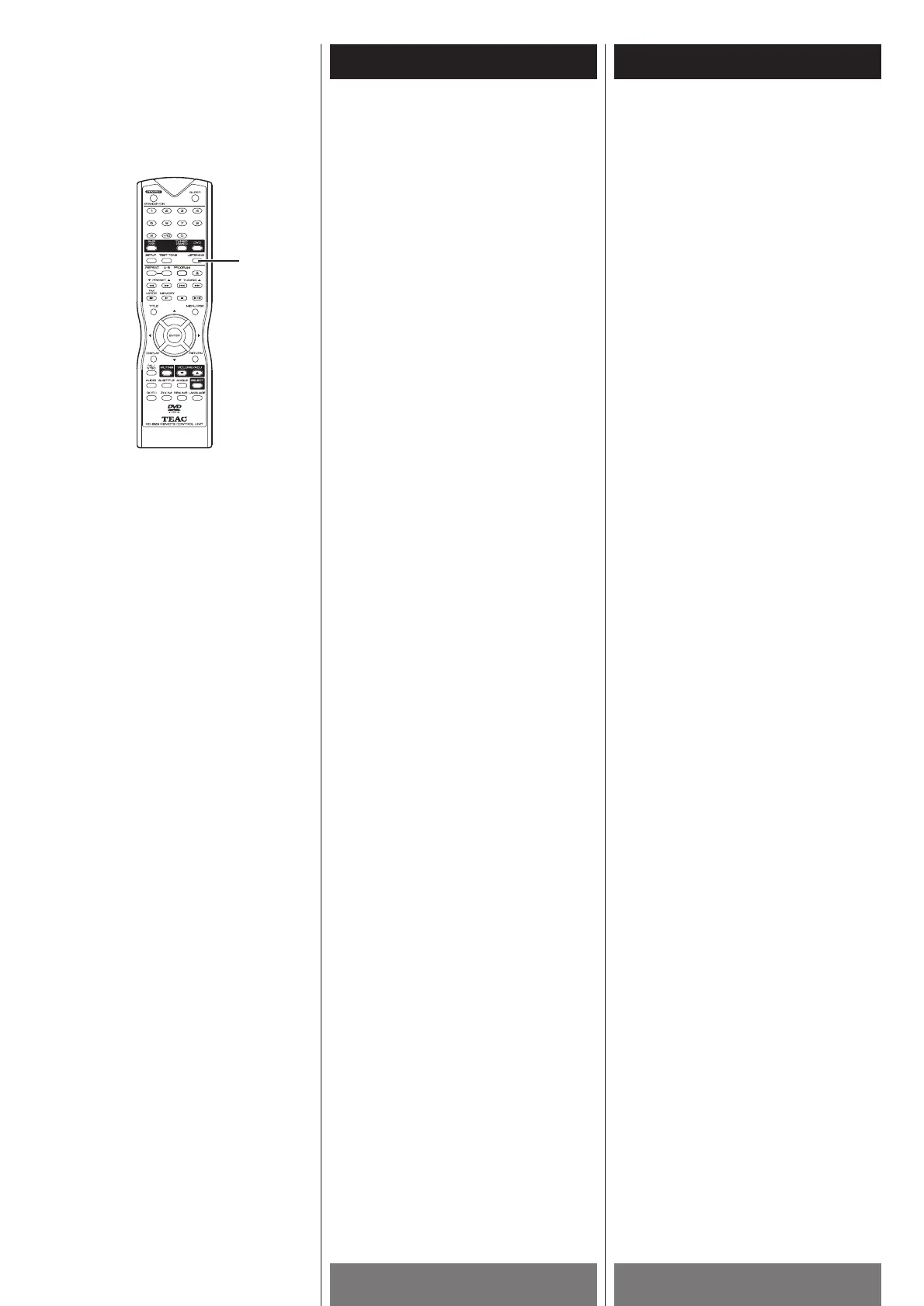
Selecting Listening Modes
Note
< This function is only available for Tuner
and AUX (i.e. external source).
When listening to the radio or external
source, press the LISTENING button
repeatedly to select the following listening
modes cyclically.
Pro Logic Normal w
Pro Logic Phantom w
Pro Logic Wide w 3-Stereo Normal w
3-Stereo Wide w Stereo.
The relevant indicators appear on the front
panel display.
Notes
< Before pressing the LISTENING button,
lower the volume level.
<
If the audio source is mono, set the
listening mode to “Stereo” for the best
reproduced sound. Do not use the other
settings.
Choix des modes d’écoutes
Remarque
< Cette fonction est disponible seulement
que pour Tuner et AUX (i.e. sources
externes).
Durant l’écoute du radio ou source externe,
appuyer sur la touche LISTENING
répététivement pour choisir cycliquement
les modes d’écoute qui suivent:
Pro Logic Normal w
Pro Logic Phantom w
Pro Logic Wide w 3-Stereo Normal w
3-Stereo Wide w Stereo.
L’indicateur approprié apparait sur
l’afficheur du panneau avant.
Remarque
< Avant d’appuyer sur la touche LISTENING,
il est préférable de baisser le volume.
<
Si la source audio est mono, il est
préférable de régler le mode d’écoute en
position “Stéréo”. Pour une bonne
performance sonore ne pas utiliser les
autre réglages.



 To Next Page