ENGLISH FRANÇAIS
64
Autres fonctions (4)Other Functions (4)
Using the Sleep Timer
You can set the system to turn off
automatically at a specified time.
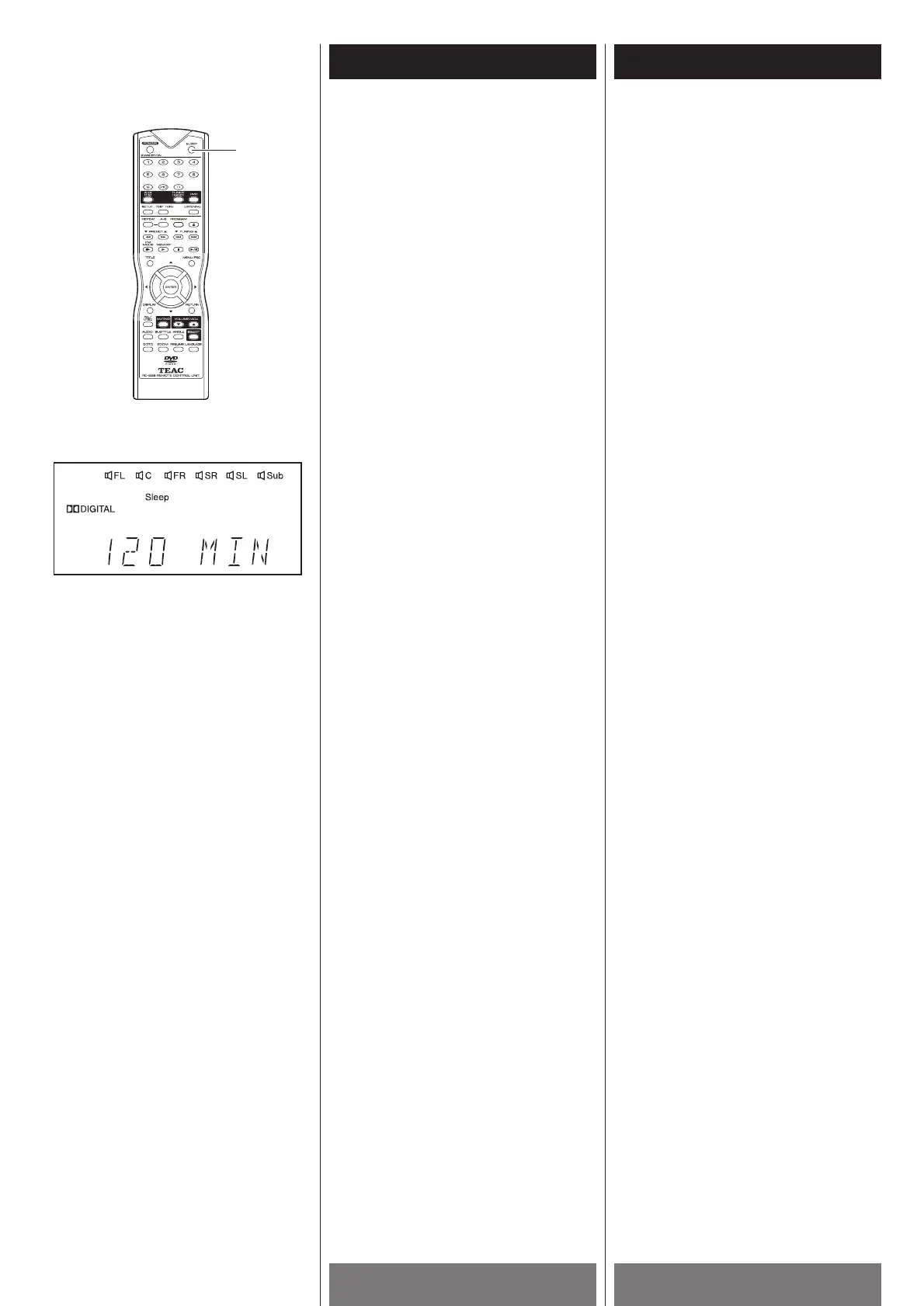
1 Press the SLEEP button while the power
is on.
Each time you press the SLEEP button,
the time changes as shown below.
120 (minutes) w
110 w 100 w 90 w
80w 70 w 60 w 50 w 40 w 30 w 20 w
10 w 00 (OFF) w 120 w...
When you have specified the time, the
“Sleep” indicator lights on the front panel
display.
2 You can reset the time using the SLEEP
button.
3 You can check the remaining time before
the system turns off.
Press the SLEEP button. The remaining
time appears on the front panel display
for a few seconds.
1
Utilisation de la minuterie
sommeil
Vous pouvez réglés le système pour qu’il
s’éteint automatiquement à une heure
spécifique.
1 Appuyer sur la touche SLEEP, l’heure
change tel que démontré plus bas:
120 (minutes) w
110 w 100 w 90 w
80w 70 w 60 w 50 w 40 w 30 w 20 w
10 w 00 (OFF) w 120 w...
Quand vous avez choisis l’heure, témoin
“Sleep” s’allume sur l’afficheur du panneau
avant.
2 Vous pouvez remettre à jour l’heure
utilisant la touche SLEEP
3 Vous pouvez vérifiés le temps qui reste
avant que l’appareil s’éteint.
Appuyer sur la touche SLEEP, le temps
qui reste est affiché sur le panneau avant
pour quelque secondes.



 To Next Page