EasyManua.ls Logo

Teac W-4200 - Using Fast-Forward and Rewind

Teac W-4200
11 pages
Print Icon
To Next Page IconTo Next Page
To Previous Page IconTo Previous Page
Loading...
Using
the
BIAS
FINE
Control
(W-420C
only)
The
center
position
provides
the
nominal
amount
of
bias
current.
Moving
the
control
toward
"+"
increases
the
amount
of
bias
current;
a
minute
decrease
in
high-frequency
response
will
be
obtained.
Moving
it
toward
"-"
decreases
the
amount
of
bias
current;
a
noticeable
increase
in
high-
frequency
response
will
be
obtained.
Il
Make
a
recording
from
a
compact
disc,
etc.
Bi
Atter
recording,
rewind
the
tape
to
the
beginning
of
the
recorded
section,
then
play
it
to
monitor
the
playback
sound.
»>
=
By
comparing
the
monitored
sound
with
the
original,
adjust
the
BIAS
FINE
control,
then
try
recording
again.
BIAS
FINE
~prstaneas
Hi
Repeat
steps
1
through
3
until
the
optimum
setting
of
the
BIAS
FINE
control
is
obtained,
so
that
the
best
possible
sound
can
be
recorded,
—~10—
Using
Fast-forward
and
Rewind
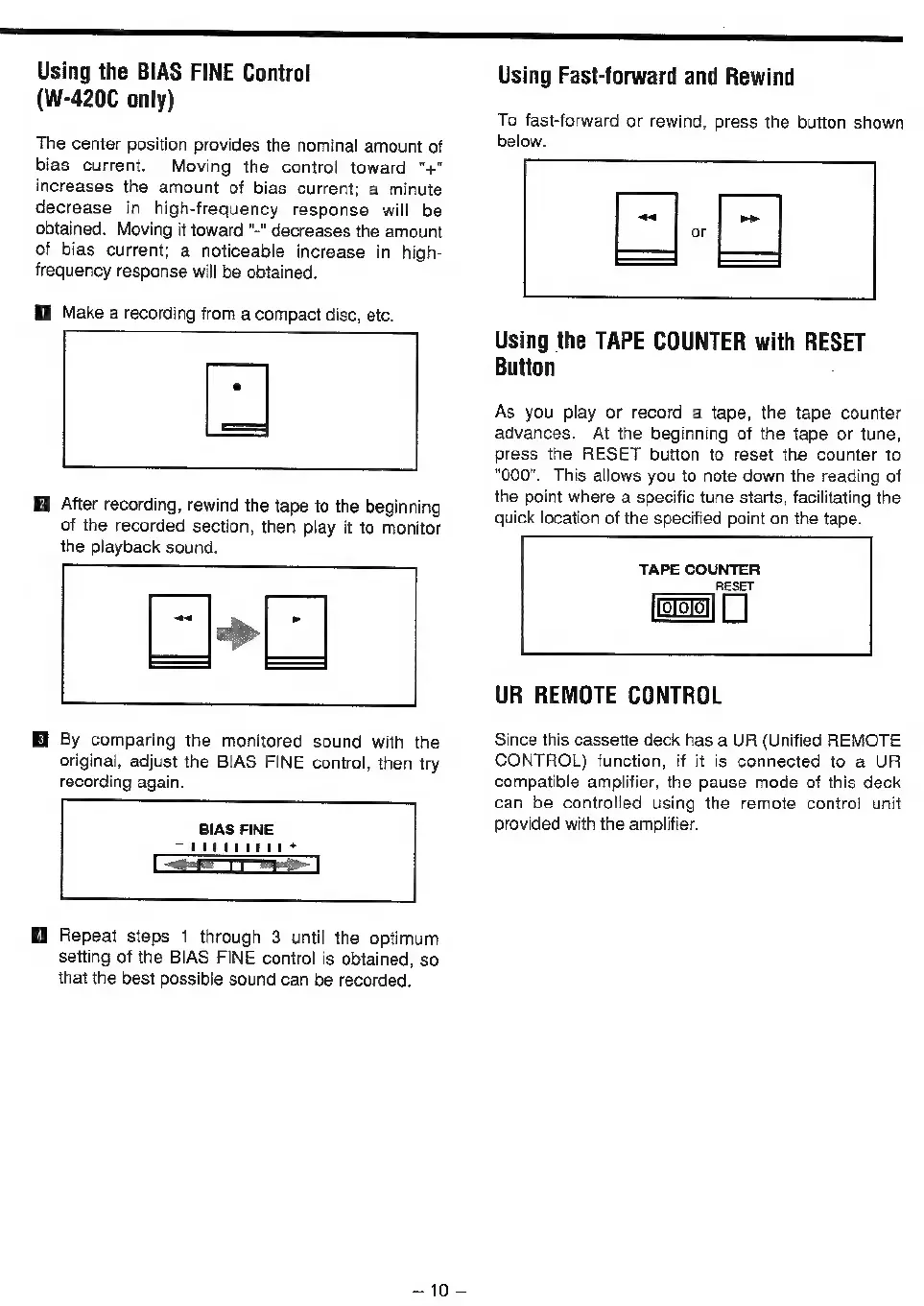
To
fast-forward
or
rewind,
press
the
button
shown
below.
a
7
|
Using
the
TAPE
COUNTER
with
RESET
Button
As
you
play
or
record
a
tape,
the
tape
counter
advances.
At
the
beginning
of
the
tape
or
tune,
press
the
RESET
button
to
reset
the
counter
to
"000".
This
allows
you
to
note
down
the
reading
of
the
point
where
a
specific
tune
starts,
facilitating
the
quick
location
of
the
specified
point
on
the
tape.
TAPE
COUNTER
RESET
UR
REMOTE
CONTROL
Since
this
cassette
deck
has
a
UR
(Unified
REMOTE
CONTROL)
function,
if
it
is
connected
to
a
UR
compatible
amplifier,
the
pause
mode
of
this
deck
can
be
controlled
using
the
remote
control
unit
provided
with
the
amplifier.

Related product manuals