EasyManua.ls Logo

Teac W-700R - Page 9

Teac W-700R
16 pages
Print Icon
To Next Page IconTo Next Page
To Previous Page IconTo Previous Page
Loading...
SSS
TS
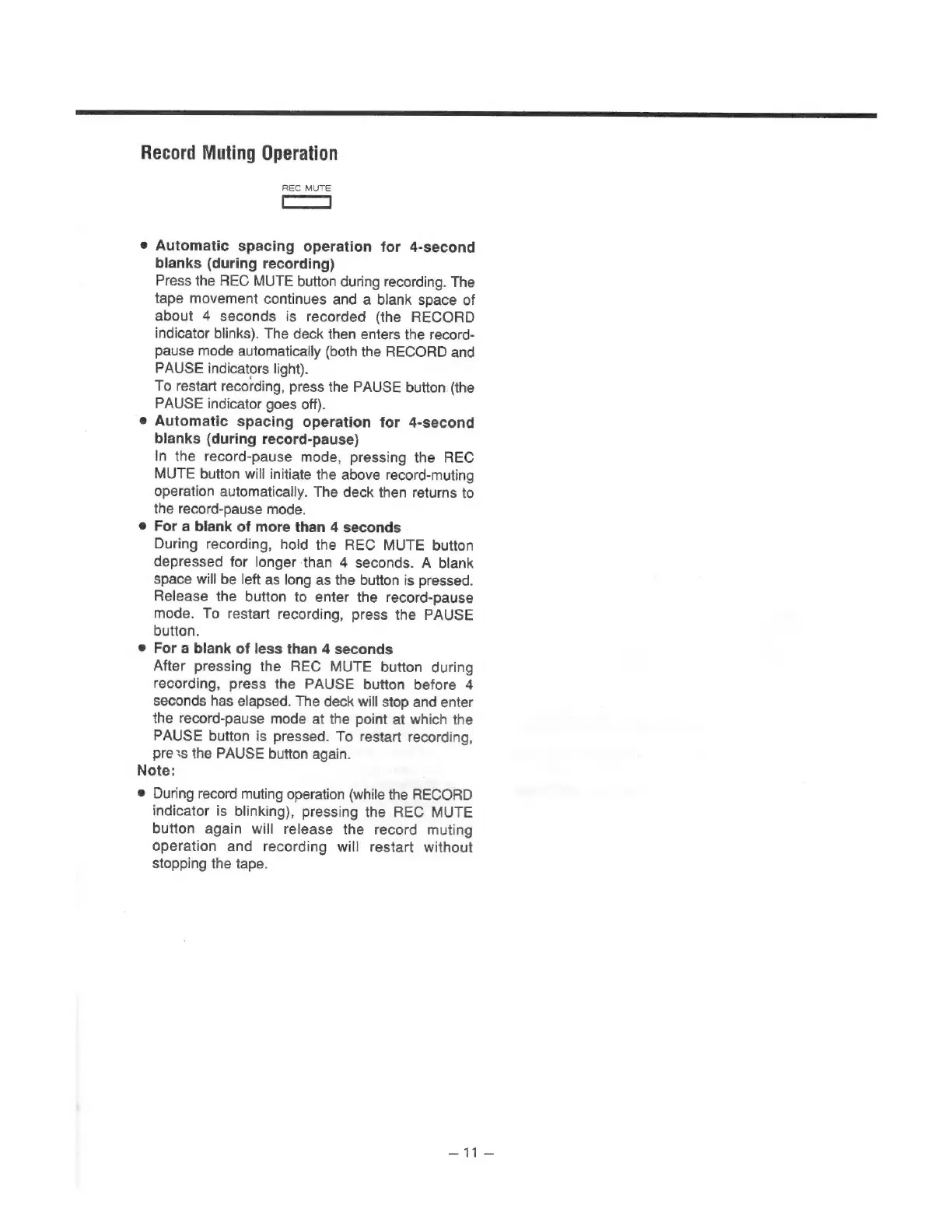
Record
Muting
Operation
REC
MUTE
e
Automatic
spacing
operation
for
4-second
blanks
(during
recording)
Press
the
REC
MUTE
button
during
recording.
The
tape
movement
continues
and
a
blank
space
of
about
4
seconds
is
recorded
(the
RECORD
indicator
blinks).
The
deck
then
enters
the
record-
pause
mode
automatically
(both
the
RECORD
and
PAUSE
indicators
light).
To
restart
recording,
press
the
PAUSE
button.
(the
PAUSE
indicator
goes
off).
e@
Automatic
spacing
operation
for
4-second
blanks
(during
record-pause)
In
the
record-pause
mode,
pressing
the
REC
MUTE
button
will
initiate
the
above
record-muting
operation
automatically.
The
deck
then
returns
to
the
record-pause
mode.
e
For
a
blank
of
more
than
4
seconds
During
recording,
hold
the
REC
MUTE
button
depressed
for
longer
than
4
seconds.
A
blank
space
will
be
left
as
long
as
the
button
is
pressed.
Release
the
button
to
enter
the
record-pause
mode.
To
restart
recording,
press
the
PAUSE
button.
e
For
a
blank
of
less
than
4
seconds
After
pressing
the
REC
MUTE
button
during
recording,
press
the
PAUSE
button
before
4
seconds
has
elapsed.
The
deck
will
stop
and
enter
the
record-pause
mode
at
the
point
at
which
the
PAUSE
button
is
pressed.
To
restart
recording,
press
the
PAUSE
button
again.
Note:
®
During
record
muting
operation
(while
the
RECORD
indicator
is
blinking),
pressing
the
REC
MUTE
button
again
will
release
the
record
muting
operation
and
recording
will
restart
without
stopping
the
tape.
-11-—

Related product manuals