5.1. ERROR CODE AND EXPLANATION
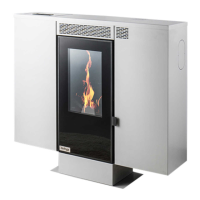
NOTE: When you encounter the error codes, firstly be sure stove and parts don’t work.
You will see “BLOCK” on the screen. After checking and correcting the following
connection, parts and values according to the error code, the error code must be
cleared by -pressing the P2 for 3 seconds. When the error code is erased, contact your
dealer for any malfunctions that persist.
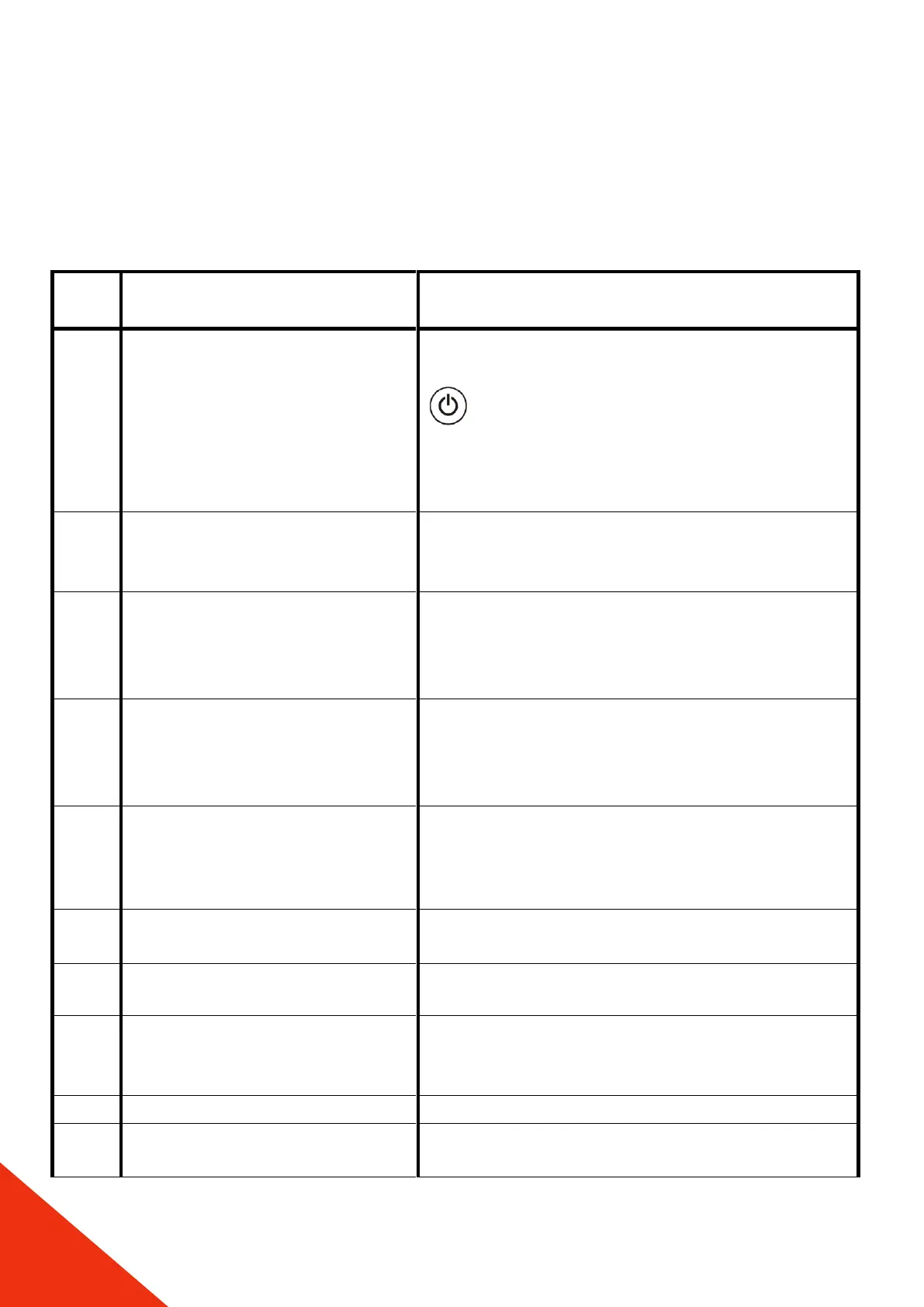
Safety limit thermostat error -
overheating of fuel chamber
(over 90°)
In the first screen when the stove display starts
to work, ER01 may be encountered. Push
button to delete the error code. Check the
sanitary valves and pump. Push the black tip of
the safety limit thermostat inside, which is on
the back side of the boiler.(see pg.9)
Chimney emmission safety
switch error
Check chimney connections and chimney
emmission. Be sure chimney and second ash
tray is clean
Chimney outlet temperature
drop or auger failure
Check if there is fuel in the combustion
chamber and whether the fuel is supplied by
the coil.
Chimney outlet over
temperature error / flue
temperature sensor error or
cleaning error
This error occurs when the calibration values
are increased or when the general cleaning
time is reached. Please give a general cleaning
of the product.
Chimney emmission fan motor
error
Check that your chimney is not clogged and
reset it. Be sure chimney and second ash tray is
clean. If the error still persists, contact your
dealer.
Chimney emmission fan motor
encoder error
Reset the product, contact your dealer if the
error still persists.
This error can occur due to pot pullution or
resistanse, check the resistance and clean the
pot.
Check voltage fluctuation
Display - Motherboard
connection error
Check the display and the cable between
display and control board.


 To Next Page