14-6
14. OPERATING PROCEDURES
14.4 PRINT COUNT OPERATION
14.4 PRINT COUNT OPERATION
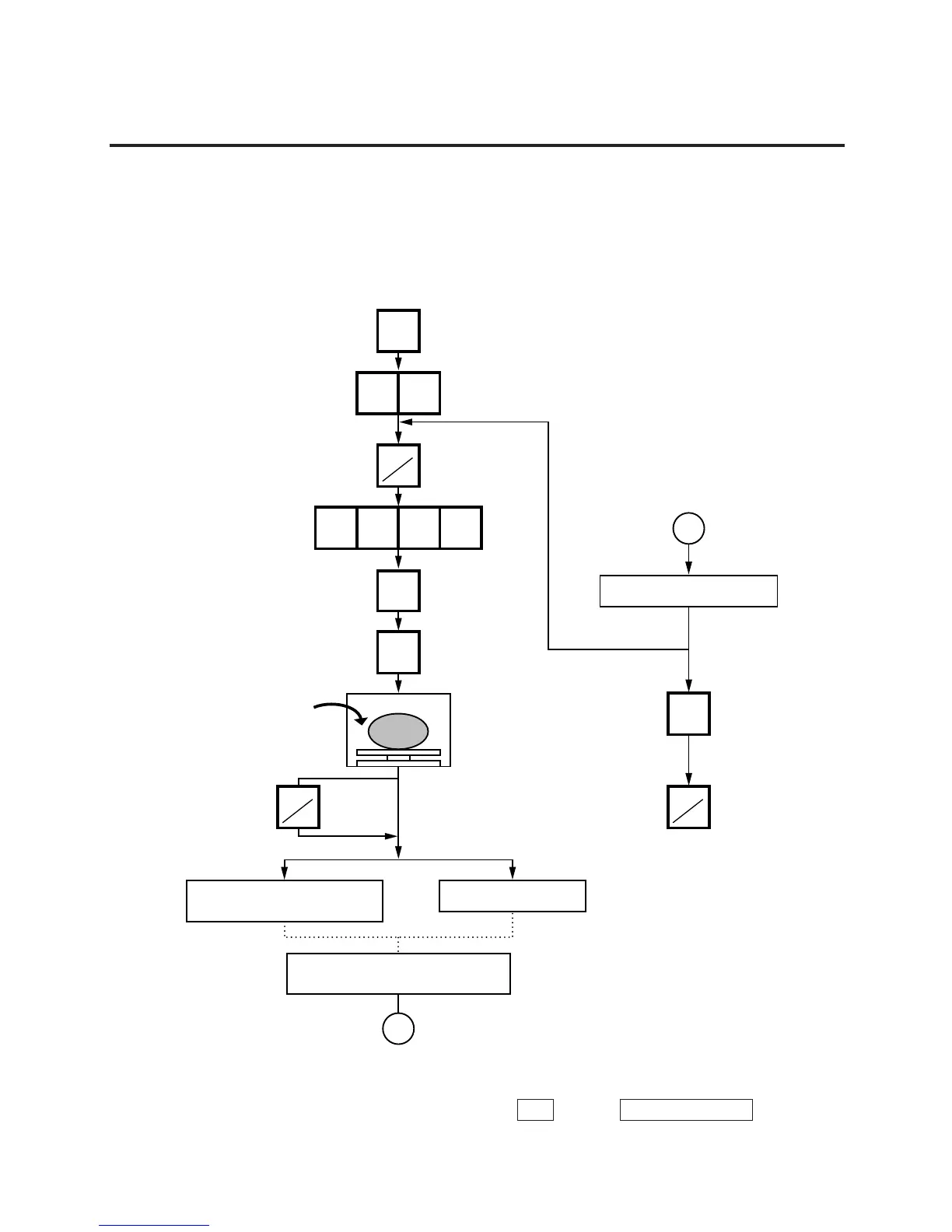
With this procedure, a specified number of the same labels can be issued.
Menu: REG., M.DOWN, or REWRAP
Mode: WEIGH, FIX or BY-COUNT
Example A) When operating in Weigh mode.
PRESET
COUNT
50
3091
PRT
*
PLU
SAVE
PRT
*
The label is issued.
The labels are issued with
the backing paper attached.
When all the specified numbers
of the labels are being issued.
C
C
C
Remove the commodity.
PRT
*
NOTES: 1. A batch issue means to print labels continuously with the backing paper attached.
On-demand issue means to print label one by one.
2. To check the remaining number, press the
PLU
and the
PRESET COUNT
keys.
Press:
Set the number of labels.
(Max. 99 labels)
Press:
Enter the PLU #.
Press:
PLU data is saved.
Place a commodity on
the platter.
(Ex. 0.700 lb.)
MANUAL: :AUTO
Batch
On-demand
Press:
Clear the preset count.


 To Next Page
 Loading...


