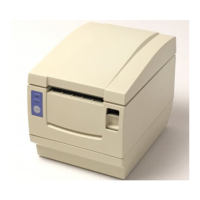
1.UNPACKING
EO18-13004
1.1 Procedure
1- 1
1. UNPACKING
1.1 Procedure
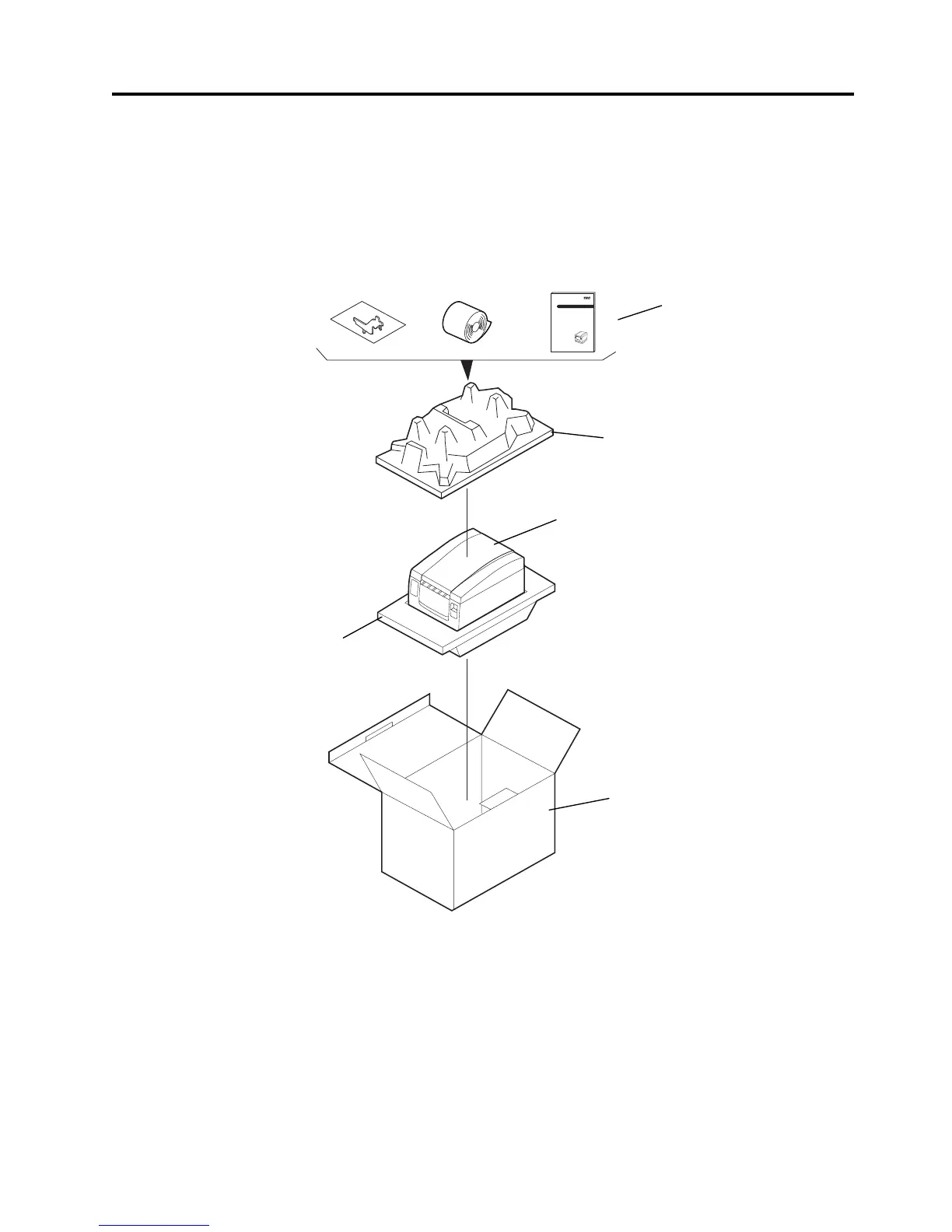
1. Open the Carton.
2. Take the accessories out of the carton.
3. Take out the TRST-56 printer and remove the pads.
4. Place the TRST-56 printer on a level surface.
1.2 Checks
1. Check for damage or scratches on the machine.
2. Confirm that none of the accessories are missing.
NOTE: Keep the original carton and pads for future transportation of the TRST-56 printer.
Fig. 1-1
TEC Thermal Printer
TRST-56 SERIES
TOSHIBA TEC CORPORATION
Owner's Manual
TRST-56 Printer
Pad
Accessories
Carton
Pad


 To Next Page