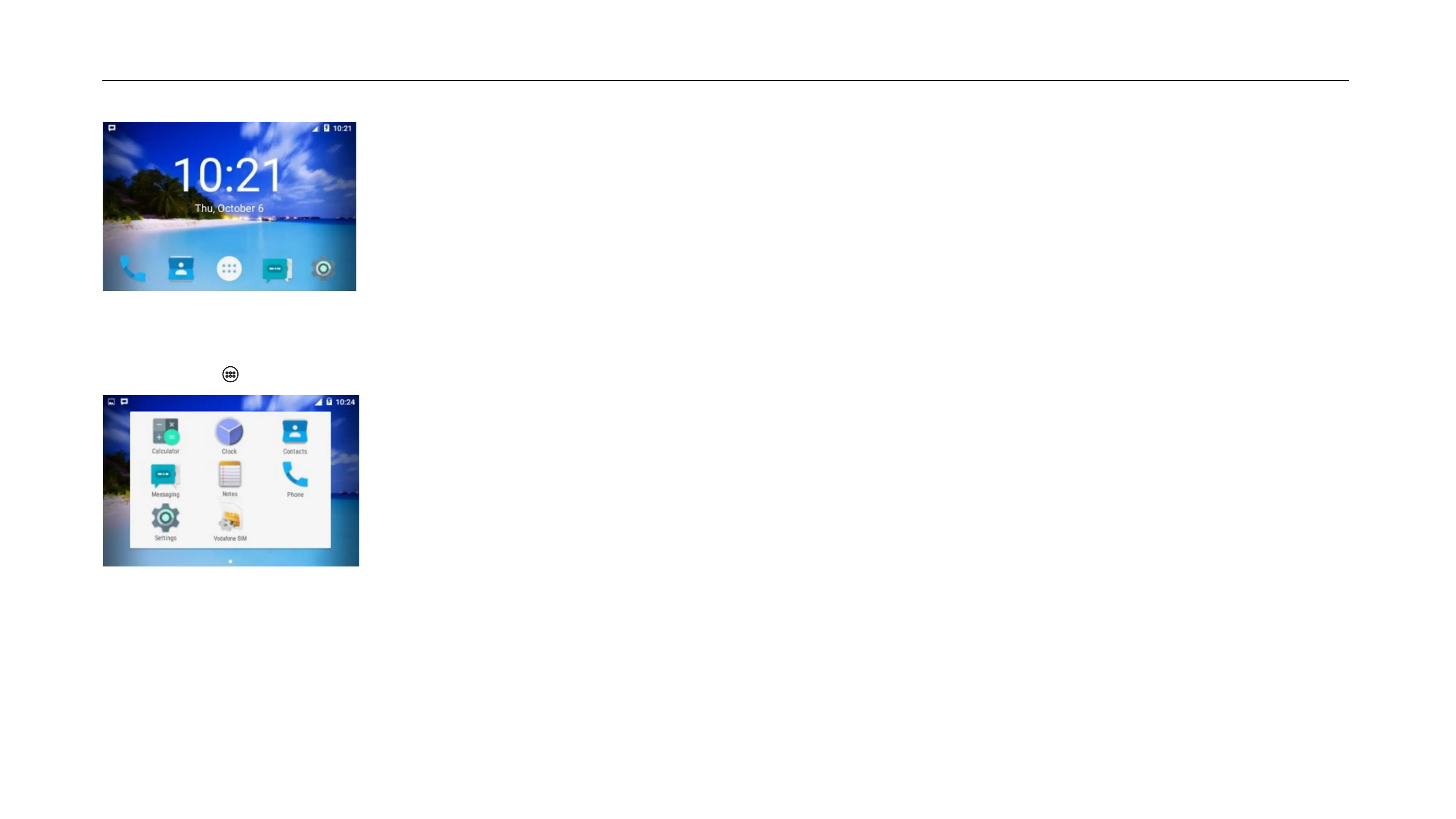
3.0 ANDROID SCREENS AND THEIR FUNCTIONALITY
Access the following apps; Call, Contacts, All Apps, SMS and Settings. Also view notications at the top of the screen.
PRELOADED APPLICATIONS / APPS
Access: Home Screen > Press the ‘All Apps’ Icon
Press this Icon [ ] to Access all the pre-installed apps in your device.
WIDGETS AND SHORTCUTS
Access: Press Widget Key on the device
Press the Widgets key or long press the home screen to access the Widgets and Shortcuts app.


 To Next Page