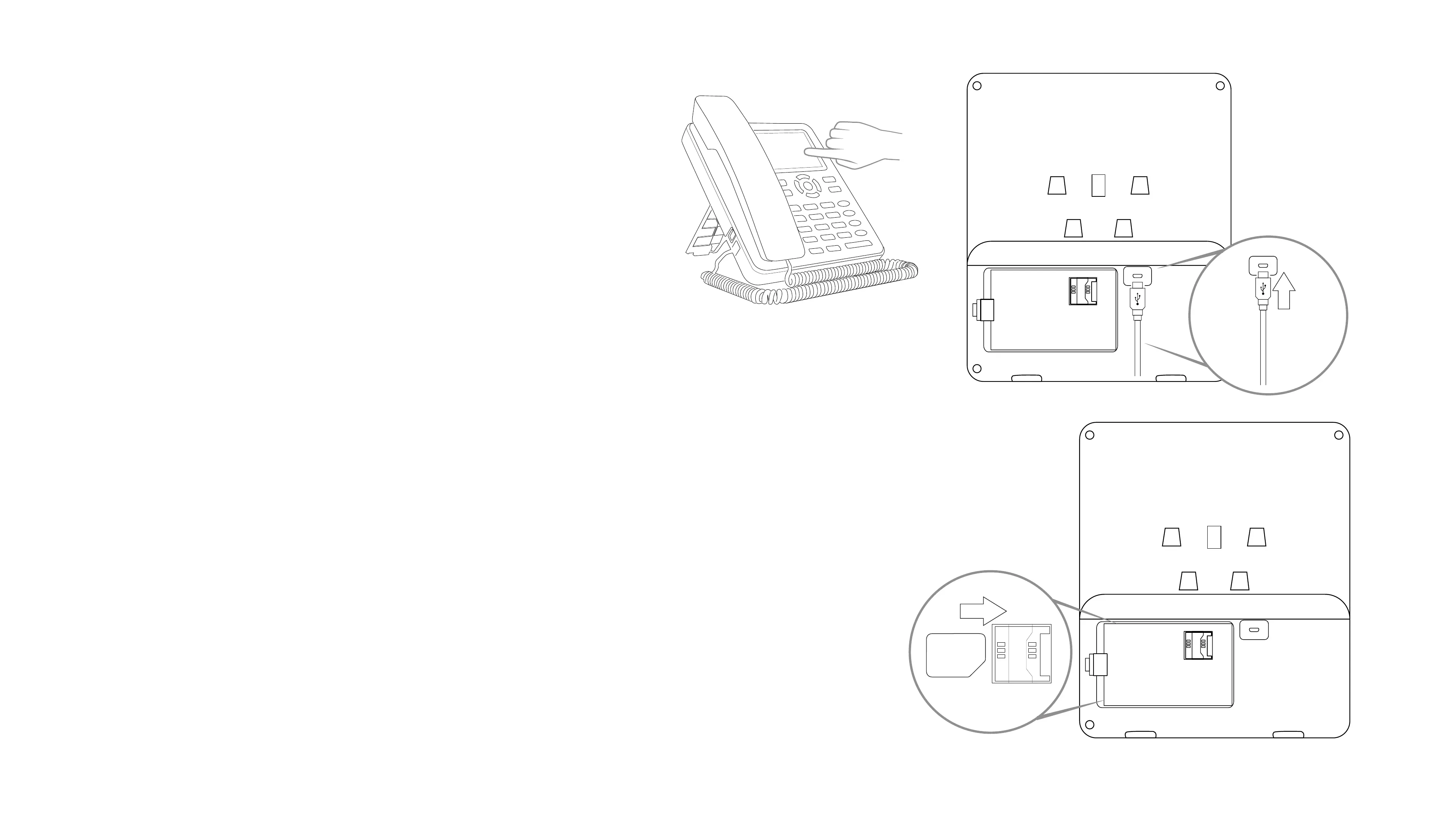
1.2 SIM CARD
For this device to function properly, please ensure your SIM card is activated and data is enabled.
Contact your Mobile Network Provider for your SIM plan details.
Removing the SIM Card
When removing the SIM card from your device, please follow the below steps: -
1. Power OFF the device.
2. Remove the battery.
3. Remove the SIM card.
1.3 BATTERY
On rst use, please charge your device (with battery inserted) for 15 hours before removing the power adaptor.
Once complete, you may repeat this step 3 times to get the best efciency from your battery. Please note that
charging from a at battery to full takes between 3 to 4 hours.
1.1 INSTALLATION
The box includes the following: -
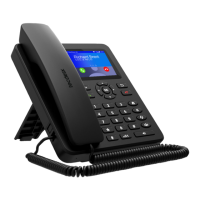
1. Model 4 SIM desk phone (touch screen)
2. Stand
3. Receiver
4. Battery
5. Power Adaptor
6. Quick User Guide
To set up your device, follow the steps below: -
1. Connect the Receiver to the device.
2. Insert the SIM card carefully into the SIM tray located at the back of the device.
3. Insert the battery correctly into the back of the device.
4. Attach the stand to the device.
5. Connect the micro USB power adaptor to the device and plug into a power source.
6. Switch on the device.
SIM


 To Next Page