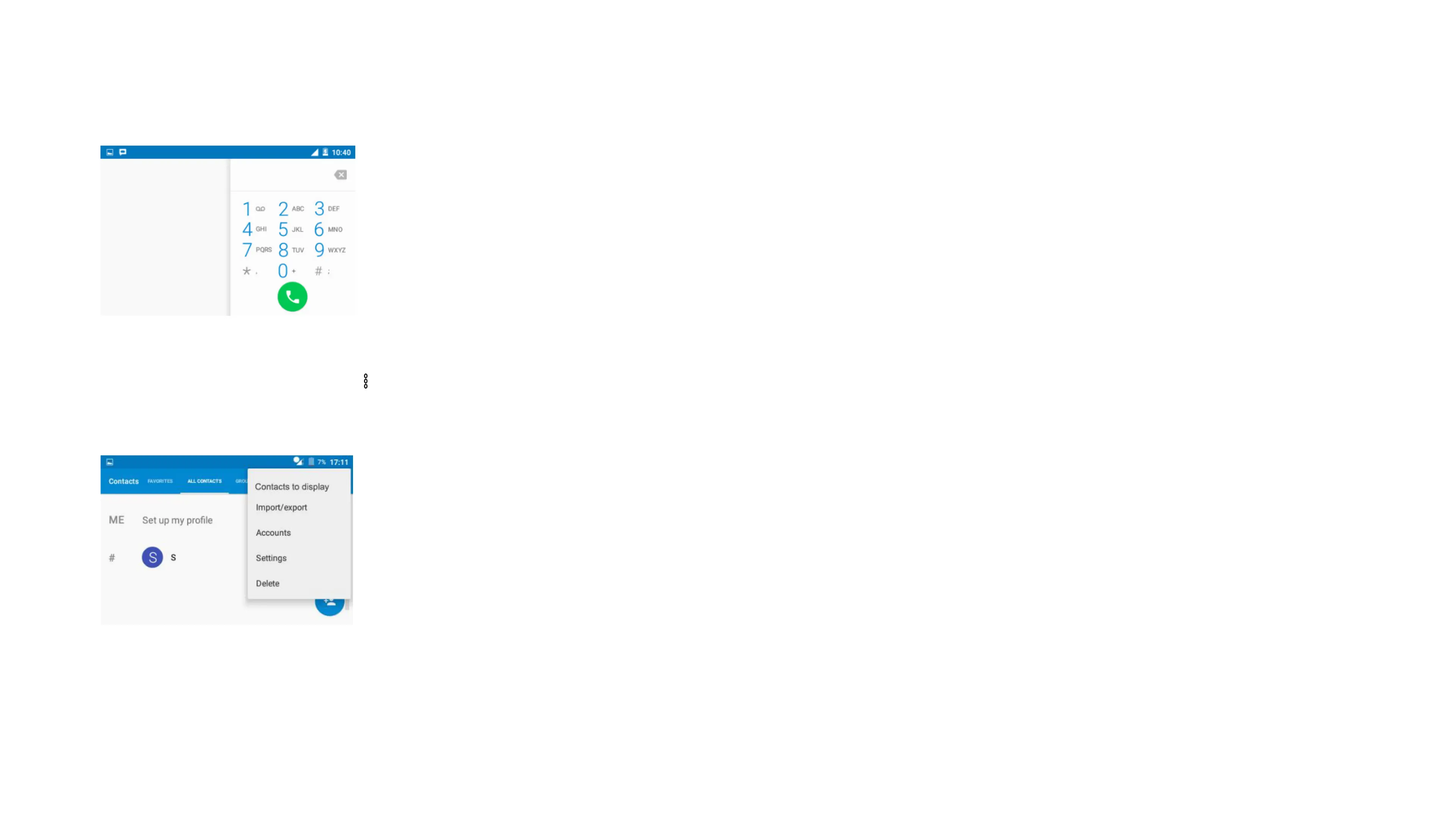
Access: Press the Call key on the device > dialler icon
Type a number and press the green dialler to start the call.
CALL DIALLER
CONTACTS SETTINGS
Access: Contacts App > three dots [ ]
When in All Contacts, press the three dots icon in the top right of the screen to access the call settings. Please note that some of the settings and parameters are
dependent on your Mobile Network Provider.
IMPORT/EXPORT
This feature allows you to; import from SIM card, import from storage, Export to SIM card, Export to storage and share visible contacts.
ACCOUNTS
This feature allows you to sync your contacts from your Google account.


 To Next Page