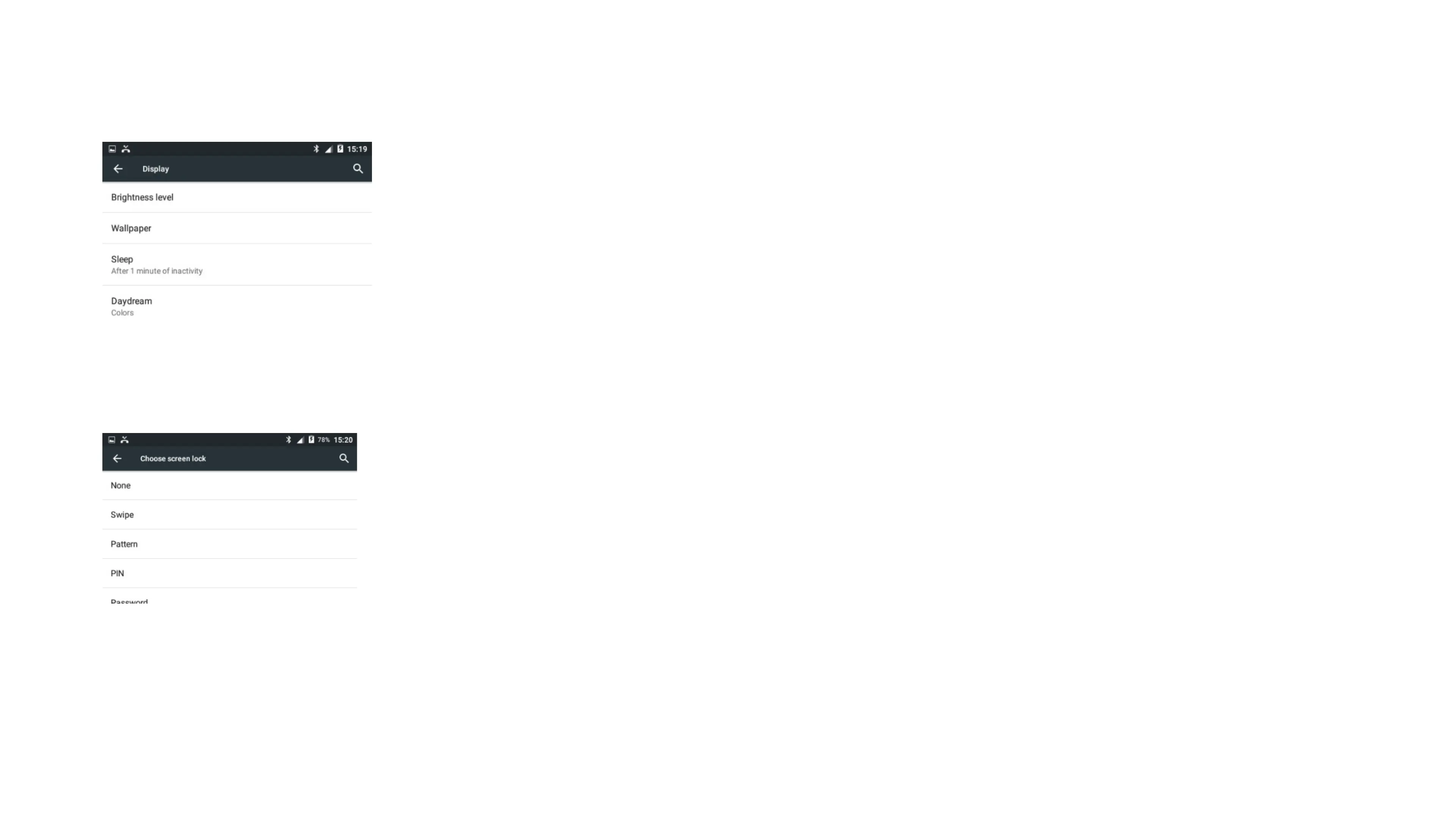
Access: Home Screen > Settings
From here, you can access all the general settings for the device including Brightness, Wallpaper, Font size, Sound, Alarms and more.
DEVICE SETTINGS
SCREEN LOCK
Access: Home Screen > Settings > Security
Set a screen lock password so that only you can access your device via a password, pin or pattern.
Access: Home Screen > Play Store
See also: Android software development and Google Play.
Applications extend the functionality of device. Applications are available through Google Play either free of charge or at a cost. Downloading them using an application
store program that allows users to install, update, and remove applications from their devices.
ANDROID APPLICATIONS


 To Next Page