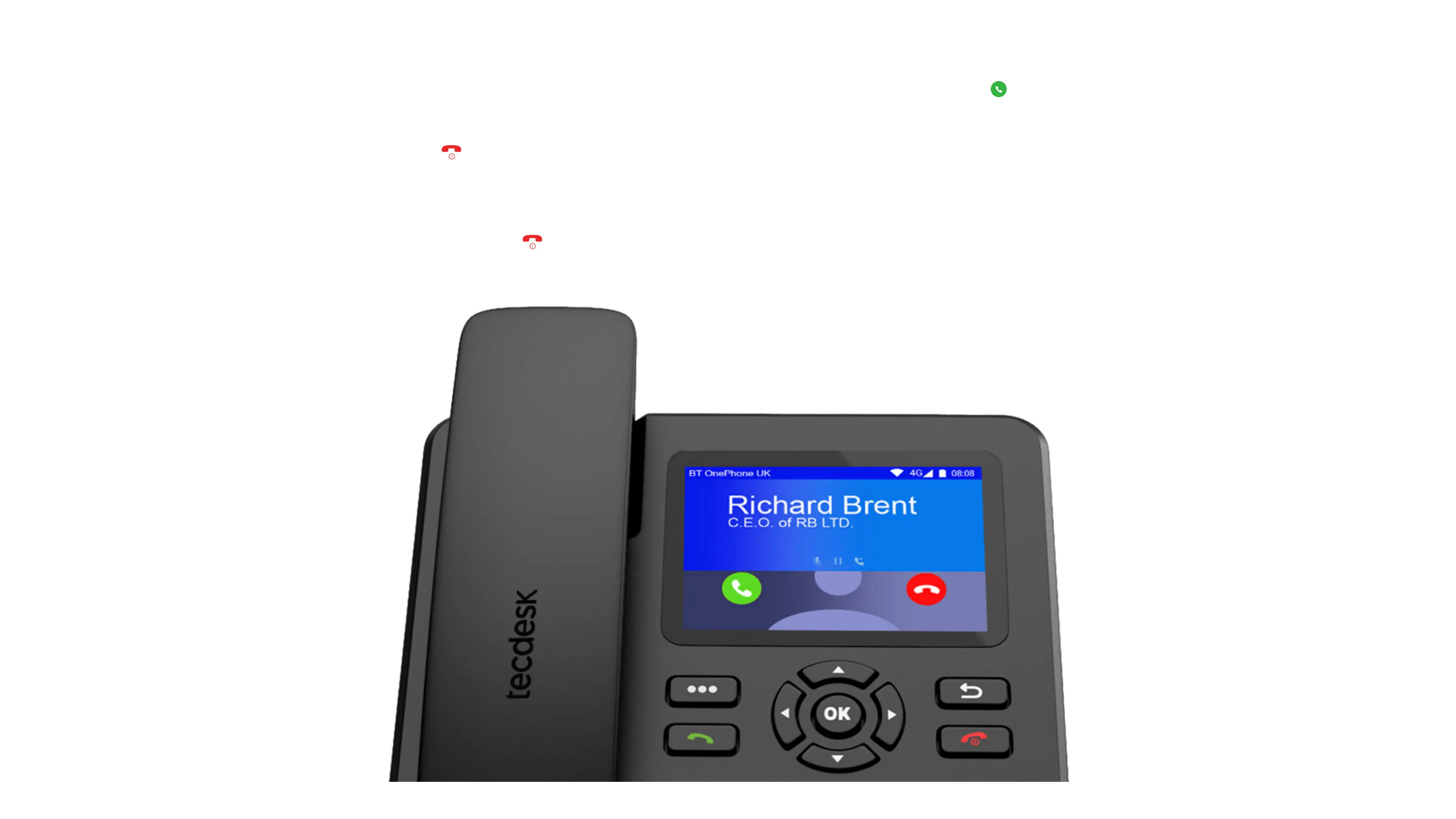
2.2.2 ANSWER CALLS
In the normal status, when receiving calls, press Dial key or use touch screen slide the screen dial icon to answer the call [ ].
2.2.3 REJECT CALLS
2.2.4 END CALLS
When call incomes, press power ON/OFF key [ ] to reject the call, or slide the screen icon to reject call or reply by SMS.
There are two ways to end the ongoing call.
a. If you are speaking over handsfree/speaker, press the [ ] key to end the call.
b. If you are speaking using the receiver, simply putting down the receiver on dock will end the call.


 To Next Page