15
support@techage.com
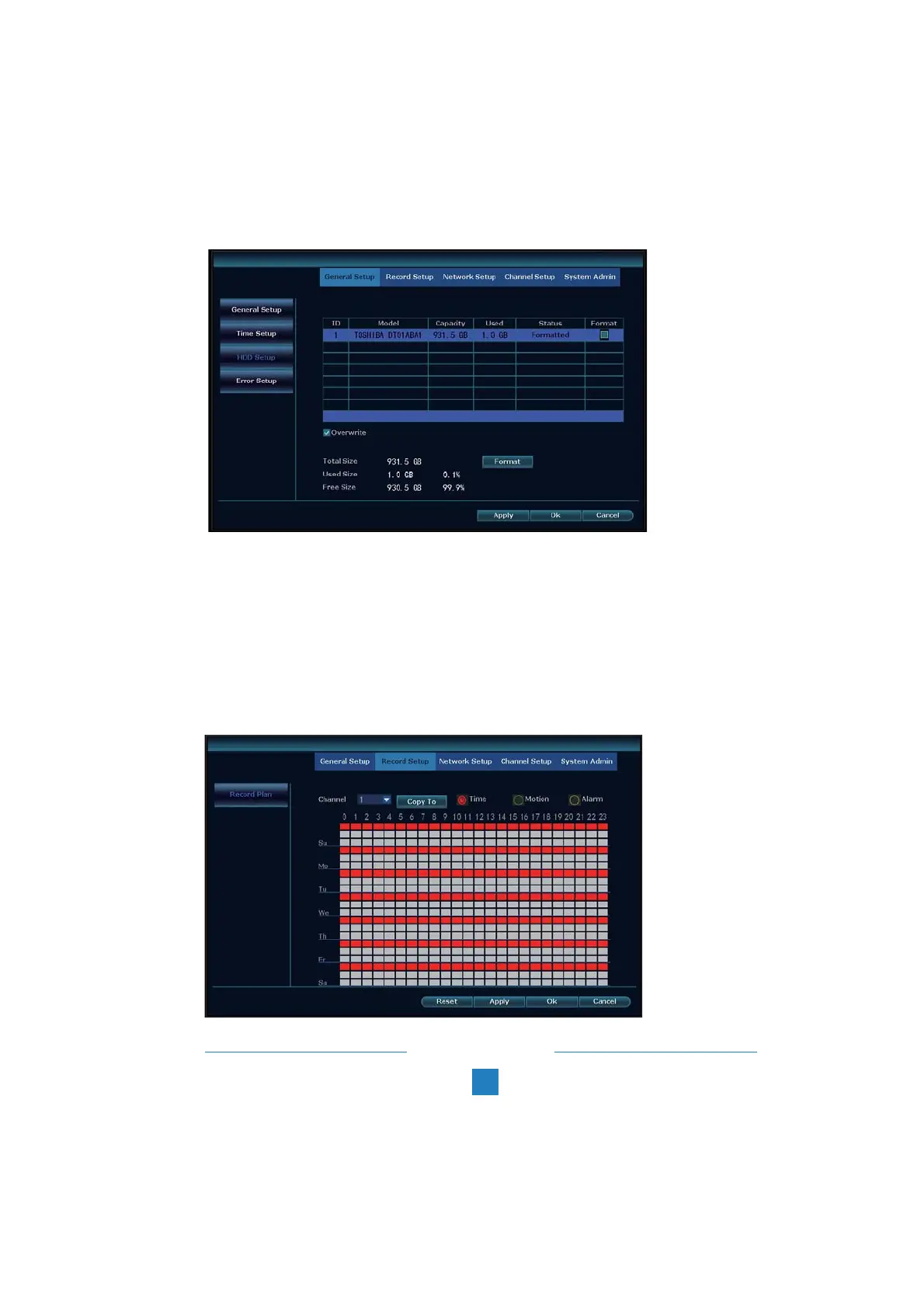
If you want to do different record settings for different channels. Choose the Channel NO. and
then change the record setting according to your preference and apply the changes.
2. Record video
Right click the mouse > System Setup > Record Setup > Choose the channel number > then
you can choose the video record types: time, motion or alarm and then choose the hours of days
for it to record > Copy to > All > Ok.
To get better wireless signal, it is better to place the NVR in open area and high position.



 To Next Page