5
support@techage.com
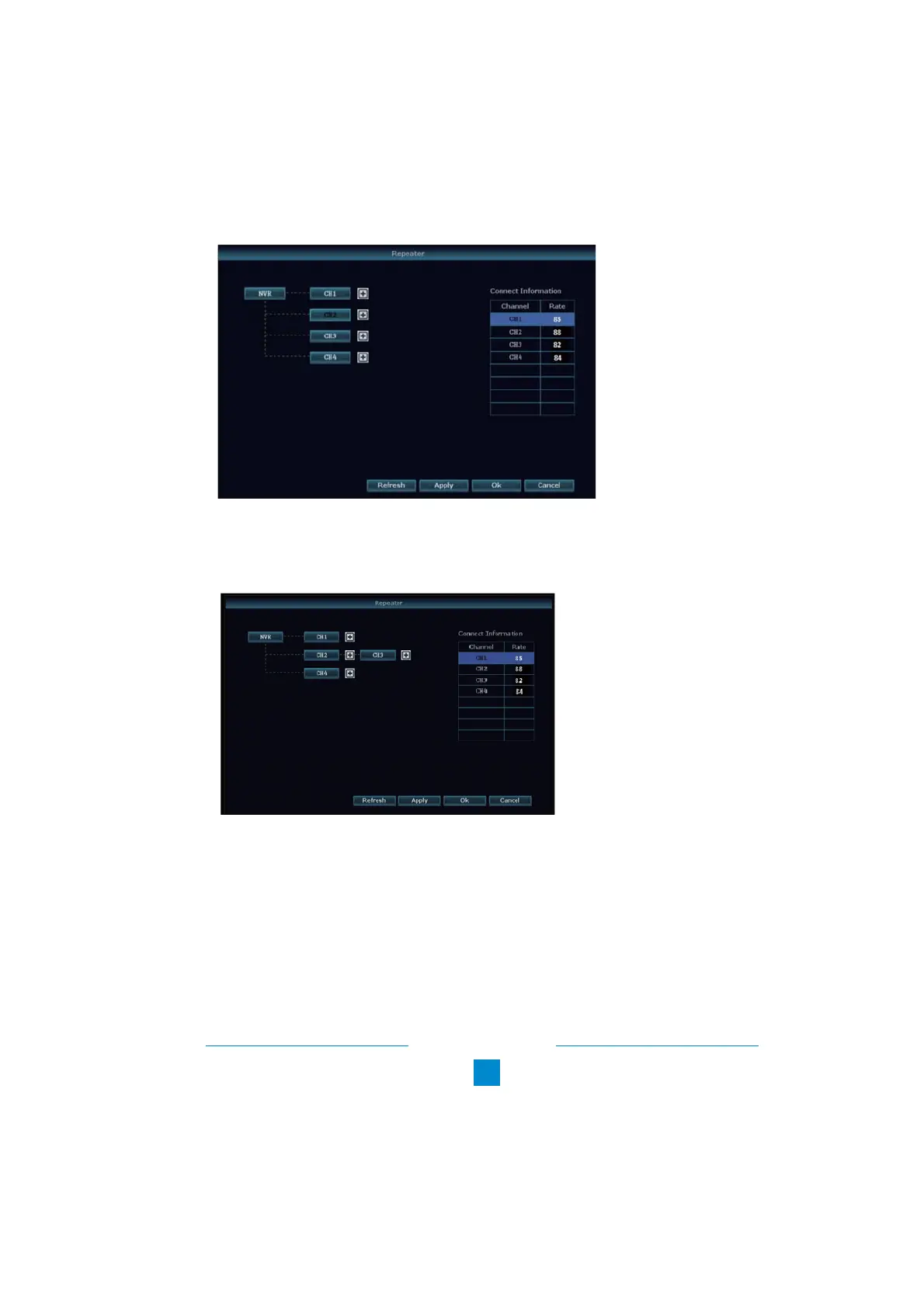
As picture shows below, click icon “ + ” after CH2 and choose CH3, that means CH2 can relay
CH3 and make CH3 a longer working distance.
Step 2: Add repeater
Step 3: Click “Apply” and then click “refresh” to check if the setting is successful.
4. Wired Connection
4.1 Use standard Network cables to connect the cameras to the Router
4.2 After connecting the camera to the router, please right click the mouse > Video
Manage > Refresh > Auto Add. The camera will be added to NVR, and the screen will display
the camera video.
If camera mounting spot is still out of WiFi range even after step 3.above, you need to connect
cameras to NVR with wired cables to get video.



 To Next Page