To Reset the Inverter
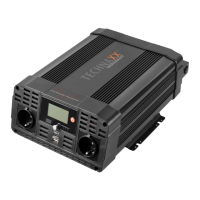
1. Turn off the Inverter using the ON/OFF switch on the Inverter, depending
upon how the Inverter was controlled.
2. Unplug all devices.
3. Turn the Inverter back on using the ON/OFF switch on the Inverter. Before
devices are reconnected, verify the total wattage of the devices to ensure they
are less than the rating of the Inverter.
TROUBLESHOOTING
Problem Situation Action
No Power on Fault
connection
Turn the Inverter power switch off; Verify
cable are tightly connected to the Inverter
and the power Source
Voltage
Recharge or replace battery
Equipment
much power
Allow Inverter to cool down. Ensure
Inverter. Ensure that load is no more than
operation
immediately
vol
raised
Recharge/Replace battery or add
additional batteries. Run the vehicle
engine when using a 12V DC plug
ala
the time
voltage drops
Replace battery
Inadequate
voltage drops
Check condition of battery cables and
cable leads. Clean or replace as
necessary
output
Battery
be poor
Recharge or replace a battery


 To Next Page