EasyManua.ls Logo

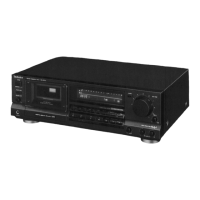
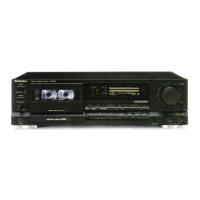
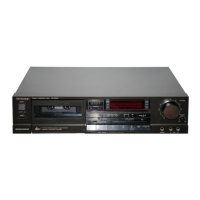
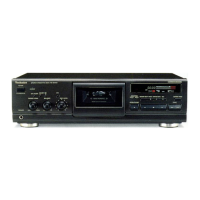
Technics RS-BR465 - Timer Recording and Playback; Timer Recording Setup; Timer Playback Setup

Technics RS-BR465
18 pages
Print Icon
To Next Page IconTo Next Page
To Previous Page IconTo Previous Page
Loading...
Timer
Recording/Playback
Technics
Stereo
Cassette
Deck
AS-BR465
power
[=
ail
operation
peak
fevet
meter(dB)
b>
jeft
XstandbyOson
nas
right
Jape
counter
|
Li
WW Lt
asic
©[
|0
a
a)
Haadroom
Extension
HX
PRO
<j
autoneverse
[>
|
DU
ais
are
tars
ro!
inter
memory
move
PX
IMer
nose
ceducnon
wo
Tt
oC}
Dalby
MR—
1
]
[
1
ae
}
y
ston
(cur/review)
rt,
eee
oacainate
ait
ba.
[
ie
a
Quick
Reverse/CD
Synchro
Edit
phones
tS
iomeneee)
Otimer
rec
pf
play
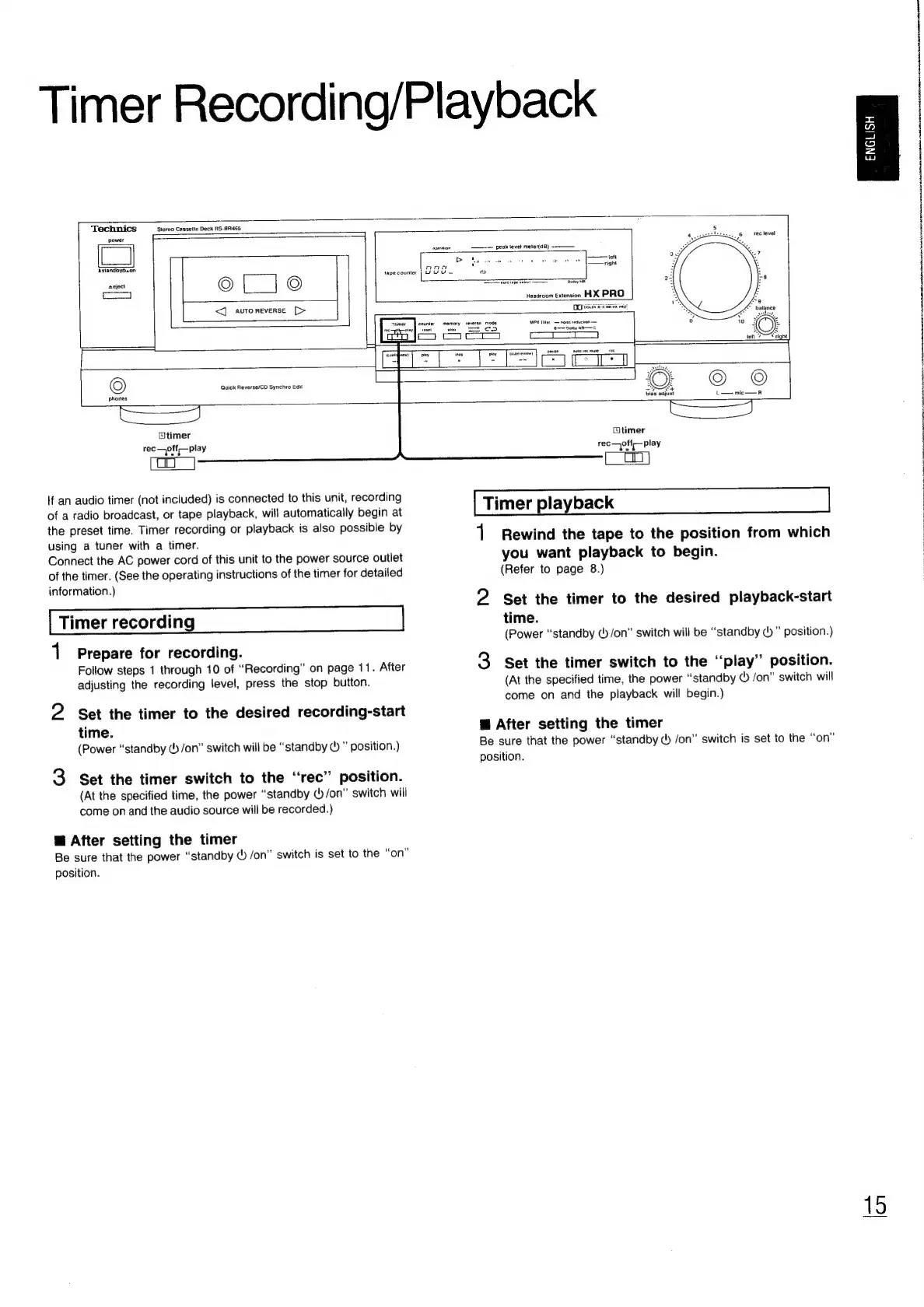
If
an
audio
timer
(not
included)
is
connected
to
this
unit,
recording
of
a
radio
broadcast,
or
tape
playback,
will
automatically
begin
at
the
preset
time.
Timer
recording
or
playback
is
also
possible
by
using
a
tuner
with
a
timer.
Connect
the
AC
power
cord
of
this
unit
to
the
power
source
outlet
of
the
timer.
(See
the
operating
instructions
of
the
timer
for
detailed
information.)
Timer
recording
1
2
3
Prepare
for
recording.
Follow
steps
1
through
10
of
“Recording”
on
page
11.
After
adjusting
the
recording
level,
press
the
stop
button.
Set
the
timer
to
the
desired
recording-start
time.
(Power
“standby
&
/on”
switch
will
be
“standby
©
position.)
Set
the
timer
switch
to
the
“rec”
position.
(At
the
specified
time,
the
power
“standby
(/on”
switch
will
come
on
and
the
audio
source
will
be
recorded.)
@
After
setting
the
timer
Be
sure
that
the
power
“standby
©
/on”
switch
is
set
to
the
“on”
position.
timer
rec
—pff—play
Timer
playback
1
Rewind
the
tape
to
the
position
from
which
you
want
playback
to
begin.
(Refer
to
page
8.)
Set
the
timer
to
the
desired
playback-start
time.
(Power
“standby
(b/on”
switch
will
be
“standby
()
position.)
Set
the
timer
switch
to
the
‘‘play”
position.
(At
the
specified
time,
the
power
“standby
&
/on”
switch
will
come
on
and
the
playback
will
begin.)
Bi
After
setting
the
timer
Be
sure
that
the
power
“standby
@
/on”
switch
is
set
to
the
“on”
position.
ENGLISH

Related product manuals