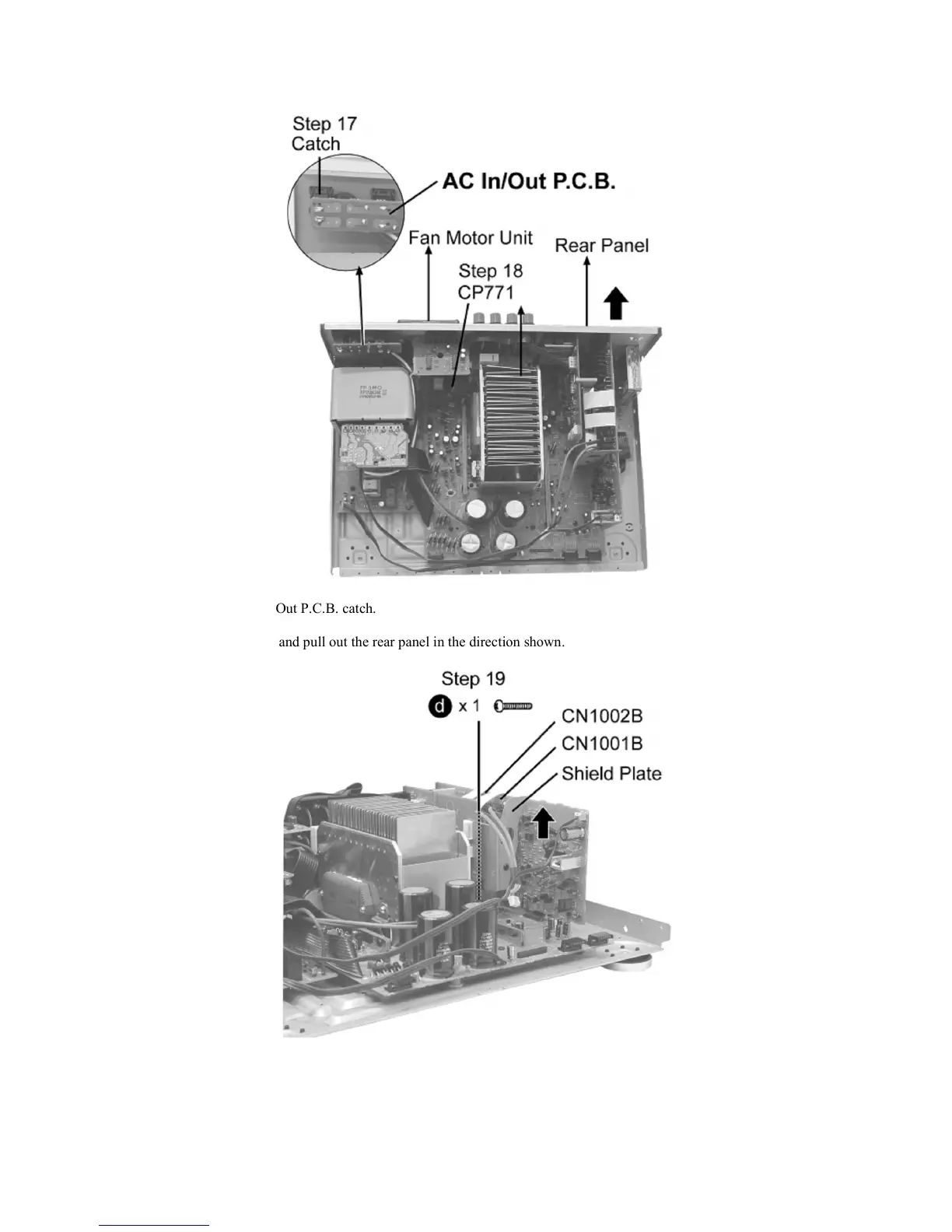
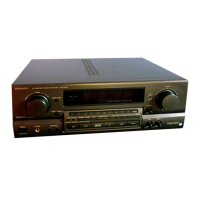
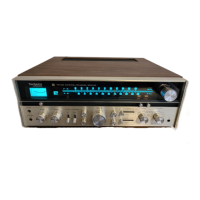
Step 16 Remove all the screws.
Step 17 Release the AC In/Out P.C.B. catch.
Step 18 Release the CP771 and pull out the rear panel in the direction shown.
Step 19 Remove the screw, CN1001B, CN1002B and Shield Plate.
pagina 7 van 11
29-11-2012file:///H:/Audio%20nieuw/T/Technics/viewing/SGML_VIEW_DATA/NA/SA-DA15...


 To Next Page