EasyManua.ls Logo

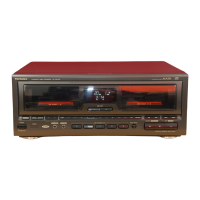
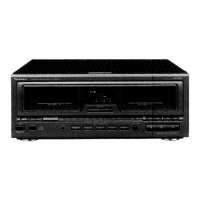
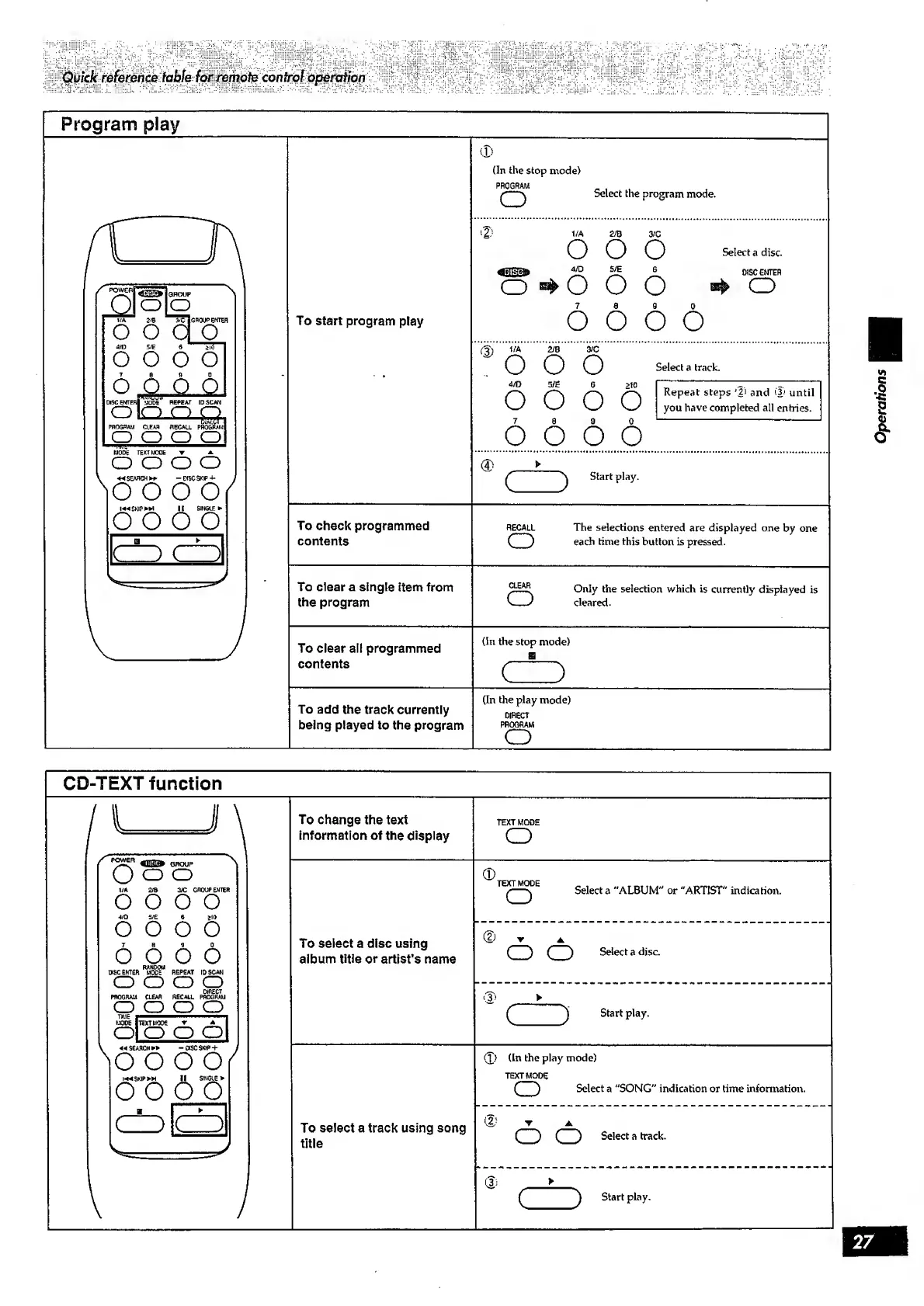
Technics sl-mc410 - Quick reference table for remote control operation; Program play; CD-TEXT function

Technics sl-mc410
32 pages
Print Icon
To Next Page IconTo Next Page
To Previous Page IconTo Previous Page
Loading...
Quick
reference
table
for
remote
control
operation
Program
play
To
check
programmed
contents
To
clear
a
single
item
from
the
program
To
clear
ail
programmed
contents
(In
the
stop
mode)
PROGRAM
o
Selectthe
program
mode.
1/A
2/0
3/C
O
O
O
4/D
S/E
6
o
o
o
7
8
9
0
o
o
o
o
Select
a
disc.
(3)
1/A
2/B
3/C
'OOO
Select
a
track.
4/D
5/E
6
>10
I
I
O
/
'-'n
y-—s
Repeat
steps
'2)
and
'3'
until
>—
'—'
—>
you
have
completed
all
entries.
7
8
9
0
---
oooo
®
f
\
Start
play.
RECALL
The
selections
entered
are
displayed
one
by
one
O
each
time
this
button
is
pressed.
Only
the
selection
which
is
currently
displayed
is
V—/
cleared.
(In
the
stop
mode)
(In
the
play
mode)
To
add
the
track
currently
D|flecT
being
played
to
the
program
p
rogra
m
CD-TEXT
function
To
change
the
text
information
of
the
display
To
select
a
disc
using
album
title
or
artist’s
name
To
select
a
track
using
song
title
Select
a
"ALBUM"
or
"ARTIST"
indication.
CD
CD
Select
a
disc.
(J)
(In
the
play
mode)
TE
XT
MO
DE
CD
Select
a
"SONG"
indication
or
time
information.
o
o
Select
a
track.
Operations

Related product manuals