EasyManua.ls Logo

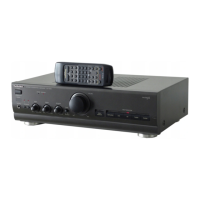
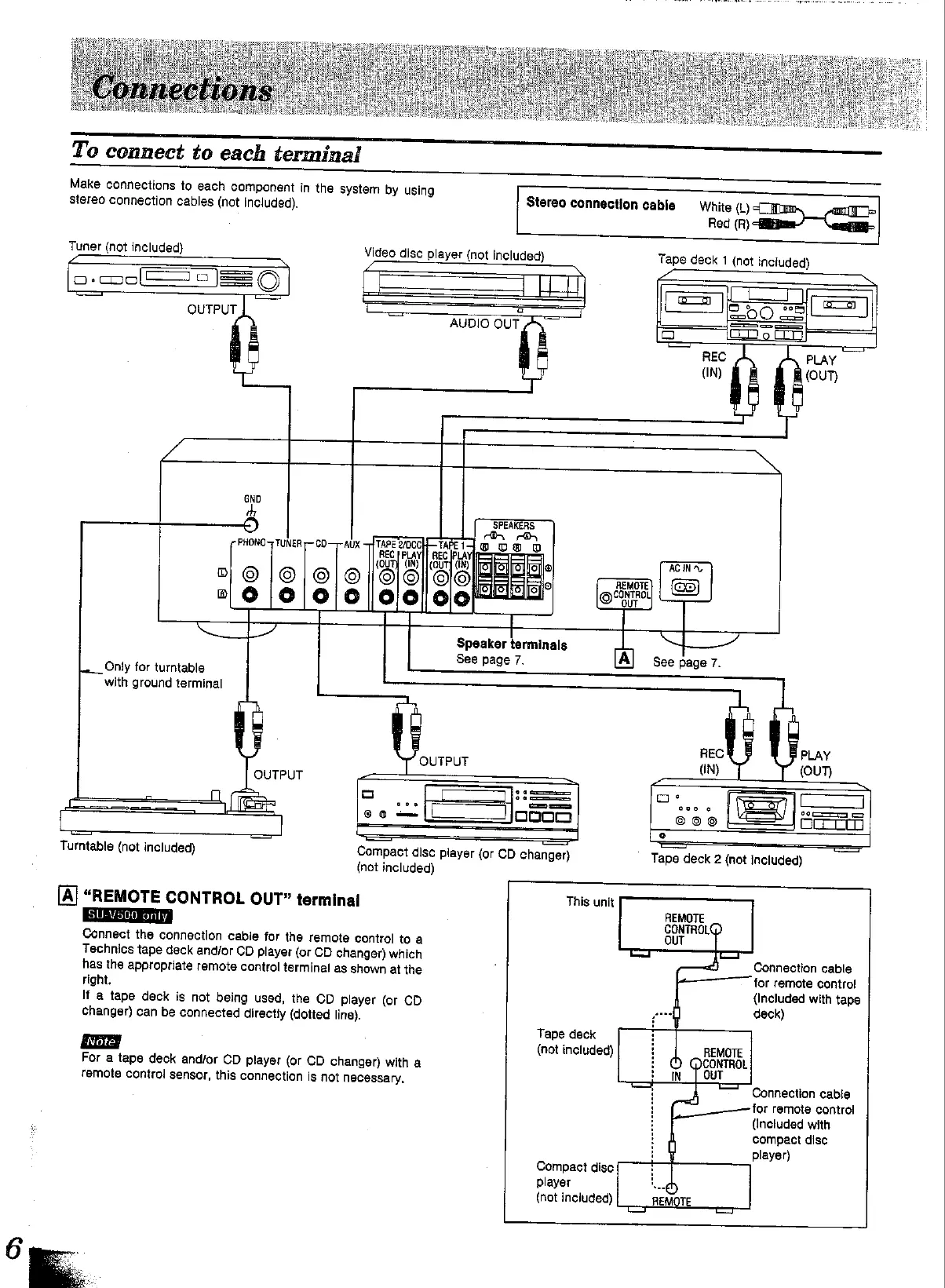
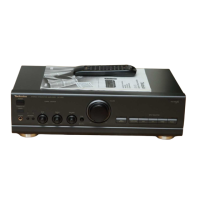
Technics SU-V500 - System Connections Guide; Connecting External Audio Components; Remote Control Output Terminal Functionality

Technics SU-V500
16 pages
Print Icon
To Next Page IconTo Next Page
To Previous Page IconTo Previous Page
Loading...
To
Make
connections
to
each
component
in
the
system
by
using
Stereo
connection
cables
(not
included)
connect
to
each
terminal
Tuner
(not
included}
[o-co0
Cas
==
6]
Video
disc
player
(not
included)
Stereo
connection
cable
White
(L)
Red
(R)
Tape
deck
1
(not
included)
:
|
ic-
ma
=
OUTPUT
@
7
2
oO
25
AUDIO
OUT
5
i
aa
oF
t
mJ
REC
PLAY
(IN)
(OUT)
GND
th
SPEAKERS
faa)
PHONO
TUNER
-~CD—-
AUX
{TAPE
2/0CCH-TAPEII
OD
DO
O
REC
|
PLayl|
REC
PLA
{QUT}
CIN)
||
COUT]
(IN)
aliatiolle
AC
IN,
|
©
|©|
|
O}/
OO]
QORSEa.
BO
|\S/Siclaeico
Onur
Speaker
terminals
a,
See
page
7.
See
page
7.
Only
for
turntable
with
ground
terminal
REC
PLAY
OUTPUT
(iN)
(OUT)
OUTPUT
f
6
deme
°
—=
7
1
fe.
2
=|
=
|
=
Co
=|
ooom
Goo
Oe
Turntable
(not
included)
Compact
disc
player
(or
CD
changer)
(not
included)
OTE
CONTROL
OUT”
terminal
1
only
(al
“REM
This
unit
Ss
Connect
the
connection
cable
for
the
remote
control
toa
Technics
tape
deck
and/or
CD
player
(or
CD
changer)
which
has
the
appropriate
remote
control
terminal
as
shown
at
the
right.
If
a
tape
deck
is
not
being
used,
the
CD
player
(or
CD
Changer)
can
be
connected
directly
(dotted
line).
For
a
tape
deck
and/or
CD
player
(or
CD
changer)
with
a
remote
control
sensor,
this
connection
is
not
necessary,
Tape
deck
(not
included)
Compact
disc
player
(not
included)
Tape
deck
2
(not
included)
REMOTE
CONTROL@
OUT
Connection
cable
for
remote
contro!
{Included
with
tape
deck)
Connection
cable
for
remote
control
(Included
with
compact
disc
player)

Other manuals for Technics SU-V500

Related product manuals