ZOOM AND PAN
Press the key to cycle the picture size:
→ x2→ x4 → x8→x16 →Normal...
EnteringZOOMmodeautomaticallypausestheslideshow.
When the Zoom is positive (i.e greater than 1)
• Press the keys to pan the picture to left or right
• Press the keys to pan the picture up or down
• Press the OK key again to resume normal slideshow play.
TheZoomviewisresettoNormalwhenyourestarttheslideshow.
CHANGING THE ASPECT RATIO
• Press the key to change the aspect ratio from 4:3 to 16:9.
What does this mean? Mostdigitalcamerastakepicturesintheratio
4:3. This is also the ratio of the frame. If a picture is in “widescreen”
mode (16:9), pressing the key will increase the picture’s height to
t the frame screen, though the sides may be cropped.
Youcanalsousethiskeytochangetheratiotheotherway.Thepicture
will be compressed sideways to t the screen though in this case you
may see black bars above and below the picture.
Press the key again to restore normal screen size.
Note: This feature can only be be used when a picture is larger than
theframe(i.ehasaresolutionabove800*600).Ifapictureisfully
visibleintheframe(resolutionbelow800*600)thekeyhasnoeect.
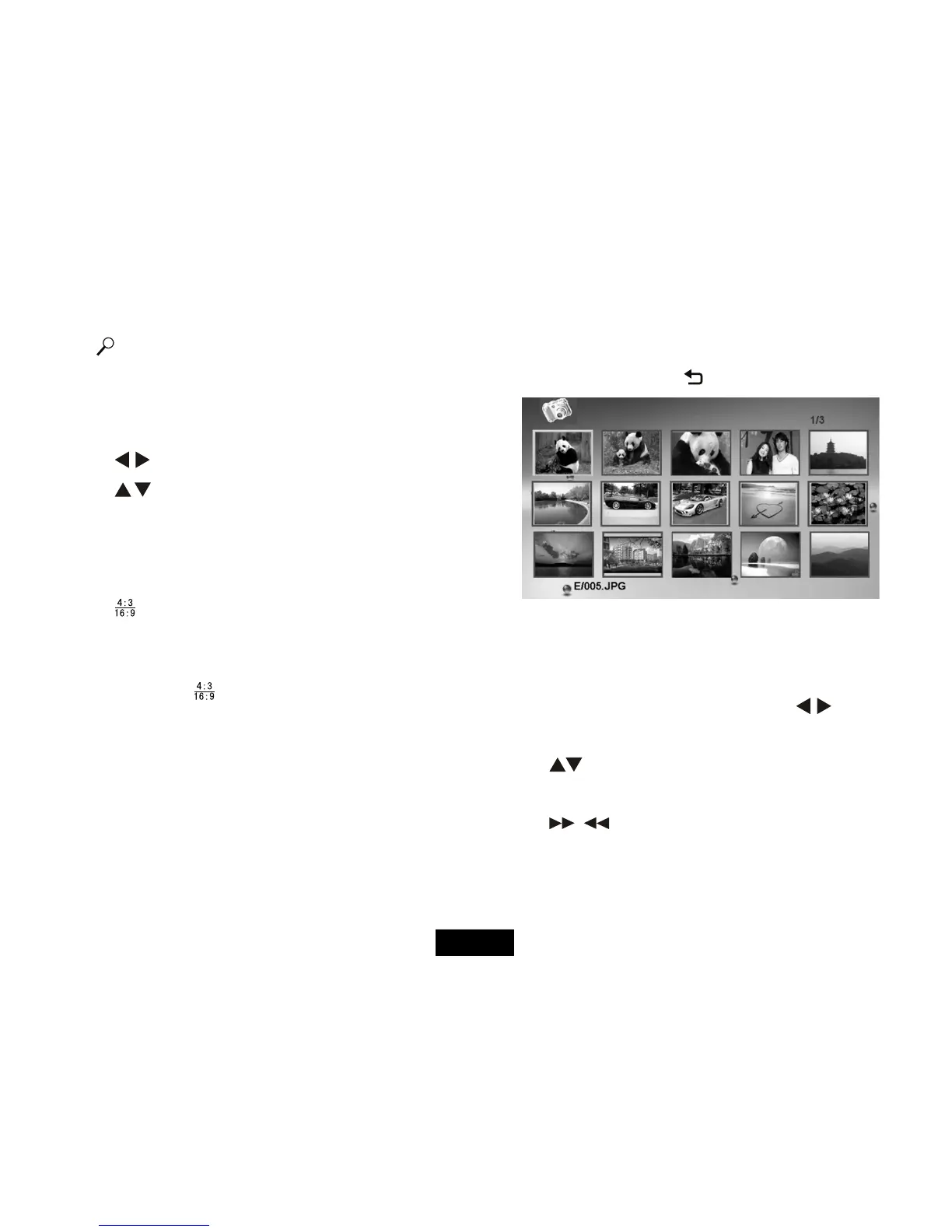
THUMBNAIL MODE
You can enter thumbnail mode in two ways:
During a Slideshow: Press the key
The pictures display in pages of 15 thumbnails. The picture you were
viewing is highlighted. Picture details appear at the bottom left. The
number of pages of thumbnails appears at the top right.
To move back or forward one picture: Press the keys.
Tomovetothenext/previousrowof5thumbnails:
Press the keys
Tomovetothenextorpreviouspageofthumbnails:
Press the / keys
To view a picture: Selectthepicture;PressOK
Thepicturedisplaysinpausemode.Youcannowbrowsethepictures
inPausemodeorpressOKtoreturntotheslideshow(SeeP10)
Page 11



 To Next Page