105
DE
EN
FR
NL
Never place the remote control on extremely hot or very wet surfaces.
5.4 General device functionality
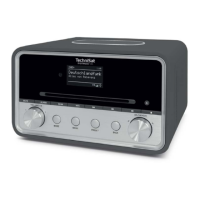
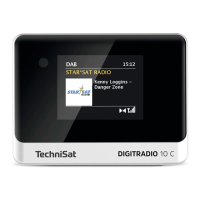
5.4.1 Switching on the device
> First prepare the DIGITRADIO 10 C for operation as described in Sections 5.3.1
and 5.3.4.
> Press the On/Standby buon (18) on the remote control to turn on the
DIGITRADIO 10 C.
Aer switching on for the first time, you must first specify the [Language].
Use the or buons to select one of the available languages and confirm
by pressing the OK buon. The device then automatically performs a
complete scan in DAB mode. While scanning, the display information shows
the progress as well as the number of digital radio stations detected. Aer
completing the station scan the first DAB+ channel is played.


 To Next Page
 Loading...