110
5.4.5.2 Slide show
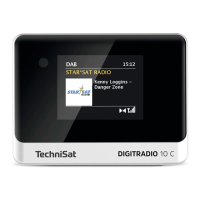
Some DAB+ broadcasters broadcast additional information such as the album cover
of the current track, adverts or weather information. The size of the window can be
set using the Play/Pause buon (24) or in the menu under [Display Seings] >
[Picture Size].
6 Menu navigation
All the DIGITRADIO 10 C functions and seings are accessed via the menu. Menu
navigation takes place using the MENU BACK, / and OK buons. The menu is
divided into submenus and, depending on the selected source, contains dierent
menu items or functions that can be enabled. To open the menu, simply press
the MENU buon briefly. To change to submenus, first press the / buons to
display a submenu, then press the OK buon to access the submenu. An asterisk (*)
highlights the current selection.
Closing a menu: Press the MENU or BACK buon several times (depending on
which submenu you are in) until the current radio station is displayed again.


 To Next Page
 Loading...