127
DE
EN
FR
NL
11 Internet radio
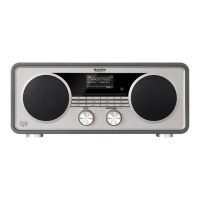
The TECHNIRADIO 6 IR is equipped with an Internet radio receiver. In order to receive
Internet radio stations/channels, you need an Internet connection using a connection
to a wireless network via a WLAN router.
> Press the MODE buon and use the SELECT knob to select [Internet Radio].
If you start the Internet radio mode for the first time without having
configured a WLAN connection during the initial set-up, the search wizard
appears showing you all the WLAN stations within range. Select the WLAN
network you are familiar with by turning and then press the SELECT knob.
Then select [skip WPS] and enter the relevant password for your WLAN
connection on the displayed keyboard. Then select and press the
SELECT knob. If the password entered is correct, a connection to the network
is now established.


 To Next Page
 Loading...