The
t
i
m
e
zone
d
e
f
a
u
l
t
i
s
"
0
”
hour. To
set
a
d
i
ff
e
r
e
n
t
t
i
m
e
zon
e
:
1. The current
t
i
m
e
zone
v
a
l
u
e
starts
f
l
a
s
h
i
ng.
2.
Use
the + key to
set
the
t
i
m
e
zone. The
range runs
f
r
o
m
0, -1, -2…
-12, 12, 11, 10… 2, 1, 0,
i
n
con
s
e
cu
t
i
v
e
1-hour
i
n
t
e
rv
a
l
s
.
3.
C
on
f
i
r
m
w
i
t
h
the SET key and enter the Time
r
ece
p
t
i
on
O
n
/
O
ff
s
e
tt
i
ng
.
TIME
RECE
P
T
I
O
N
ON/OFF
S
E
TT
I
N
G
f
l
a
s
h
i
ng
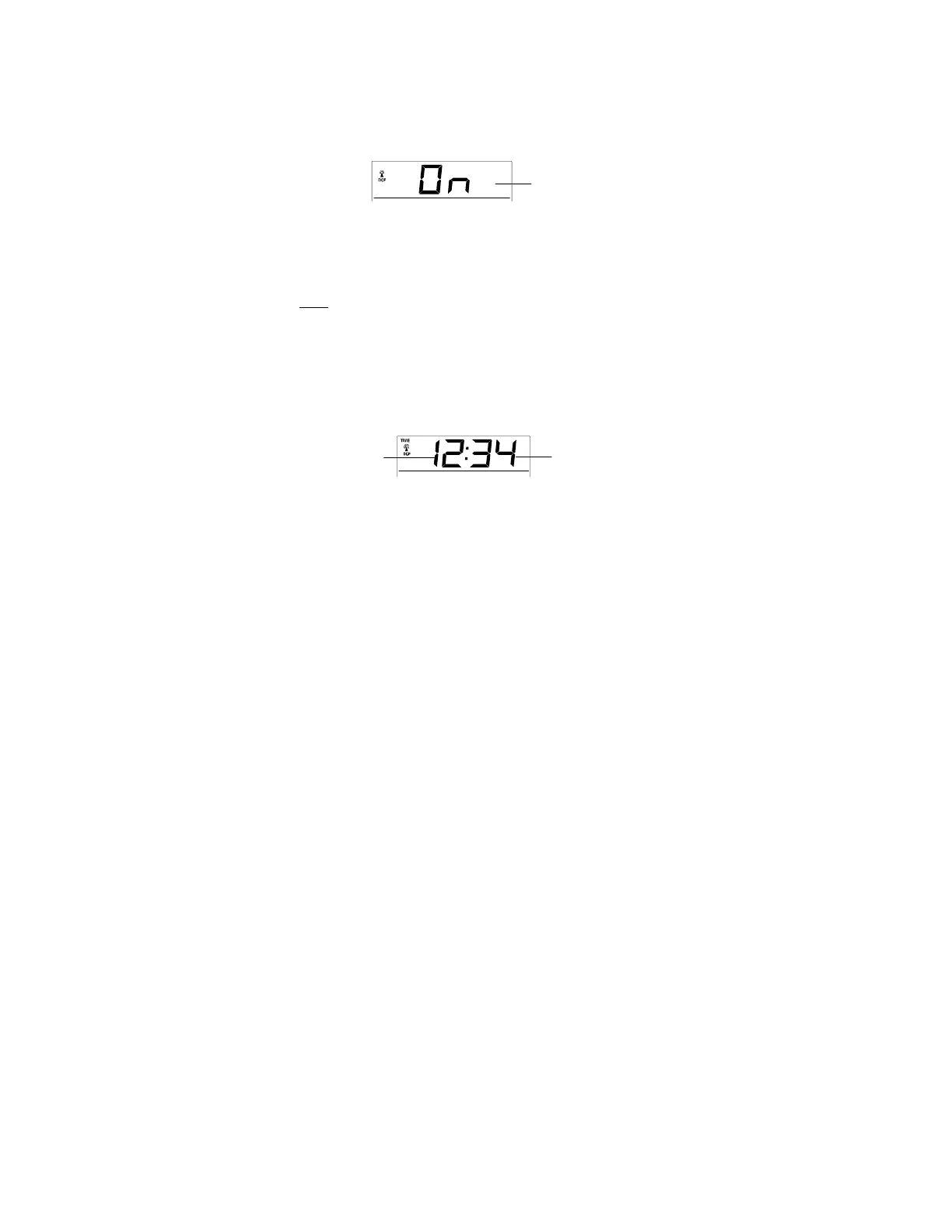
In
area
where
r
e
c
e
p
t
i
on
of
the
r
a
d
i
o
-
con
tr
o
ll
e
d
t
i
m
e
(DCF
t
i
m
e
)
i
s
no
t
po
ss
i
b
l
e
,
the
t
i
m
e
r
e
c
e
p
t
i
on
f
unc
t
i
on
can be turned OFF. The
c
l
oc
k
w
ill
then work
as
a
no
r
m
a
l
Quartz
c
l
oc
k
.
(D
e
f
a
u
l
t
s
e
tt
i
ng
i
s
O
N)
.
1.
“
O
n
”
will
start
f
l
a
s
h
i
ng
on the
L
C
D
.
2.
Use
the + key to turn OFF the
t
i
m
e
r
e
c
e
p
t
i
on
f
unc
t
i
on
if
n
e
c
e
ss
a
ry
.
3.
C
on
f
i
r
m
w
i
t
h
the SET key and enter the
M
a
nu
a
l
time
s
e
tt
i
ng
.
N
o
t
e
:
If
the
T
i
m
e
R
e
c
e
p
t
i
on
f
unc
t
i
on
i
s
turned OFF
m
a
nu
a
ll
y
,
the
c
l
oc
k
will
no
t
attempt
any
r
e
c
e
p
t
i
on
of
the
r
a
d
i
o
-
con
tr
o
ll
e
d
t
i
m
e
(DCF
t
i
m
e
)
as
l
ong
a
s
the
T
i
m
e
R
e
c
e
p
t
i
on
OFF
f
unc
t
i
on
i
s
a
c
t
i
v
a
t
e
d.
The
T
i
m
e
R
e
c
e
p
t
i
on
i
con
and the DCF
i
con
will
not be
d
i
s
p
l
a
y
e
d
on the
L
C
D
.
MANUAL
TIME
S
E
TT
I
N
G
In
case
the
Weather
s
t
a
t
i
on
i
s
not
a
b
l
e
to
detect
the
r
a
d
i
o
-
con
tr
o
ll
e
d
t
i
m
e
(DCF
t
i
m
e
)
s
i
gn
a
l
(due to
d
i
s
t
u
r
b
a
nc
e
s
,
tr
a
n
s
m
i
tt
i
ng
d
i
s
t
a
nc
e
,
etc.),
t
h
e
t
i
m
e
can be
m
a
nu
a
ll
y
set.
The
c
l
oc
k
will
then work
as
a
no
r
m
a
l
Quartz c
l
oc
k
.
Hours
(
f
l
a
s
h
i
ng
)
M
i
nu
t
e
s
(
f
l
a
s
h
i
ng
)
30





 To Next Page