EasyManua.ls Logo

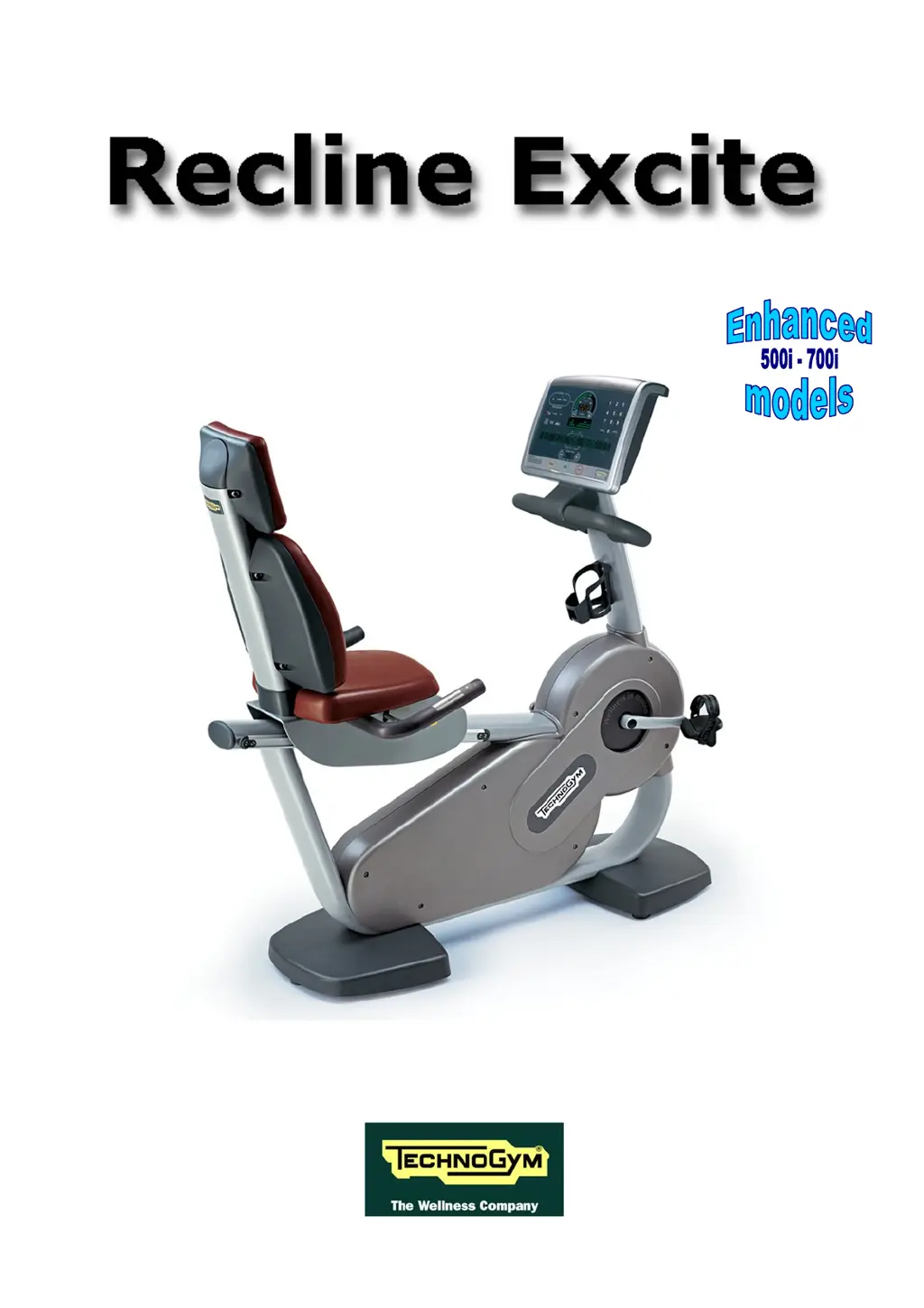
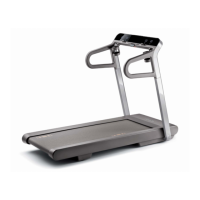
Technogym Recline 700 - User Manual

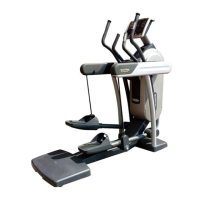
Technogym Recline 700
182 pages
Print Icon
To Next Page IconTo Next Page
Loading...
SERVICE & MAINTENANCE MANUAL
REV. 2.4

Table of Contents

Questions and Answers

  • K
    Katherine RiveraAug 6, 2025
    What does COMx error mean in Technogym Recline 700 serial ports test?
    • J
      Jessica MillerAug 6, 2025
      A "COMx error, press Enter to continue" message during the Serial Ports Test indicates a negative test outcome. The message specifies COM1 for the CSafe COM test, COM2 for low kit communications, or COM3 for the TGS COM test.
  • M
    Mallory HoganAug 20, 2025
    Why does Technogym Recline 700 Fitness Equipment show 'Test Successful' during the Serial Ports Test?
    • J
      Jack BushAug 20, 2025
      A "Test Successful, press Enter to continue" message during the Serial Ports Test means that the test was completed successfully, indicating that communications on the selected serial port are functioning correctly. However, a failed "TGS COM test" may occur on machines without a key reader, and a failed "CSafe COM test" may occur if the CSafe port isn't properly connected to the monitor plug.

Summary

INSTALLATION INSTRUCTIONS

SPECIFICATIONS AND REQUIREMENTS

General requirements for correct machine installation, including surface, environment, and placement near sources.

INSTALLATION

Step-by-step instructions for correctly installing the machine, covering positioning and connections.

FIRST POWER-ON

Procedures for initial machine power-on, including self-tests and operational checks for correct functioning.

TROUBLESHOOTING

SERVICE TROUBLESHOOTING MENU

Accessing diagnostic menus for troubleshooting, with distinct procedures for 500 and 700 models.

THE DISPLAY FAILS TO ILLUMINATE

Troubleshooting guide for display issues, with flowcharts and checks for power supply and fuses.

ERROR DETECTED BY BRAKE BOARD

Details error codes detected by the brake board, their meanings, and troubleshooting steps.

ADJUSTMENTS

MACHINE CONFIGURATION

USER MENU CONFIGURATION FOR 700 MODELS

Configure user settings for 700 series models, including language, distance, and exercise parameters.

USER MENU CONFIGURATION FOR 500 MODEL

Configure user settings for 500 series models, covering language, distance, and default user parameters.

SERVICE MENU CONFIGURATION

Access technical service menus for machine configuration, diagnostics, and system settings.

SCHEDULED MAINTENANCE

TWICE-YEARLY MAINTENANCE OPERATIONS

Bi-annual operations for qualified technicians, checking mechanical components for safe and correct operation.

Technogym Recline 700 Specifications

General IconGeneral
BrandTechnogym
ModelRecline 700
CategoryFitness Equipment
LanguageEnglish

Related product manuals