53
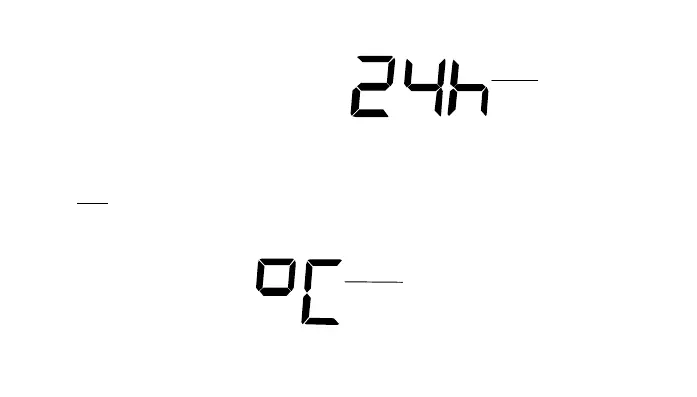
12/24 HOUR TIME DISPLAY SETTING
1. After setting time reception ON/OFF, press the SET key, “12h” or “24h” flashes in the LCD. (default
24 h)
2. Press the + key to select the “12h” or “24h” display mode.
3.
Press the SET again to confirm and to enter the “°C/°F Temperature unit setting”.
Note: When 24h mode display is selected, the calendar format will be "Day. Month." display. When 12h
mode display is selected, the calendar format will be "Month. Day." display.
°C/°F TEMPERATURE UNIT SETTING
flashing
flashing











 To Next Page