IZI Technology Inc, 3651 Pegasus Dr. Ste. 117 Bakersfield, CA 93308 USA.
Tel: (661) 412-3494 -- email: sales@izitechnology.com
www.izitechnology.com
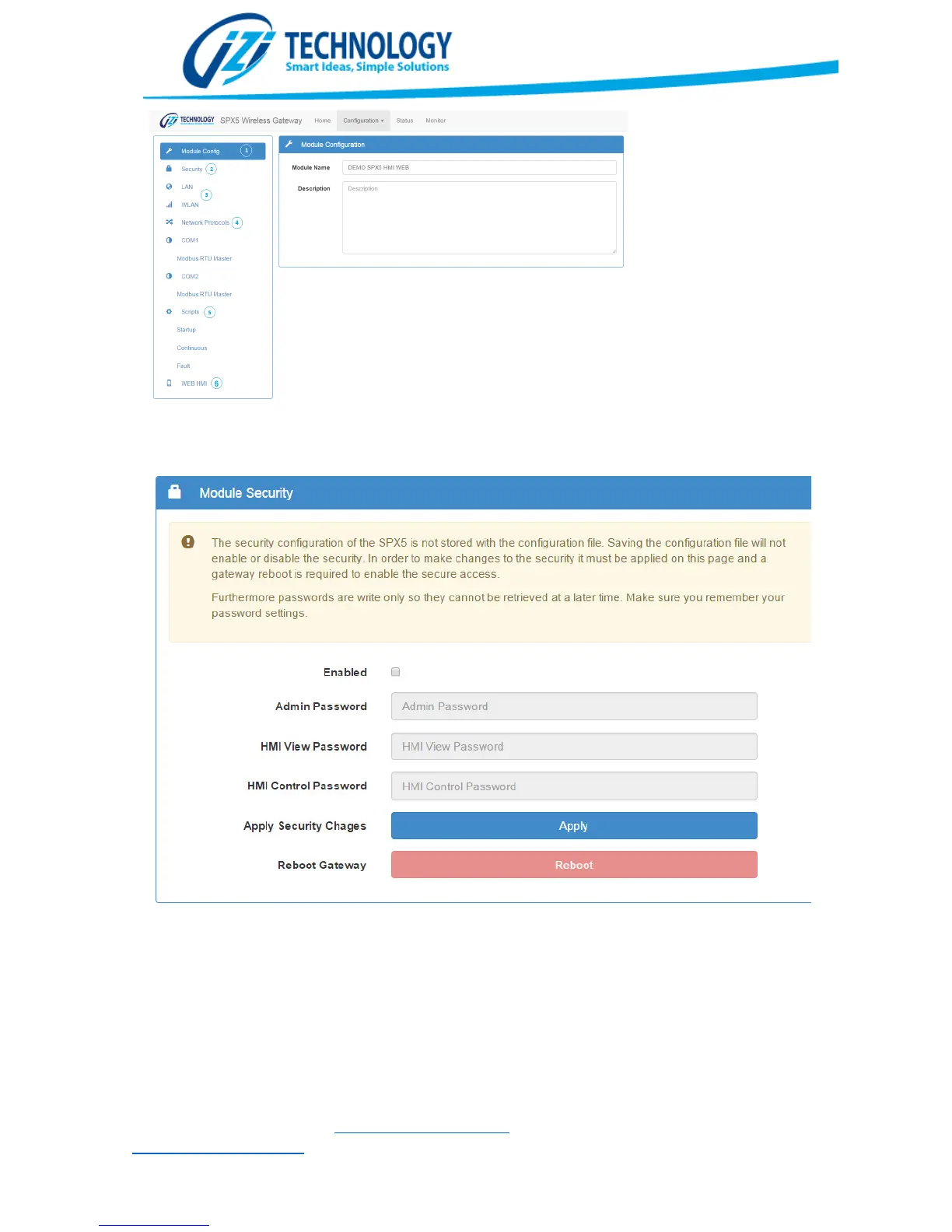
SPX5 Configuration Screen
Figura 13. SPX5 Security Configuration Screen.
Ethernet (LAN) and WiFi (WLAN) Configuration
The LAN interface (Wired Ethernet) is always enabled. The user must configure the IP Address,
network mask and default gateway. The user must carefully choose these values to allow the
SPX5 gateway to communicate through the hardwired Ethernet interface.


 To Next Page