21
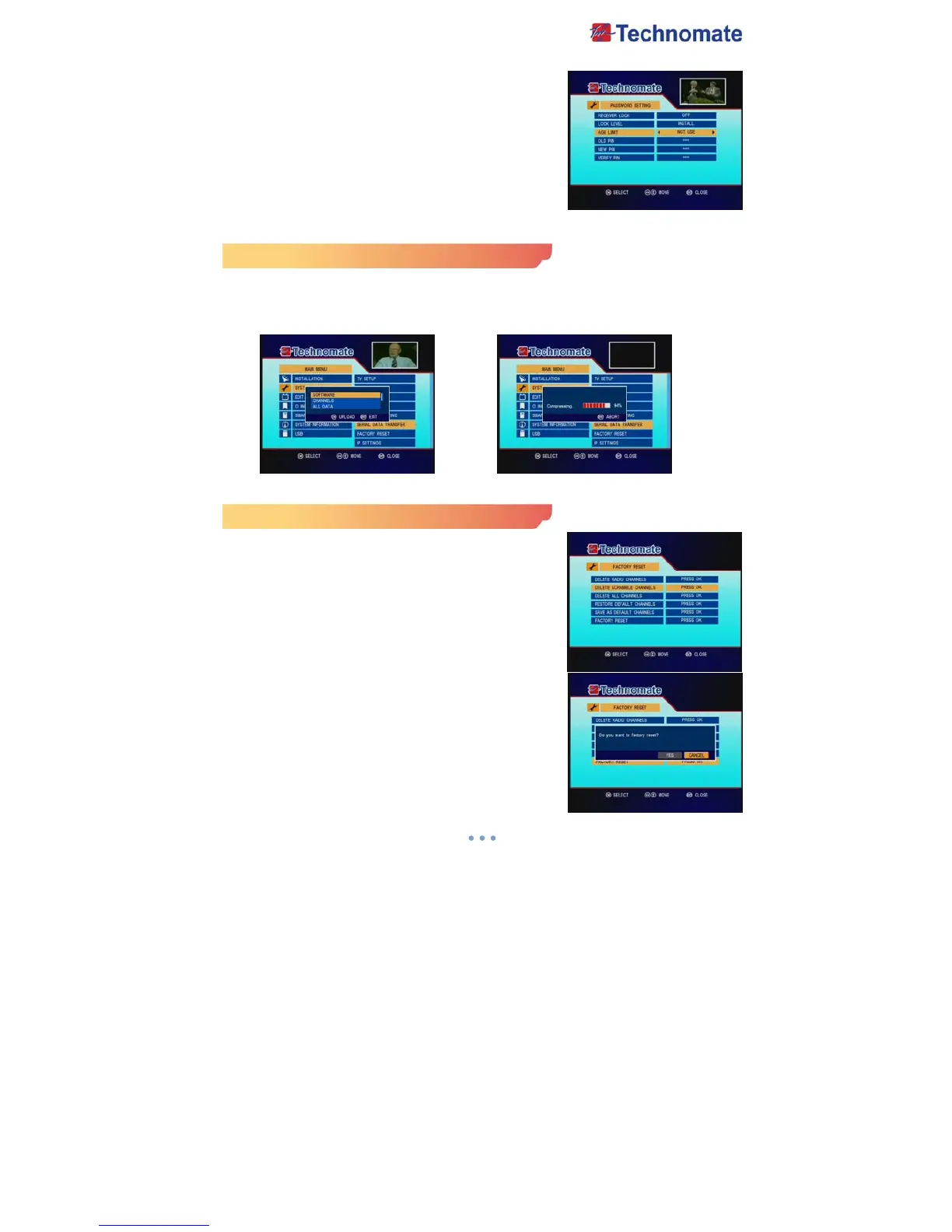
- Lock Level : If you select INSTALL, you will be asked to
enter PIN when you go to installation/edit
channels/EDIT button.
If you select MENU, you will be asked to
enter PIN when you go to menu.
- Age Limit : Prevents children or unauthorized people from
watching the specific programs.
(Not use/Every/4/7/13/16/18)
- Old Pin : Enter current password to change password.
- New Pin : Enter the new password you want to change.
- Verify Pin : Enter new password to confirm.
*Note : The default pin is 0000.
Serial Data Transfer
This submenu arrows you to transfer the software of a receiver to another receiver through RS-232.
- Software : Transfer the firmware of a receiver to another receiver.
- Channels : Transfer all channel data of a receiver to another receiver.
- All Data : Transfer all data ( Firmware + Channel Data) to another receiver.
Factory Reset
This sub-menu allows you to restore the factory setting if the
users encounters a problem after changing any settings.
- Delete Radio Channels : Erase all radio channels.
- Delete Scramble Channels : Erase all scramble channels.
- Delete All Channels : Erase all channels.
- Restore Default Channels : If you didn't save ‘Save As
Default Channels’, Factory default channels will be
restored.
If you saved channels as ‘Save As Default Channels’, your
saved channels will be restored.
- Save As Default Channels : Current channels can be
saved as default channels (max 20000 channels).
- Factory Reset : Erase all channels and restore factory
default setting.



 To Next Page