27
MP3 Menu
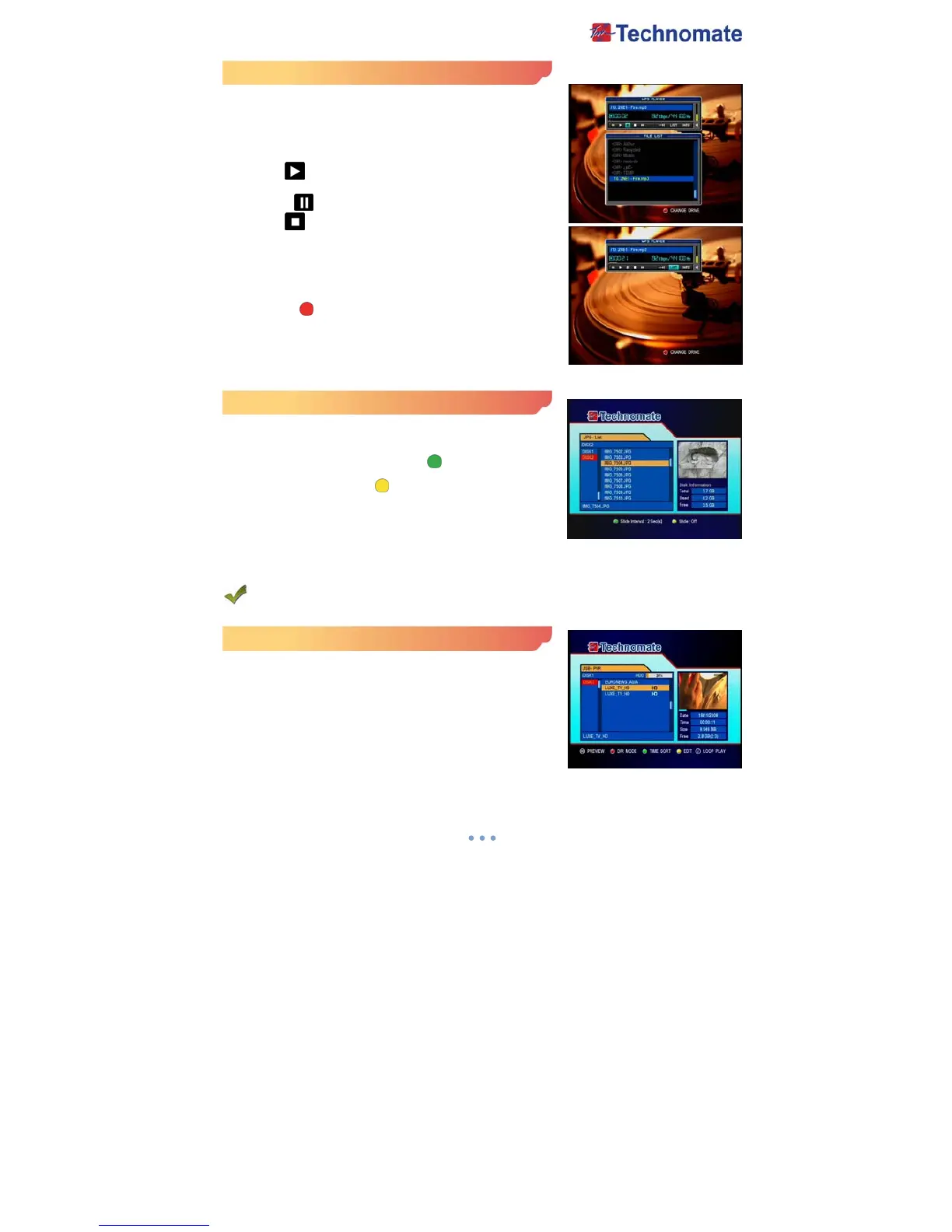
1. Use ▲/▼, OK button to select the MP3 file that you want to
listen
2. Use / button to select Icon in the MP3 Player box. ◀▶
3. Press the OK button to select a file.
- : ◀◀ Previous MP3 file is played.
- PLAY ( ) : Current MP3 file is played.
- : Next ▶▶ MP3 file is played.
- PAUSE ( ) : Current MP3 file is paused.
- STOP ( ) : Current MP3 file is stopped.
- REPEAT : Select One time / Repeat play for one file or
current folder.
- LIST : Open/Close the MP3 file list.
- INFO : Display MP3 file information.
4. Press RED( ) button to select Hard Disk or USB device.
JPEG Menu
1. Use / , ◀▶ ▲/▼, OK button to select a picture.
2. Press the OK button to display the picture.
- Slide Interval : Select GREEN ( ) to contrast viewing
time.(2/4/6/8/10/20)
- Slide : Select YELLOW ( ) to On/Off a slide functionality.
PVR Menu
USB - PVR
File Playback▶
1. Press the FILELIST button to open the file list. Select the file
you want to playback by using UP/DOWN & OK buttons.
2. Press the OK button, On the right side of screen, detailed
information about the selected file will be
displayed.(Recorded Date/Duration, File Size, Free Size/Free
Time)



 To Next Page