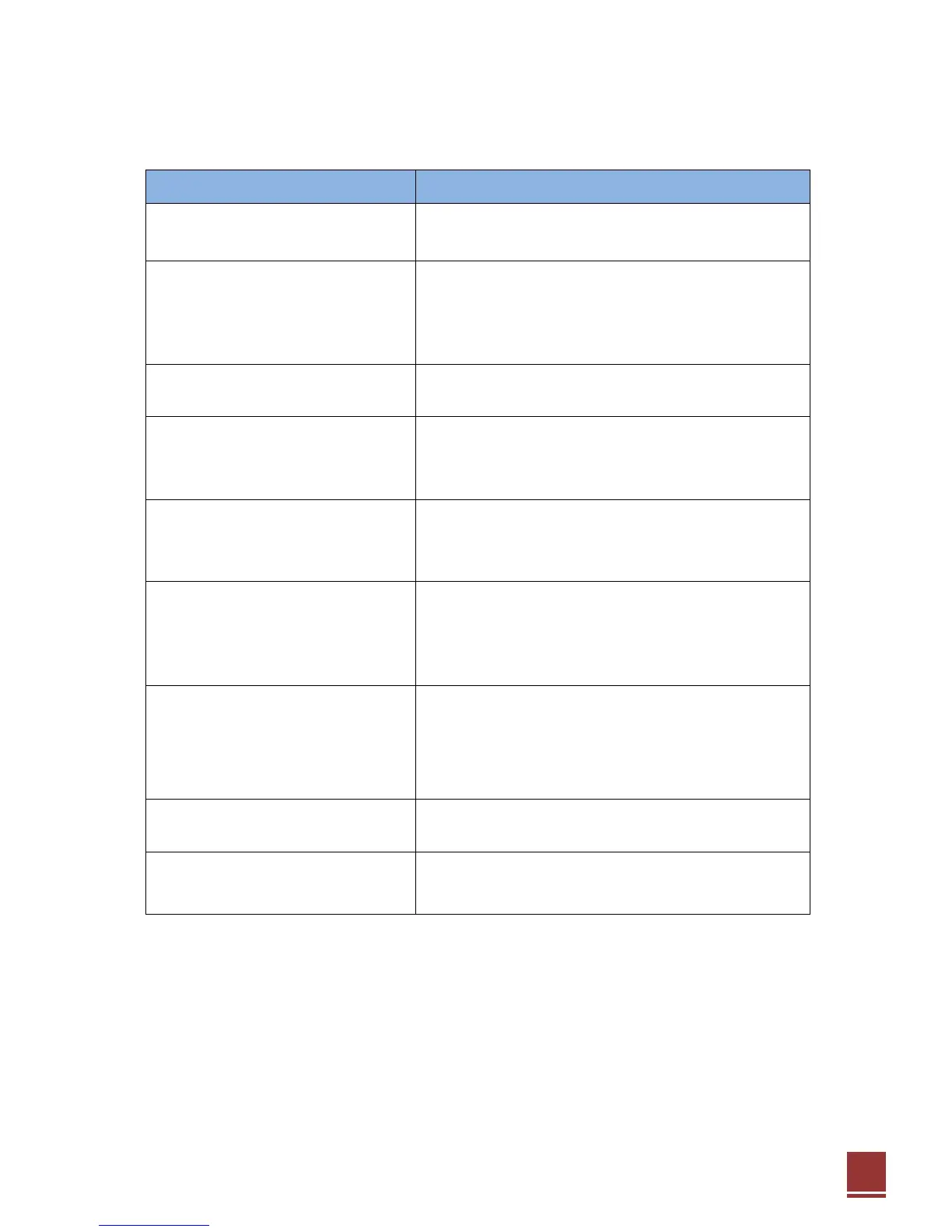
No Display on the front panel or
No power supply
Check the power cable is plugged into the power socket
Check the dish and adjust it.
Check the cable connection and correct it.
Push the TVOUT button repeatedly on
remote controller for proper TV resolution
Check the volume level of the TV and receiver
Check the mute status of TV and receiver
Check the cable connection and correct
Remote Control unit does not work
Replace the batteries
Aim the remote control unit directly to the receiver
Checking that nothing blocks the front panel
Service is not running or scrambled
Check the Conditional Access Module and
smartcard are appropriate for the selected service
Check the Conditional Access Module and
smartcard are correctly inserted
Check the signal strength and the signal quality
in the menu
Check the LNB and replace the LNB if necessary
Check the LNB cable
Check the Dish and adjust it
Go to the Optional and select system information
You have forgotten your secret PIN
code
Contact your service provider


 To Next Page