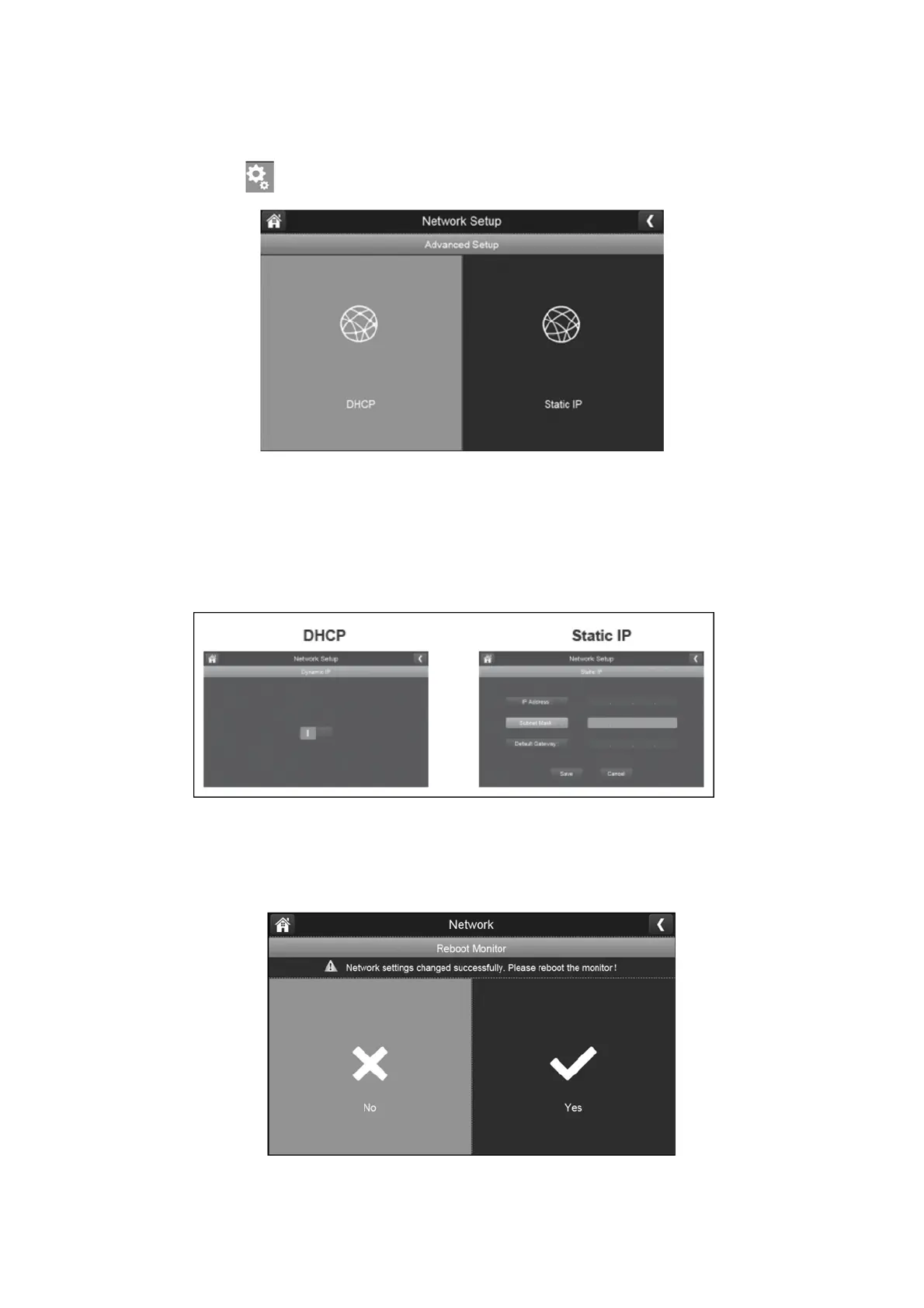
Advanced Setup:
1.
Press the advanced display button to show the DHCP & Static IP options.
2.
Press either DHCP or Static IP depending on your requirements. Dynamic IP (DHCP)
is the standard network connection which will automatically assign
an IP address from your router to your surveillance system. A static IP address
is for people who have an option to specify an IP address for their system.
Please check with your internet service provider if you have access to a Static IP address.
3.
Once you have completed the fields from Static IP or chosen DHCP; press the save
button.
4.
Select the yes option to reboot the monitor and complete the setup.



 To Next Page