2.
Press the left arrow to return to the previous menu.
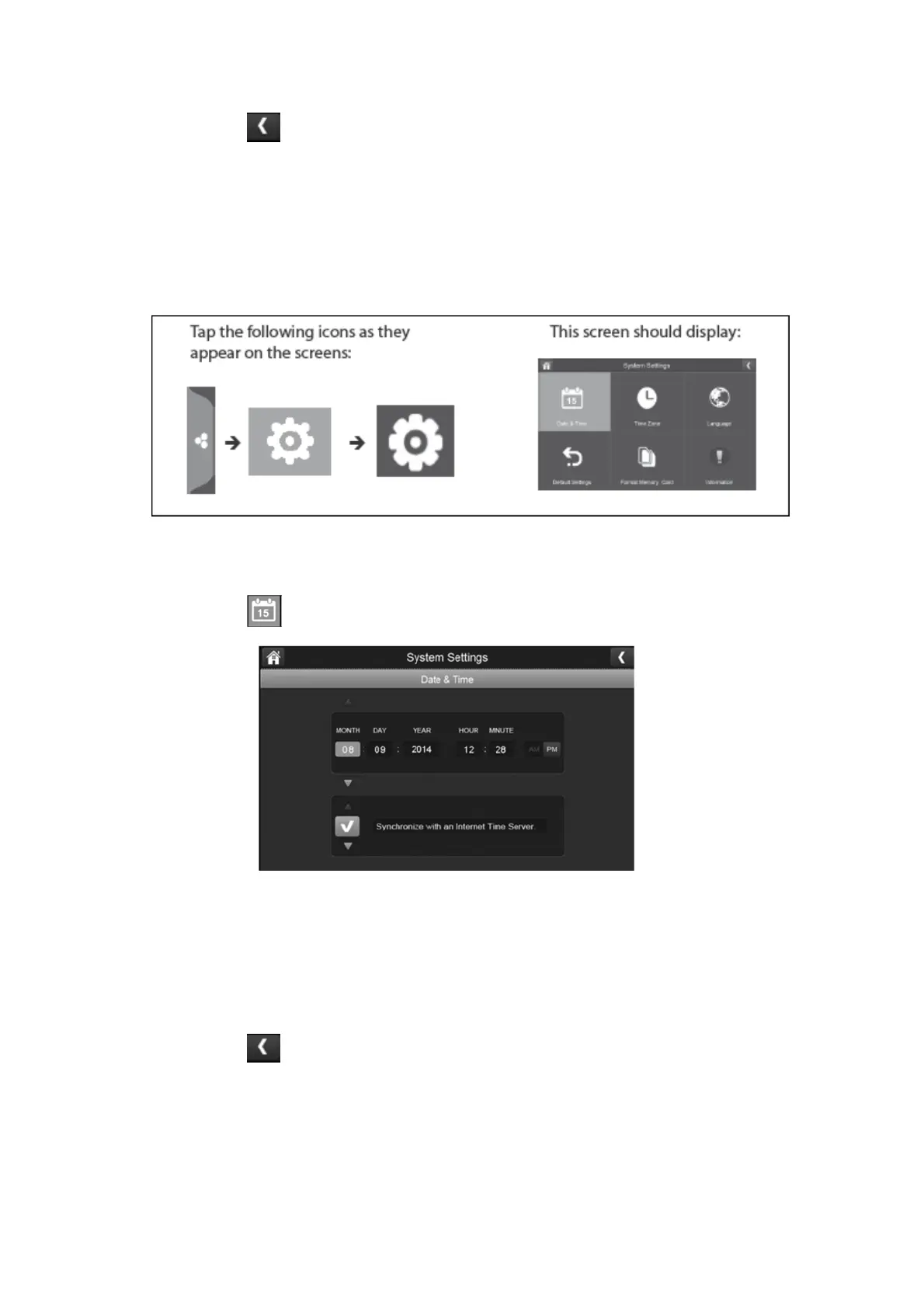
System Settings:
You can use these settings to change the date, time, time zone, language, reset to default,
format memory card and information as shown below:
Date & Time:
1.
Press the date & time icon to access the date & time menu.
2.
Press the up or down arrow to set the month, day, and date.
3.
Press the up or down arrow to set the time.
Press the AM/PM block to toggle between them.
Press the up or down arrows to set the correct hour and minute.
4.
Press the left arrow to return to the previous menu.



 To Next Page