Time Zone:
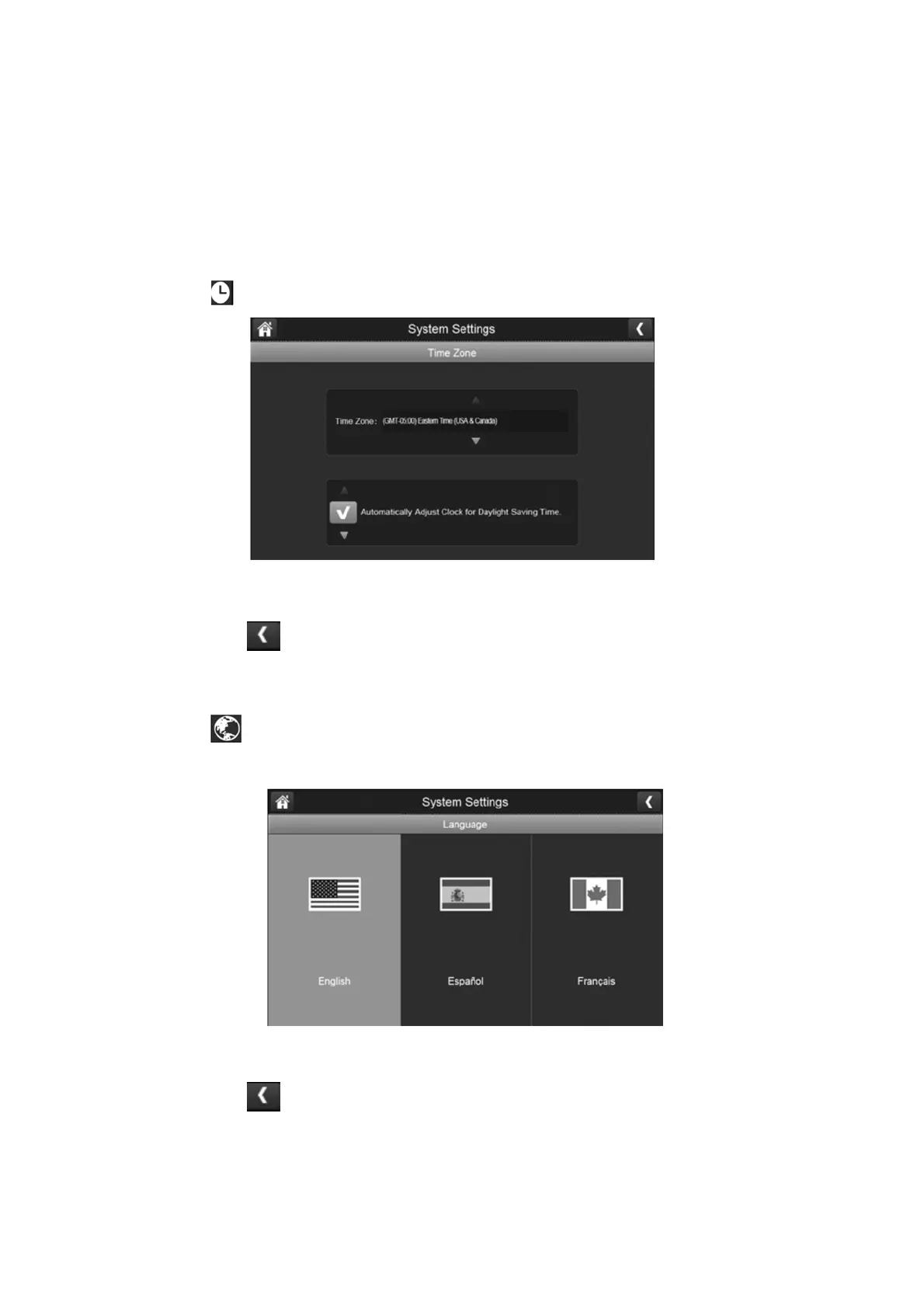
Time Zone allows you to set the time zone your monitor is in. Your system will know that
your request refers to the time zone the monitor is in. The default is GMT + 10 (NSW, ACT); if
you are in a different state in Australia or New Zealand then please change the time zone
accordingly.
1.
Press the time zone button to access the setting as shown below:
2.
Scroll up and down to find your camera’s time zone and then select it.
3.
Press the next option to turn daylight savings time on or off.
4.
Press the left arrow to return to the previous menu.
Language:
Press the language button to set the language on your system. The default is English
however you have the option to also set to Spanish or French.
1.
Select the language you want your system to use.
2.
Press the left arrow to return to the previous menu and will automatically change
over to the selected language.
Please Note: Restart is not neccsesary once you change the language.



 To Next Page