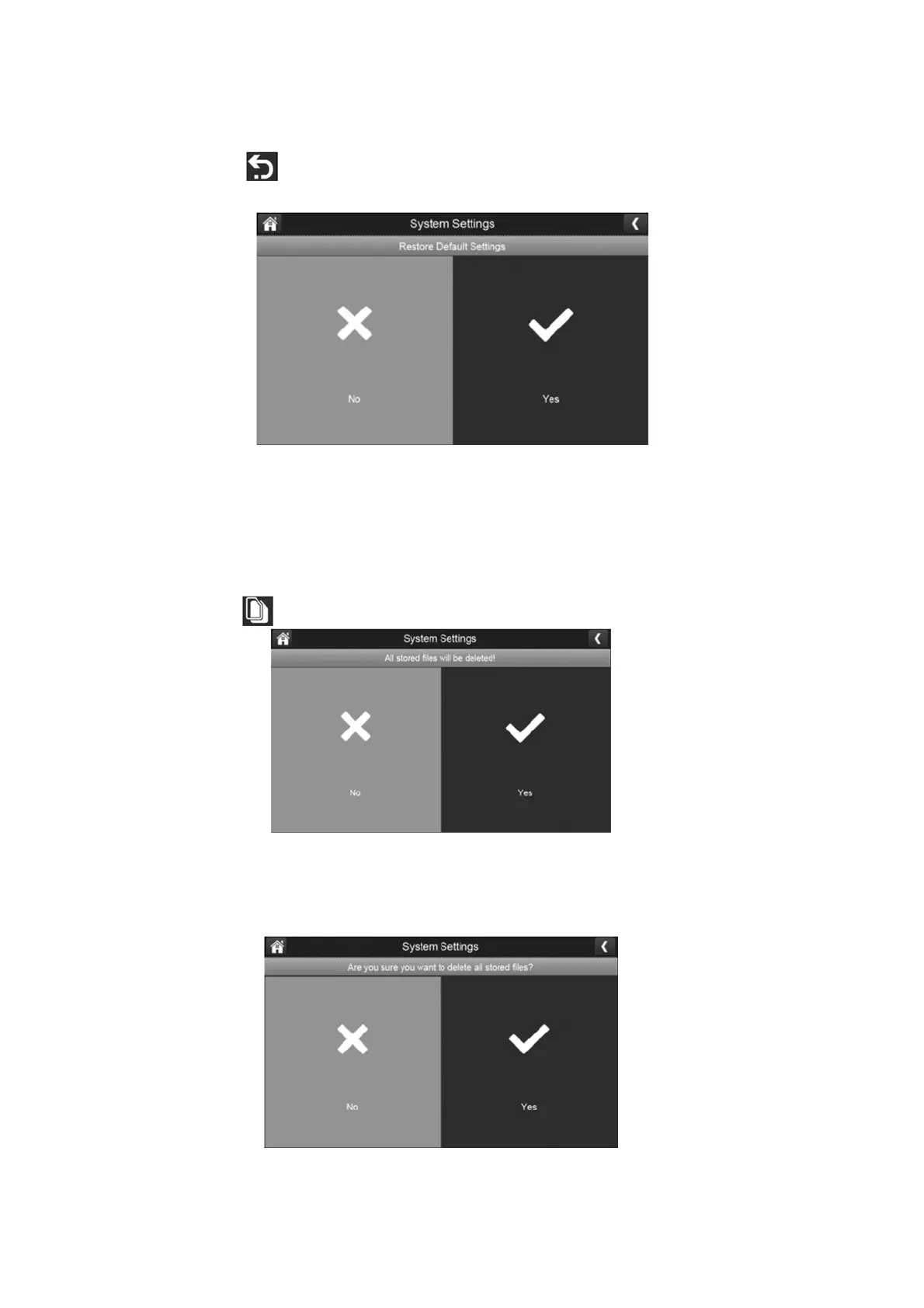
Default Reset Settings:
1.
Press the default settings button to reset to original factory default settings.
2.
Select yes to restore to original factory default settings.
3.
Press ok to confirm resetting the unit.
Format SD Card:
Formatting the SD card erases all the data stored on the card. (Default is set to No)
1.
Press the button to reformat your SD card.
2.
Press yes to format your SD card.
Please Note: All your existing files will be deleted if you select yes.
3.
Press yes to confirm that you want to format the SD card.



 To Next Page