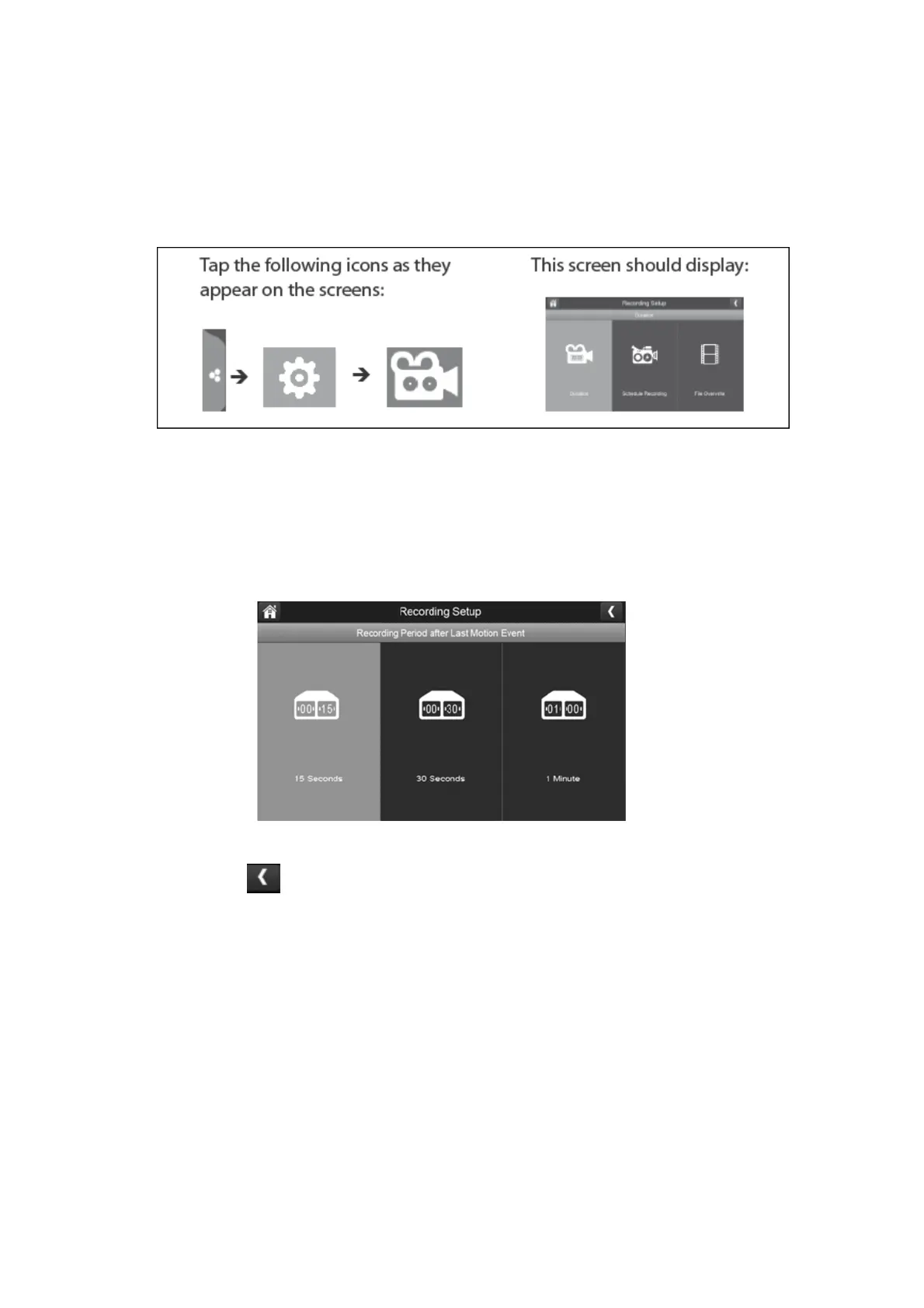
Recording Setup:
This allows you to set the length of time the system will automatically record when the
motion trigger records, schedule a set time for recording for set up file overwrite.
Duration:
You can set how long the camera keeps recording after motion detection is triggered. The
options are 15 seconds (Default), 30 seconds, or 1 minute.
1.
Press which duration you wish to set which is either 15, 30 seconds or 1 minute.
2.
Press the left arrow to return to the previous menu.
Scheduled Recording:
This feature lets you set up a block of time for a camera to record on a weekly schedule. You
can set up multiple cameras to record at the same time and the recording times can overlap
between cameras.
Please Note: Total recording time is limited to the space available on the SD card. If you set
the SD card to delete the oldest files when it is full, the system continues recording;
otherwise, recording stops until space is available.



 To Next Page