4.
A progress bar will be displayed on the screen. After formatting is complete format ok
message will display.
Information:
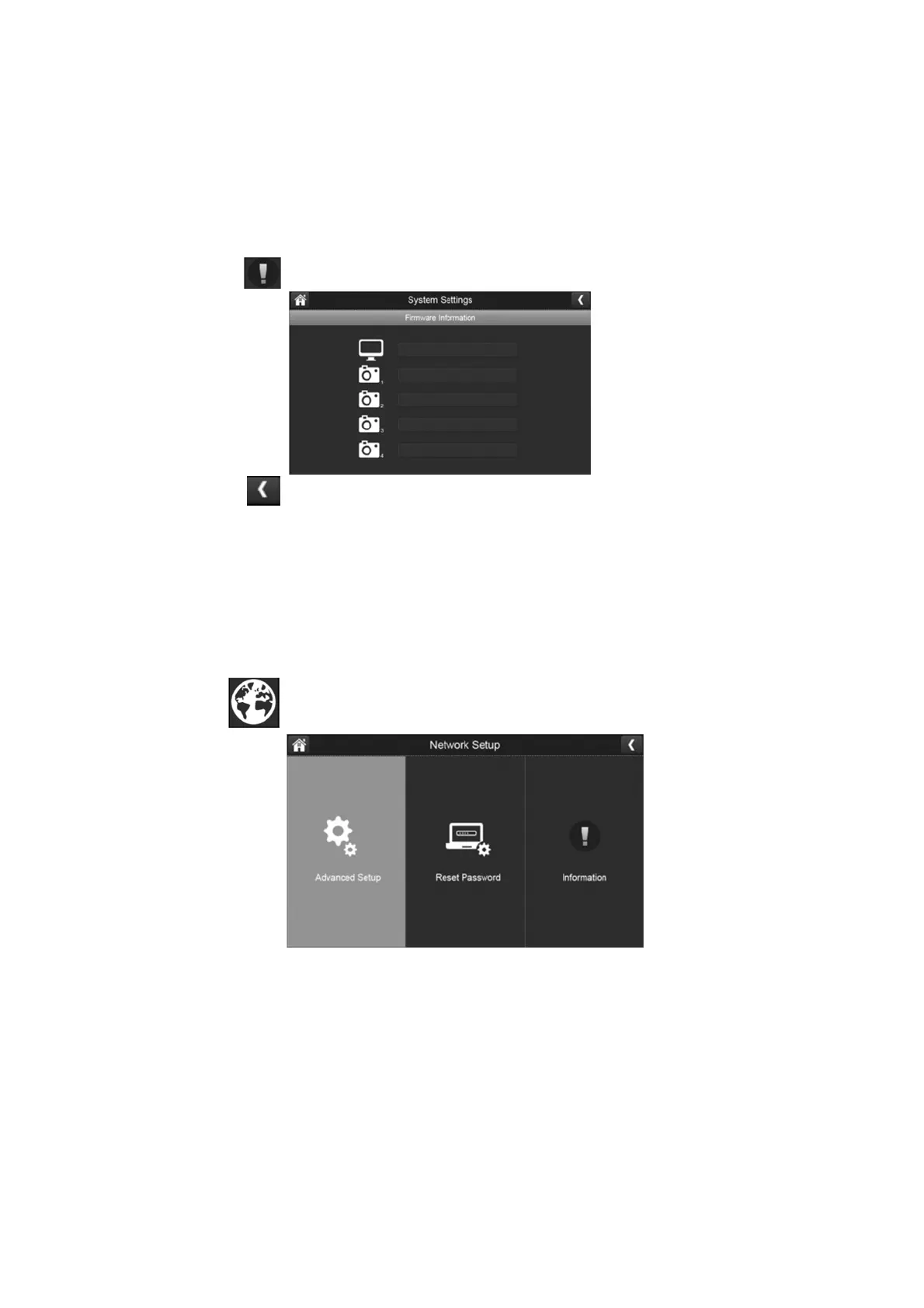
This screen lists the firmware information of the monitor and all cameras paired to it.
1.
Press the information button to display this screen.
2.
Press the left arrow to return to the previous menu.
Network Setup:
These settings lets you choose between advanced setup, reset app password and review
your network details.
1. Press the remote setup button to display the network options.



 To Next Page