Reconnect: If your surveillance kit has failed to connect to the network; press this to
reconnect the system.
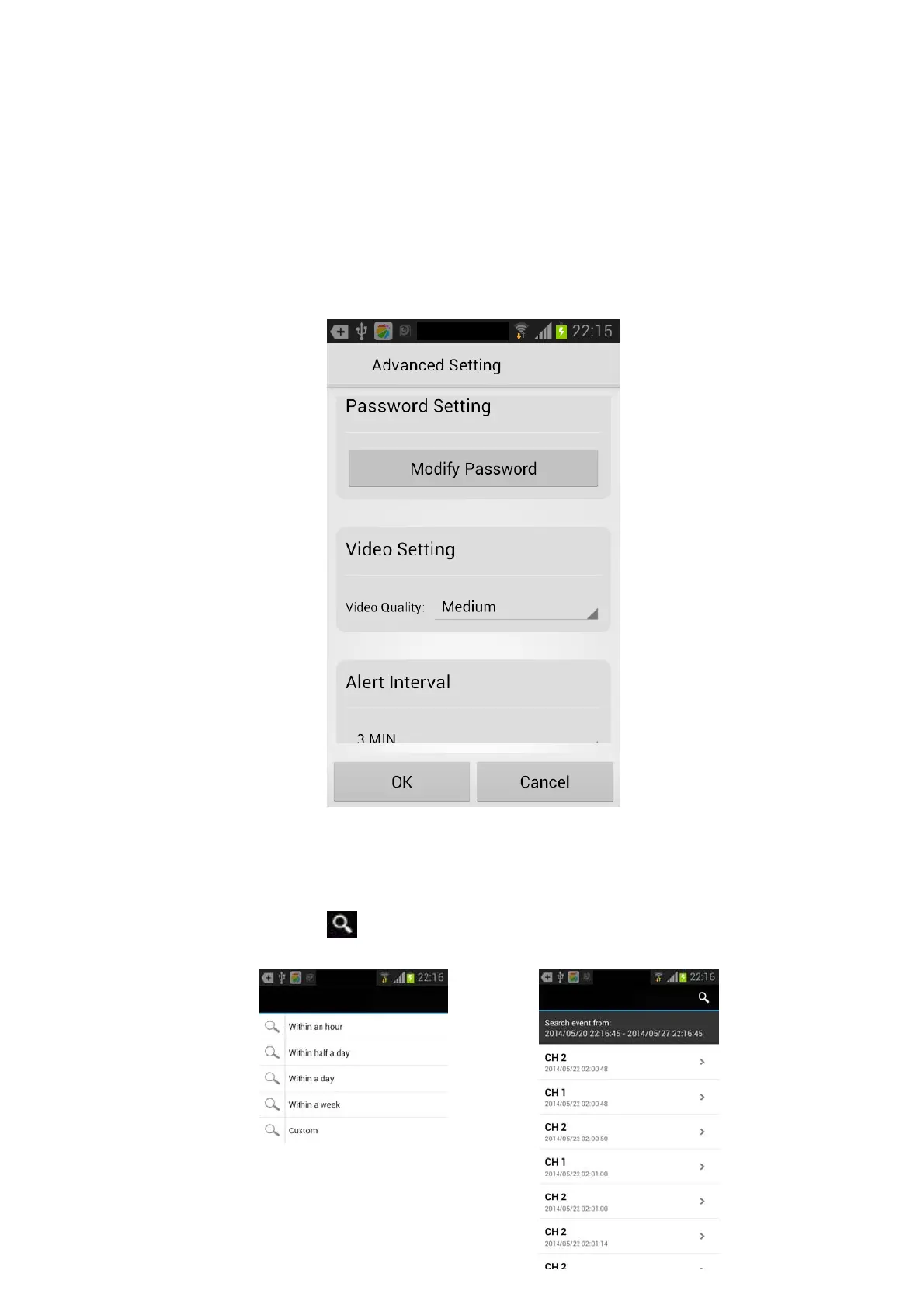
Edit Device: This allows you to change the current app password by pressing the modify
password button (000000 Default).
A video setting and alert interval is also listed in these settings. The video setting allows you
to change it between VGA and HD quality using low, medium or high (HD).
The alert interval will notify you when the motion detection has been activated.
View Event: Select this option to playback the recorded footage on your smartphone.
You can press the icon to view live video by selecting a period of time within
an hour, half a day, week or a custom time.



 To Next Page